
3D Studio Portfolio Template - Immersive, Interactive & Three.js
Interactive & Immersive
Overview
The 3D Studio theme is a playful, cutting-edge showcase that turns your web portfolio into an interactive three-dimensional playground. Built using Three.js and React Three Fiber (R3F), it is designed for frontend developers, game engineers, creative designers, and tech enthusiasts who want to stand out immediately with a premium WebGL presentation.
It fuses a vibrant, bold neo-brutalist print aesthetic with high-performance 3D scene rendering, ensuring that your portfolio feels both creatively nostalgic and technologically advanced.
Design Philosophy
The 3D Studio theme derives its visual charm from a hybrid Chibi & Neo-Brutalist design language. It embraces flat, graphic art styling overlaid onto a rich 3D canvas, creating a whimsical yet premium presence:
- Thick Ink Outlines: Components are defined by solid dark borders (
--three-ink) and thick, high-contrast outlines instead of soft modern borders. - Warm Color Accents: Styled around parchment paper backgrounds (
#FFFBEF) and warm color palettes (like sun yellow, sky blue, and mint green). - Playful Display Typography: Pairs the custom rounded
Fredokafont for display headings withNunitofor content body text, giving it a friendly, handcrafted character. - WebGL Graceful Degradation: A complete
<noscript>plain-HTML fallback layer (ResumePlaintext) gates indexing and crawling, guaranteeing full search visibility even if WebGL is disabled or unsupported.
Key Features
WebGL Chibi Hero
Features a fully animated, rotating 3D chibi character in the Hero section that bobs smoothly in real-time.
3D Rotating Earth Globe
An auto-rotating interactive 3D planet under the Contact section that responds directly to dragging and hover.
Bold Neo-Brutalist grids
Designed with flat high-contrast cards, deep block shadows, warm backgrounds, and rounded typography.
Plaintext Crawler Fallback
Enforces full SEO resilience by auto-rendering plain-text DOM structures for search engine indexes.
Tip
The 3D scene elements render on-demand (frameloop="demand"), ensuring that CPU and GPU consumption remain exceptionally low and highly efficient for both desktop and mobile users!
Sections Breakdown
Every resume section in the 3D Studio theme is housed inside modular, neo-brutalist cards featuring drop-shadow blocks. Important areas are brought to life through real-time WebGL canvas renderings:
WebGL Chibi Characters
The main Hero section features a floating 3D avatar chosen from a curated set of animated characters. The models rotate and bob smoothly to keep the page visually engaging.
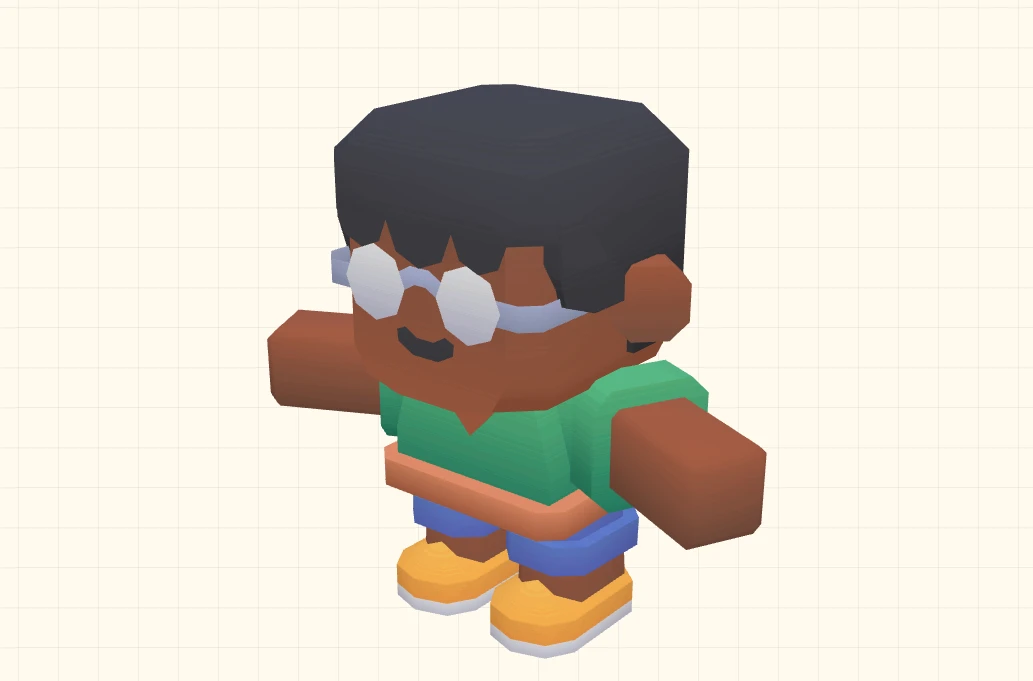
Interactive 3D animated character options selected from the Kenneys CC0 character catalog.
Vibrant Color-Coded Skills
Your technical skill categories are grouped into individual block-shadowed cards. Each card is dynamically color-coded with the visual palette's signature flat-pastel tones.
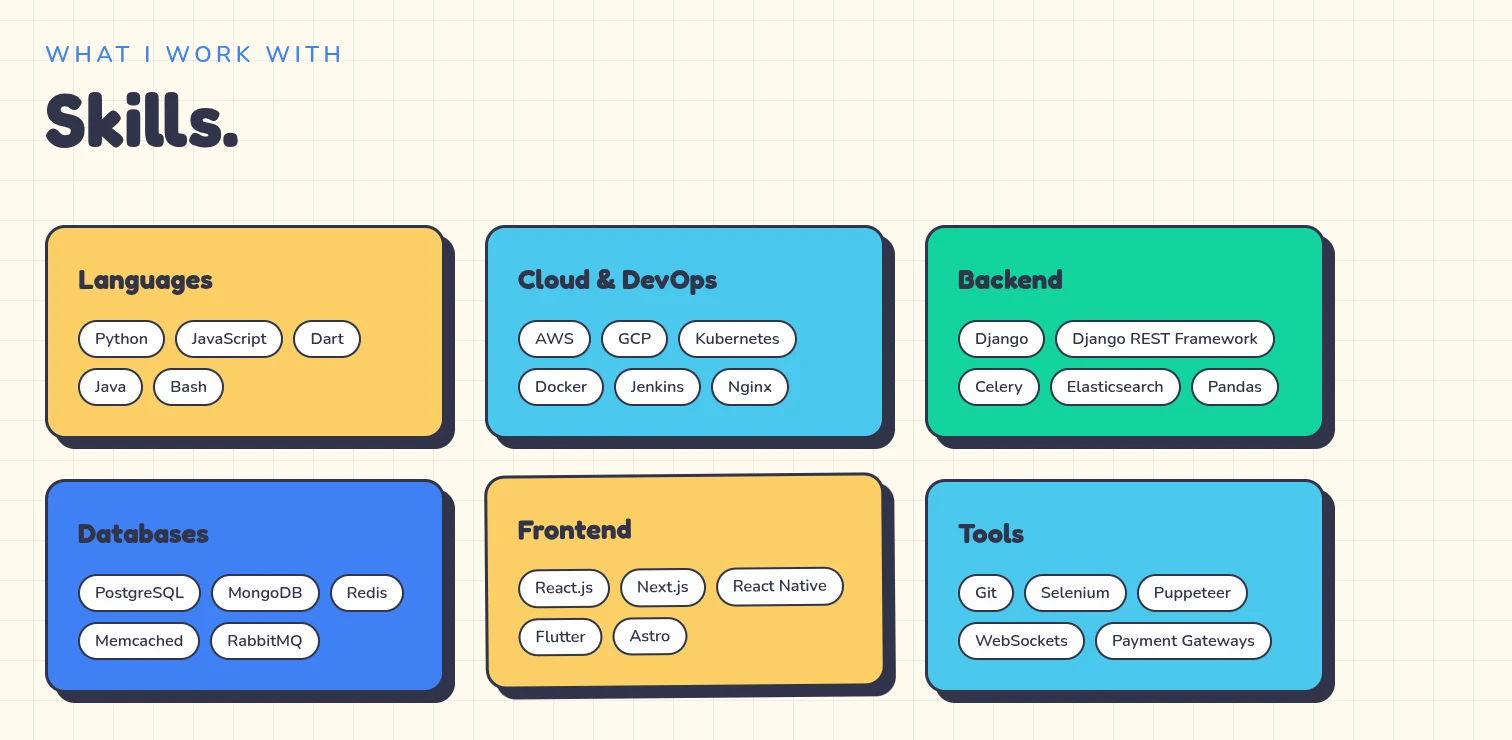
The skills showcase renders categorised tech tags inside high-contrast chibi panels.
3D Rotating Contact Globe
At the footer of your portfolio, an auto-rotating 3D Earth planet orbits alongside a customized contact card, allowing visitors to drag, spin, and interact with the globe.
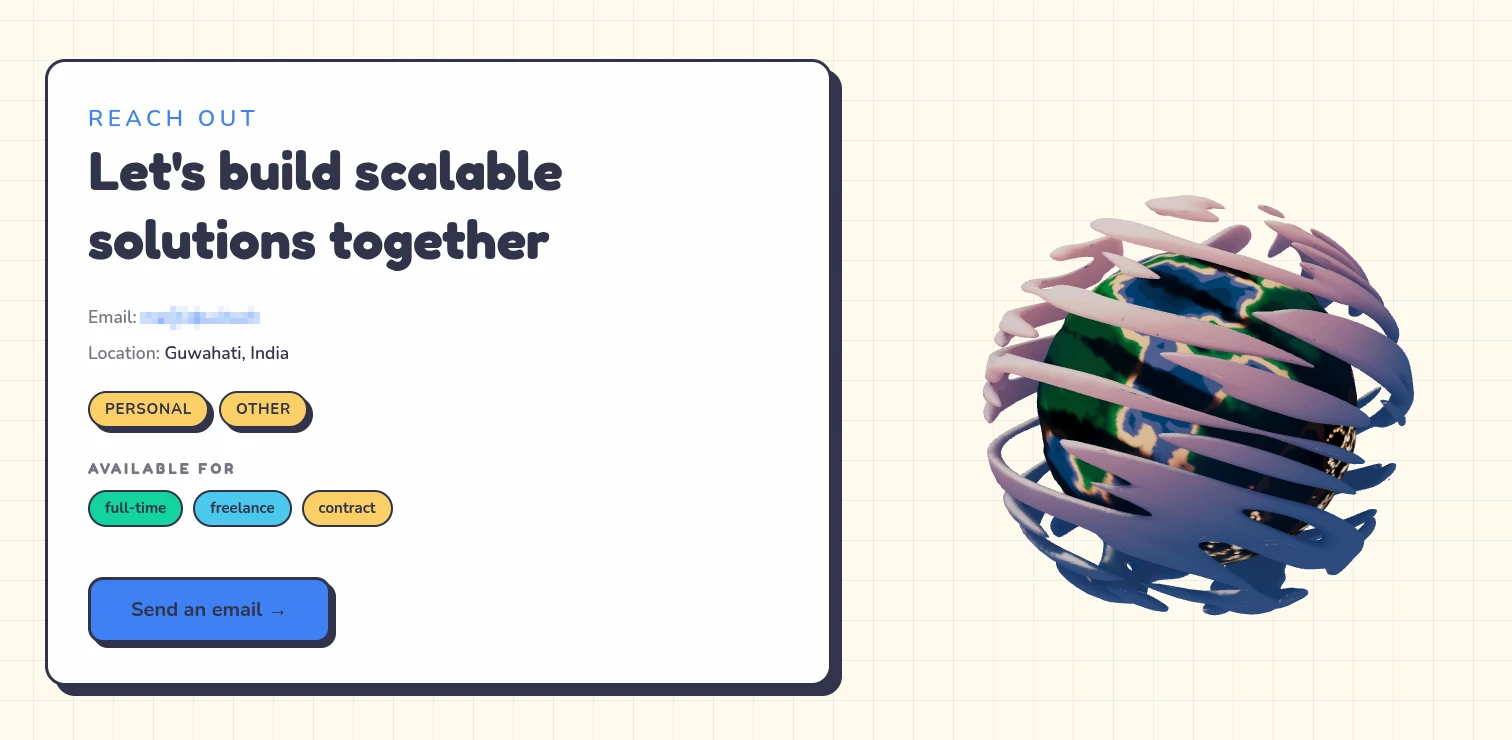
The Contact card features a fully interactive 3D globe supporting drag and spin interactions.
Customization Options
The 3D Studio theme exposes a deep list of custom controls inside the ThemeEditor sidebar, giving you full control over characters, styling, and text layouts:
| Configuration Key | Visual Effect | Customizable Options |
|---|---|---|
| characterId | Determines which animated 3D chibi model floats in the Hero. | Casual, Senior, Suit, Hoodie, Blazer, etc. |
| characterScene | Swaps the top canvas rendering mode. | Standard bobbing 3D character vs. Minimal fallback |
| showEarthScene | Toggles the interactive rotating globe in the Contact card. | Enabled (3D interactive planet) vs. Disabled |
| bgPrimary | Customizes the page background paper color. | Warm cream (#FFFBEF), custom solid, or preset hexes |
| inkColor | Defines the base color for all text, component borders, and lines. | Slate dark (#2D3047), midnight black, or custom tints |
| fontId | Alters the typography pairs used for display headings and body. | Fredoka / Nunito pairs vs. global selections |
| color | Sets the primary highlight accent tone. | Orange (#FF7A59), custom hex, or 16 color presets |
Explore more themes
View all →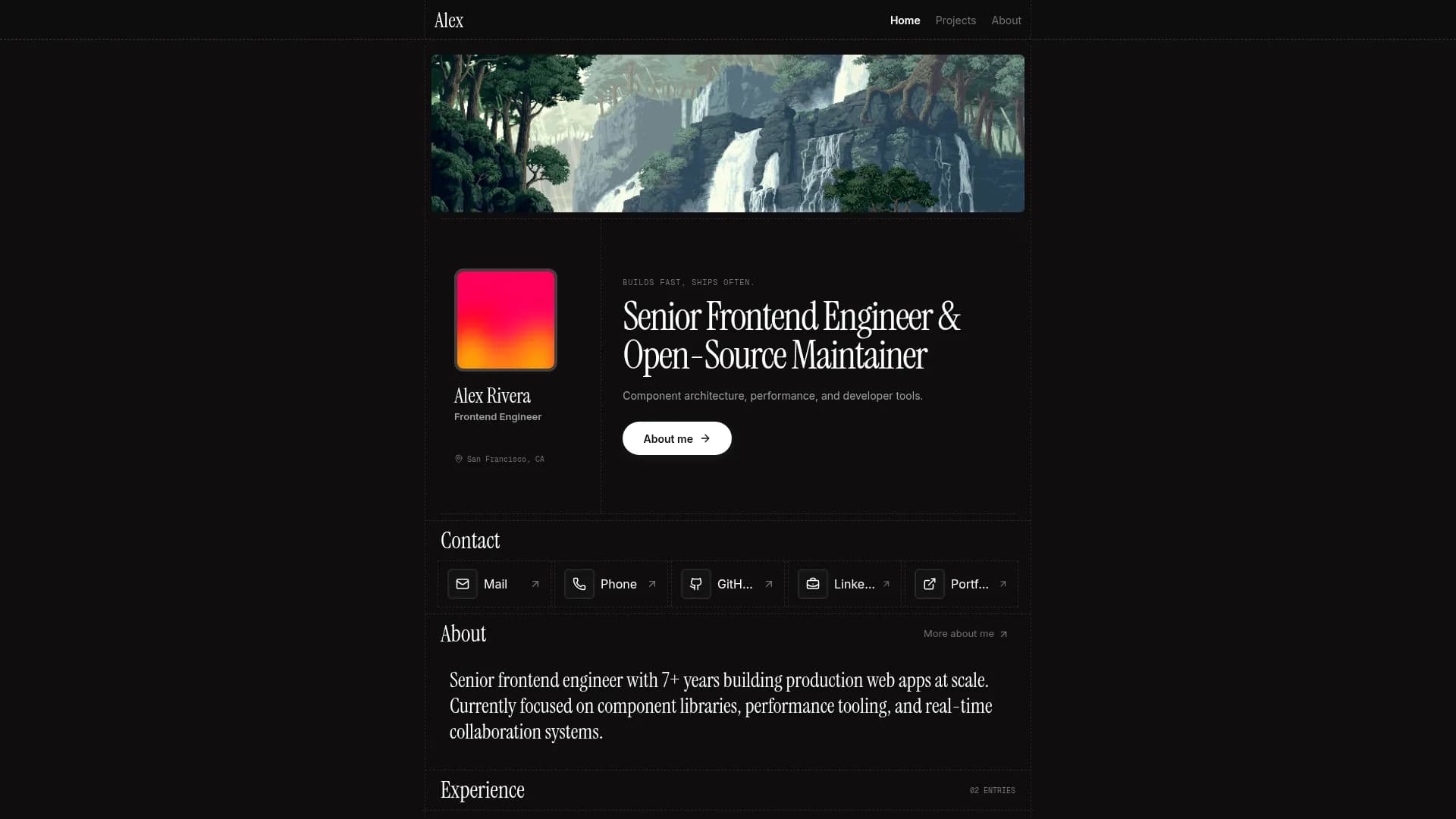

Margin
Editorial & Technical
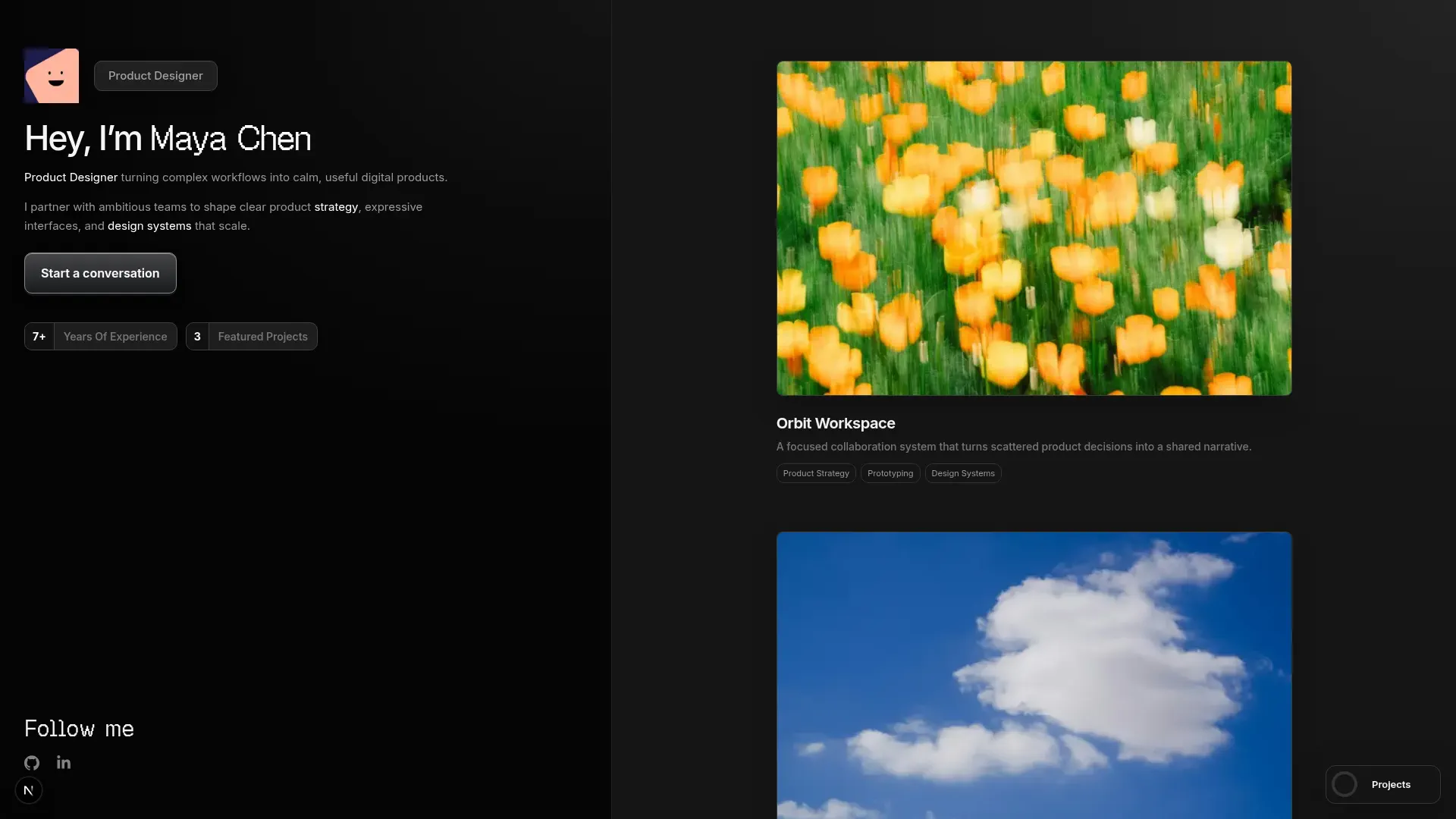

Left Anchor
Anchored & Immersive
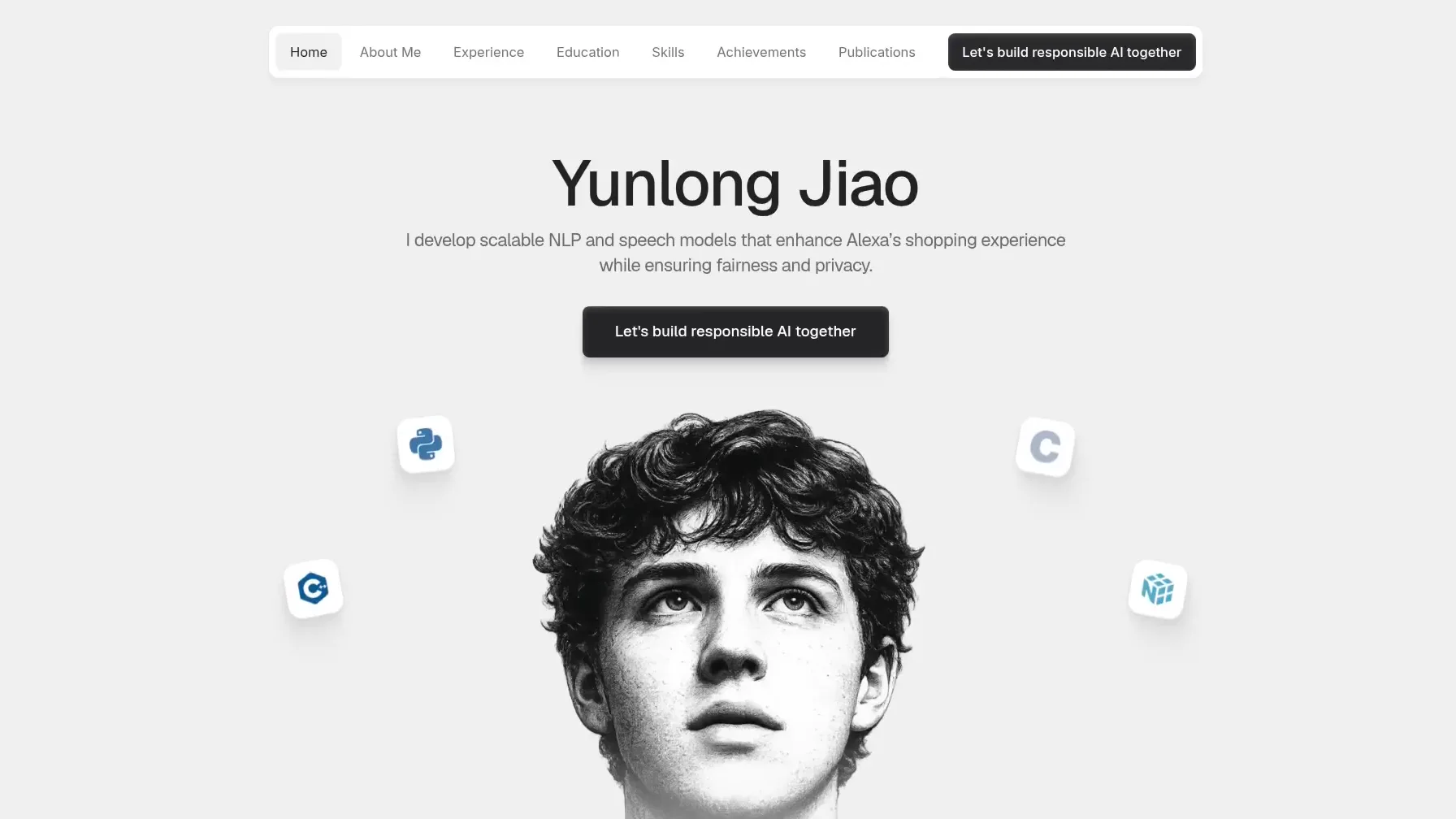

Persona
Refined & Personal
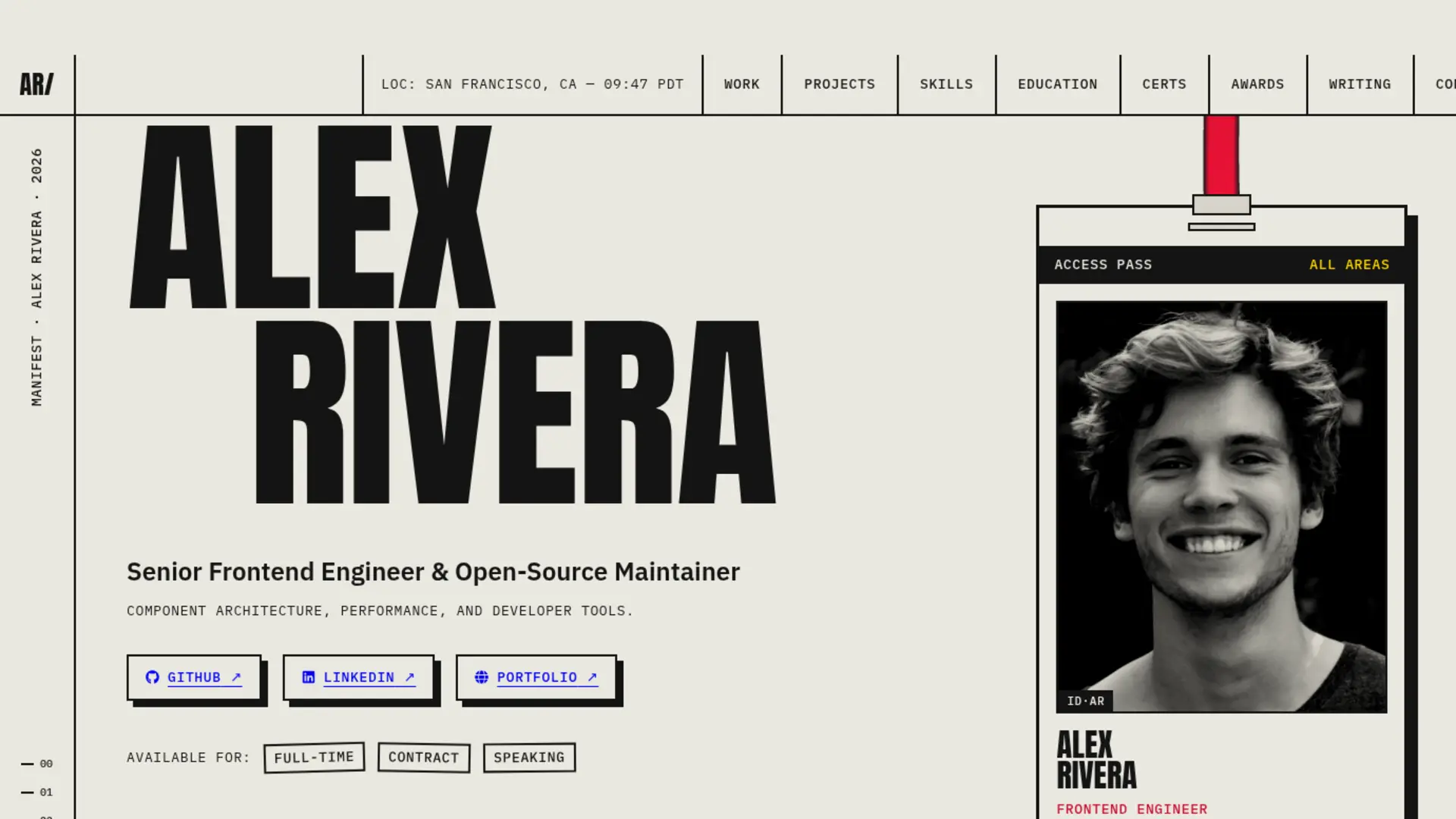

Brutalism
Raw & Industrial
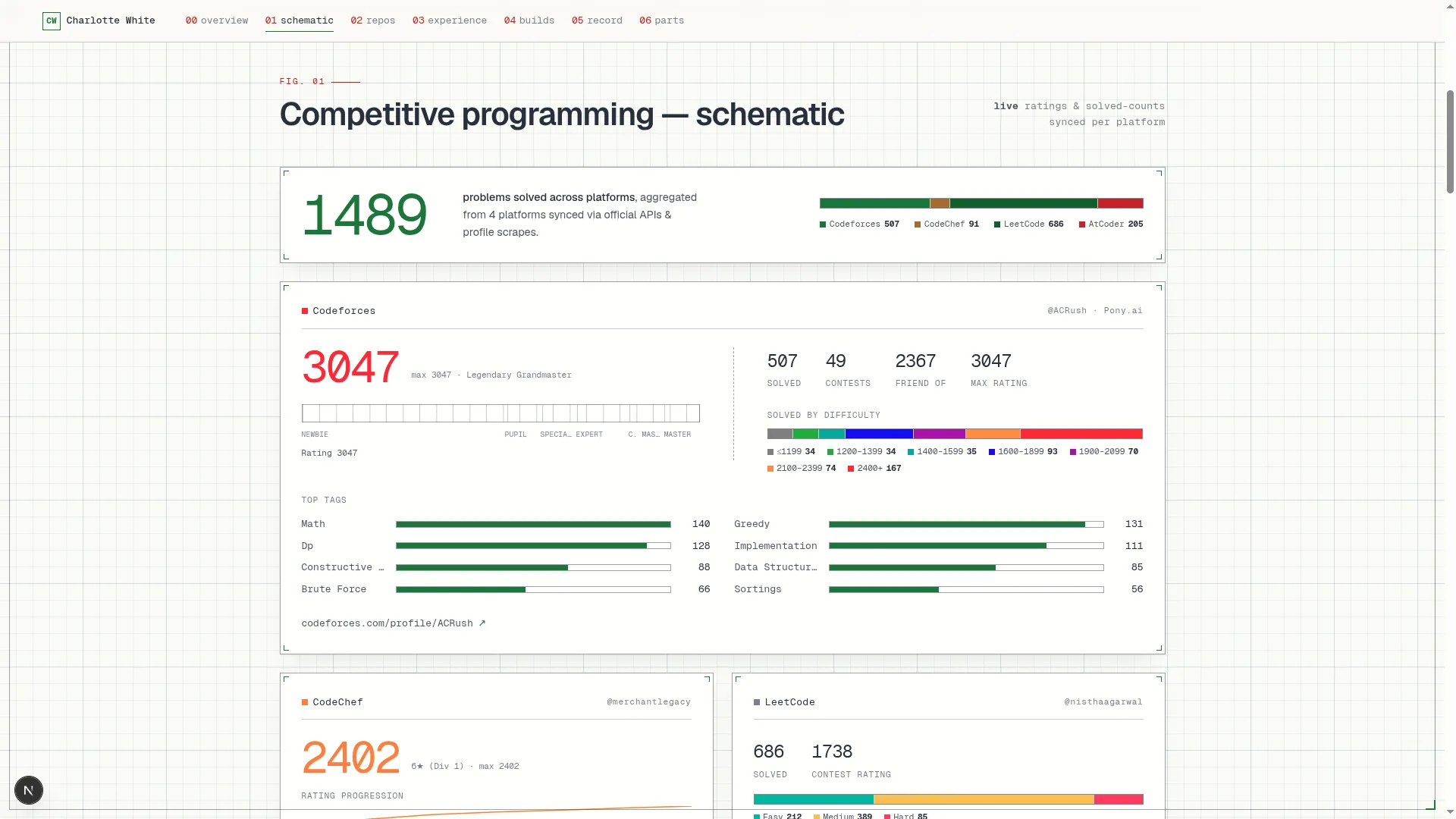

Blueprint
Coding & Competitive
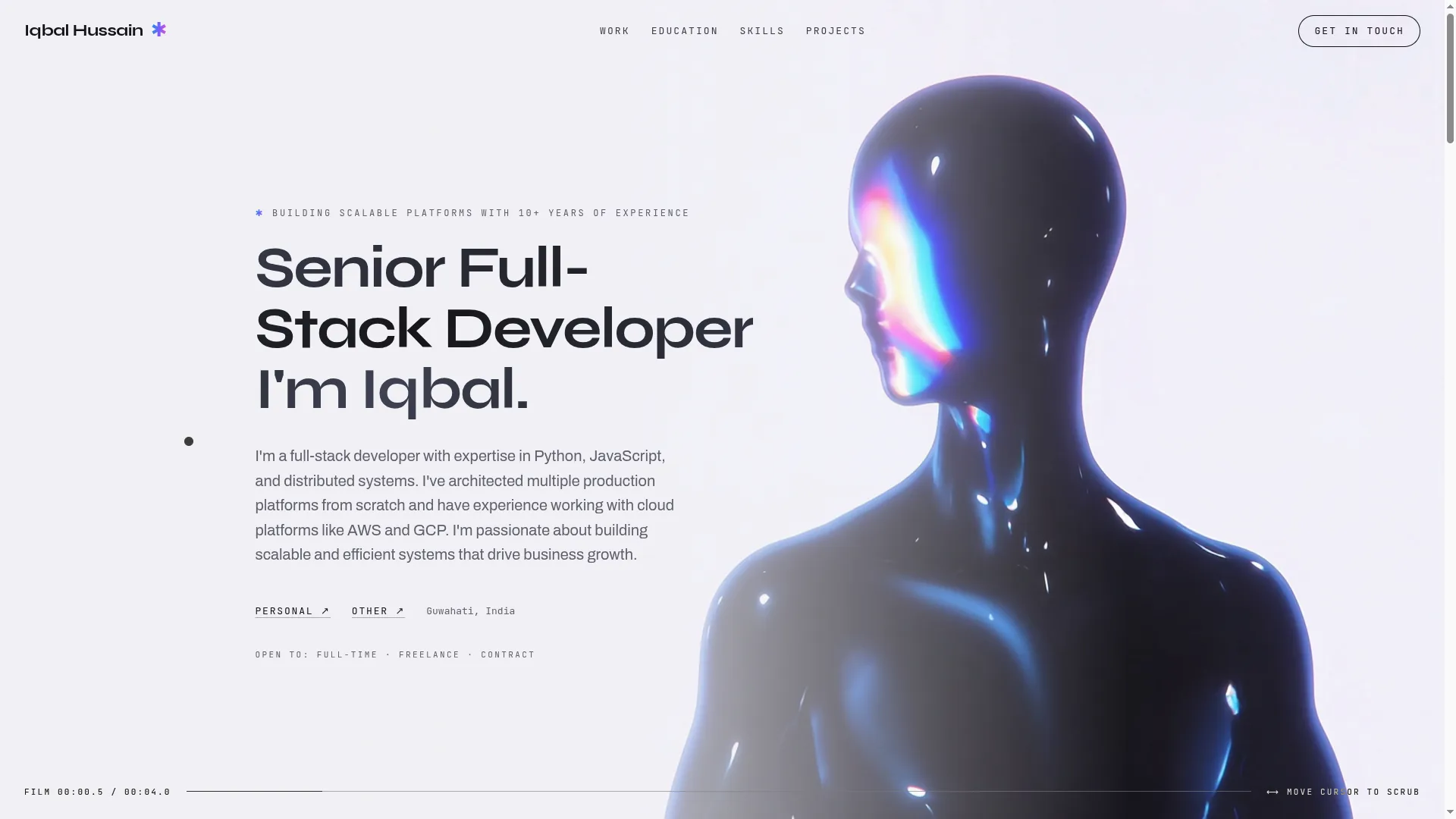

Mainframe
Cinematic & Editorial
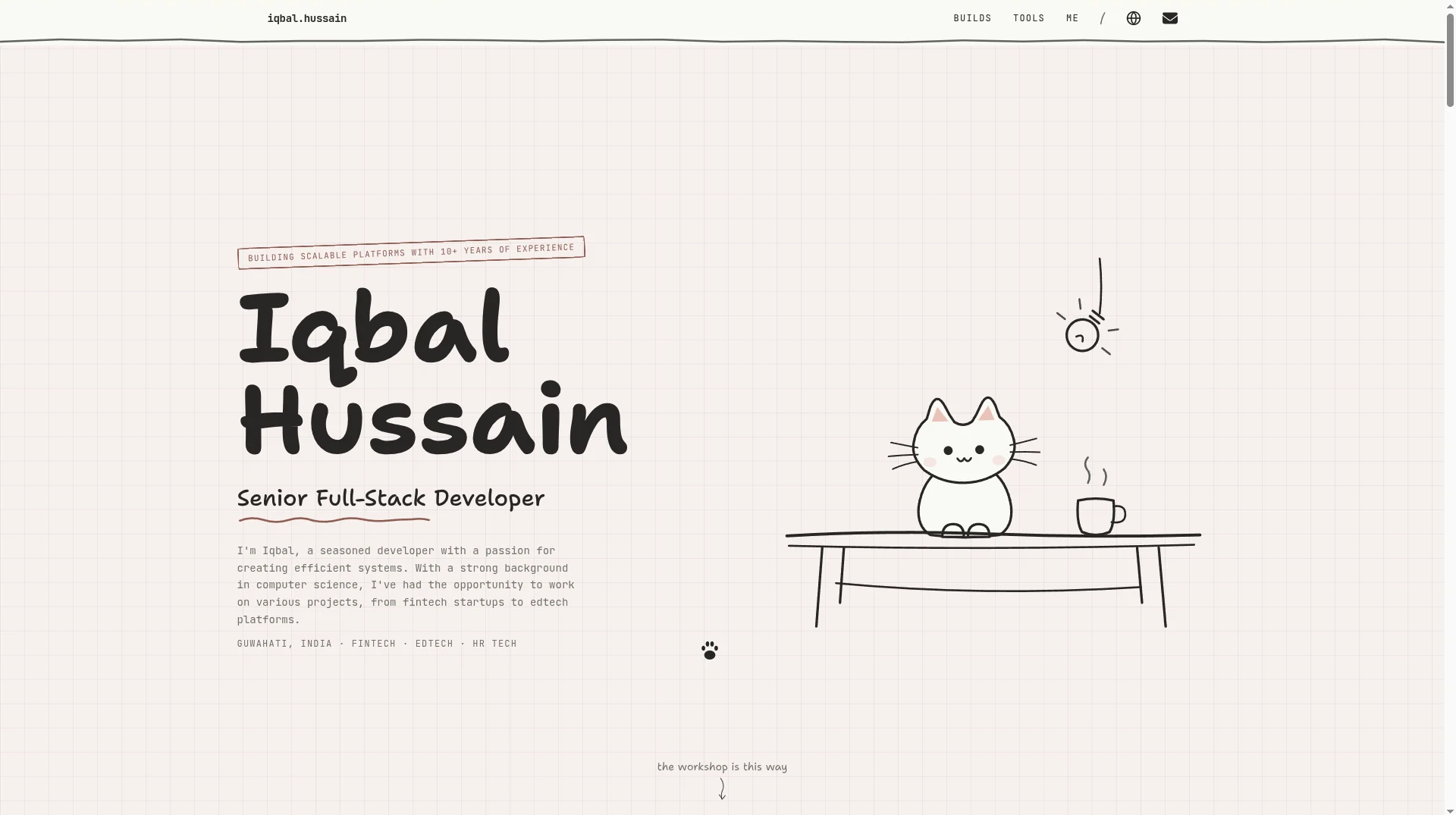

Workshop
Hand-drawn & Playful
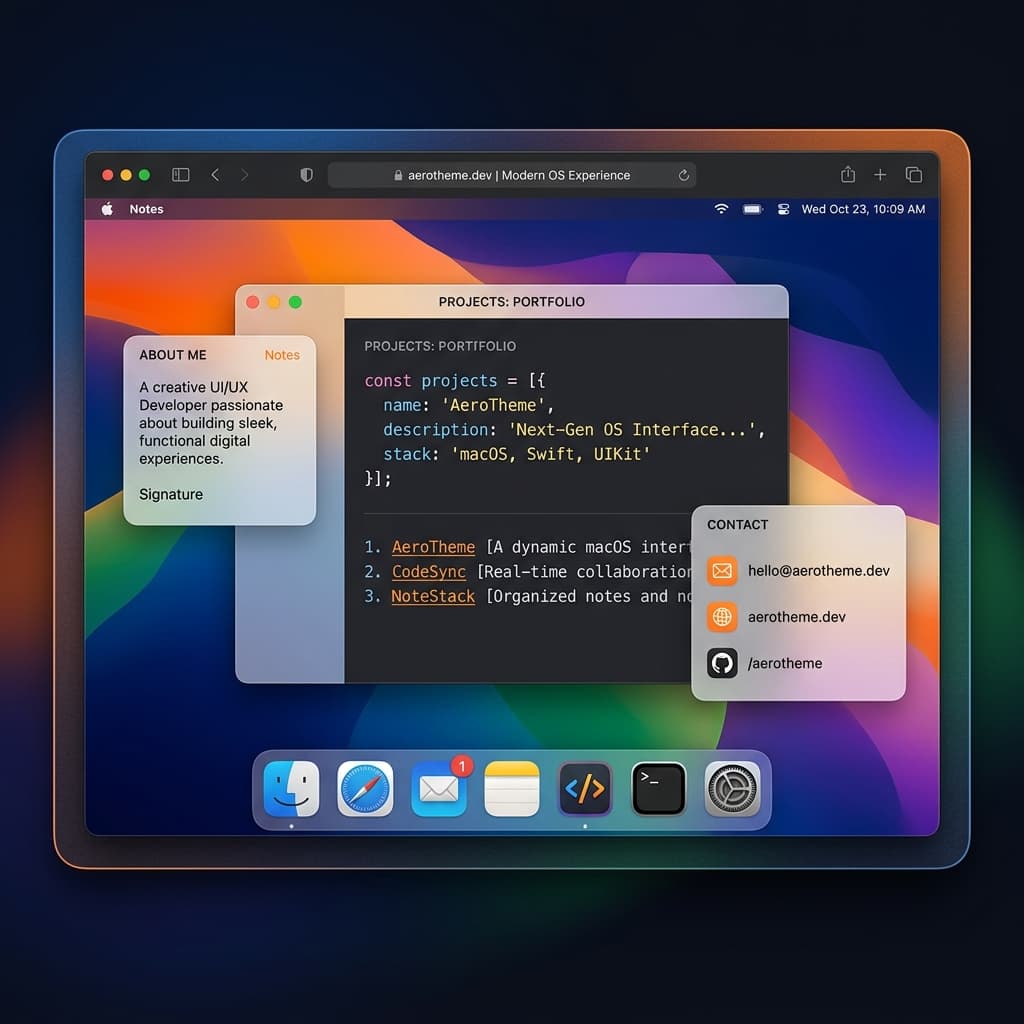

macOS Sequoia
Classic OS Simulator
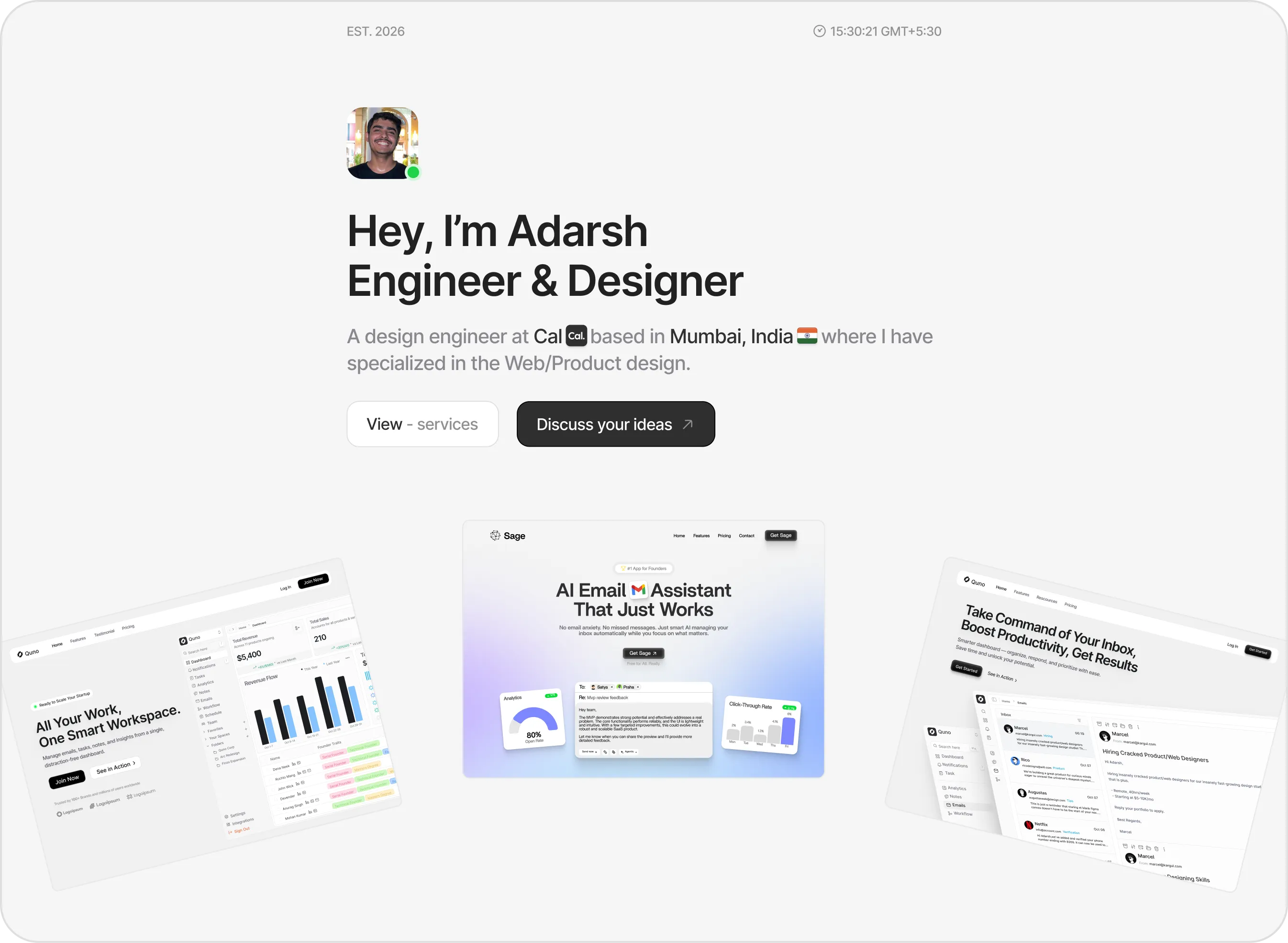

Sidefolio
Creative & Freelancer
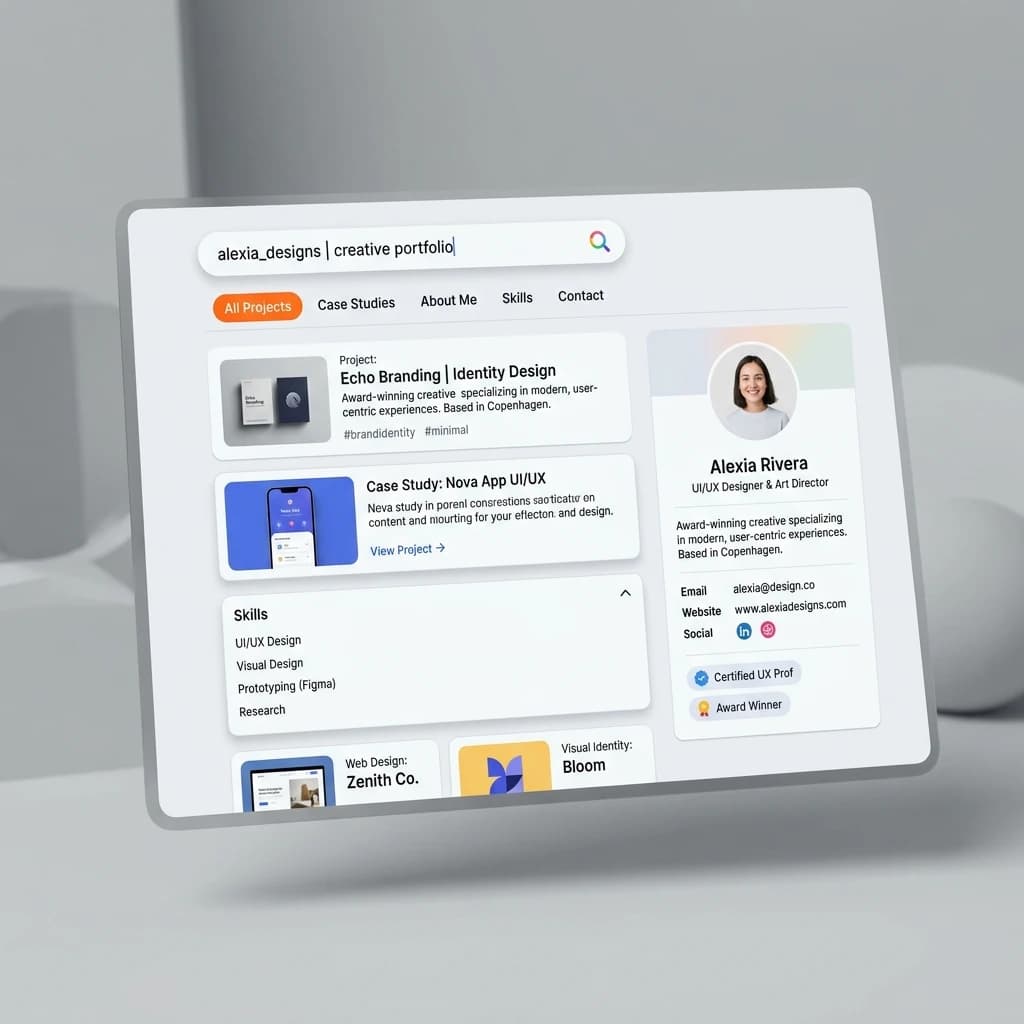

Google Search
SEO & Search Engine replica


Modern
Designer & Developer
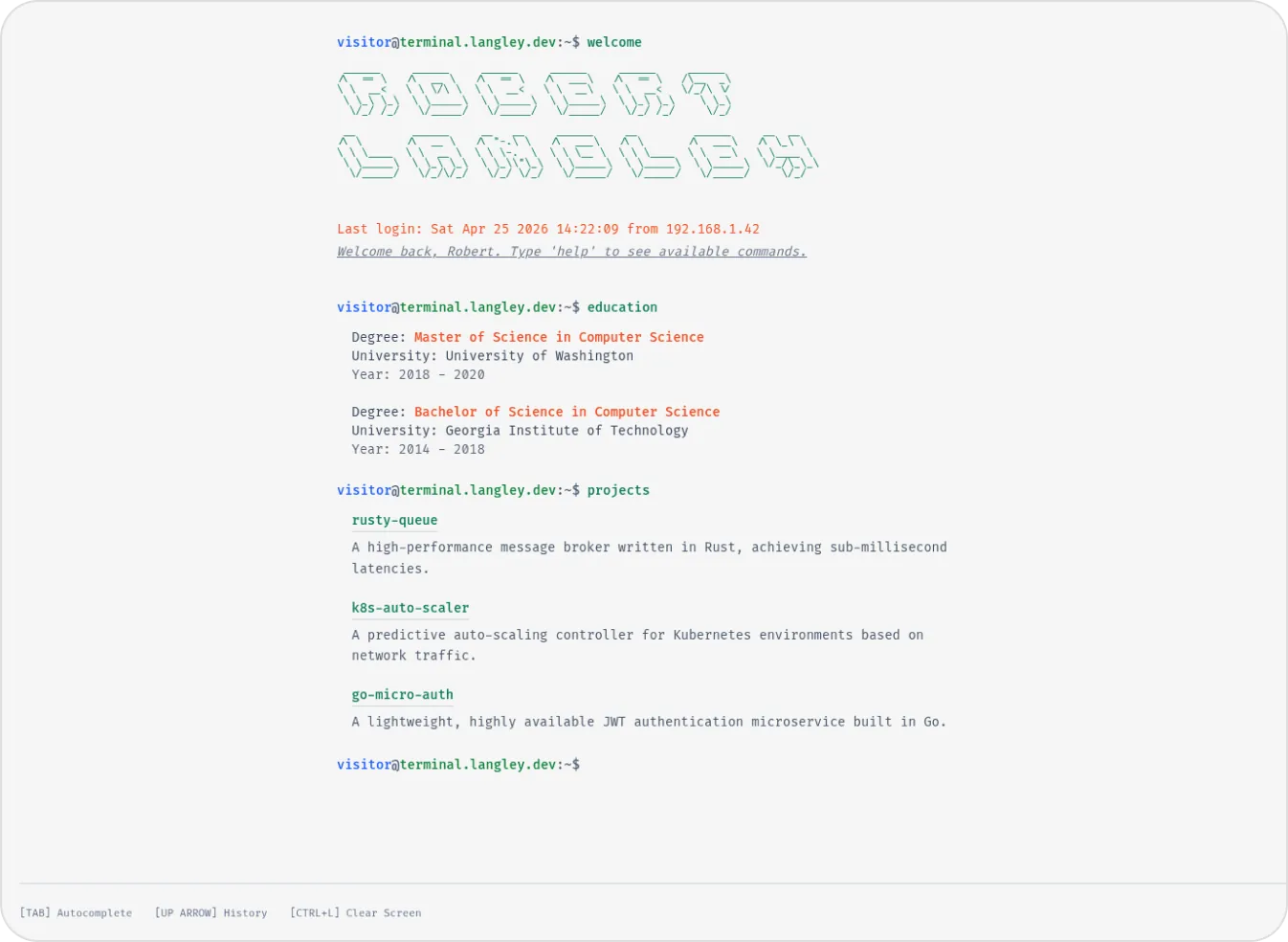

Terminal
Developer & Engineer
Margin
Editorial & Technical
Left Anchor
Anchored & Immersive
Persona
Refined & Personal
Brutalism
Raw & Industrial
Blueprint
Coding & Competitive
Mainframe
Cinematic & Editorial
Workshop
Hand-drawn & Playful
macOS Sequoia
Classic OS Simulator
Sidefolio
Creative & Freelancer
Google Search
SEO & Search Engine replica
Modern
Designer & Developer
Terminal
Developer & Engineer