
Google Search Portfolio Template - Creative, Authentic & Interactive
SEO & Search Engine replica
Overview
The Google Search theme is an exceptionally creative, authentic replica of the world's most popular search engine interface. Designed for developers, search marketers, SEO builders, and systems engineers who appreciate clever visual metaphors, it translates your entire resume data structure directly into a functional Google Search Engine Results Page (SERP).
Instead of conventional sections, your career milestones appear as organic search listings, technical skills are mapped into expandable "People Also Ask" accordions, and your basic biography is formatted as a structured sidebar Knowledge Panel.
Design Philosophy
The Google Search theme prides itself on extreme visual fidelity, matching standard Google search aesthetics down to the exact margins, typography configurations, and link behaviors:
- Official Branding Wordmark: Incorporates the iconic multi-colored official Google brand logo and search query bar with search-by-image and voice icons.
- Exact Color Schemes: Follows Google Search's strict visual hierarchy where only active hyperlinked titles are blue and underlined on hover, while static elements are styled in authentic Google dark grays (
#3c4043) and blacks (#202124). - Responsive Layout Grid: Integrates a media-query-based layout grid (
.googlesearch-layout-grid) that preserves classic left-aligned SERP results and right-sidebar Knowledge Panels above 1400px, centering seamlessly on narrower viewports. - Dynamic Search Filtering: Renders official View Tabs (All, Experience, Projects, Publications) that allow visitors to filter your search listing results in real-time.
Key Features
Authentic SERP Replication
Replicates standard search engine result layouts, including query lines, view tabs, search counts, and footer page indices.
Calculated AI Overview
Generates an organic featured snippet summarizing your career using calculated resume indices and total continuous years of experience.
People Also Ask (PAA)
Converts your technical skills into dynamic, expandable accordion question panels to engage visitors.
Structured Knowledge Panel
Highlights biography, location, social profile links, and certifications in an authentic Google right-sidebar panel.
Tip
The keyword chips displayed under the "Related searches" section at the bottom of the page are live, active links that dynamically redirect visitors to actual Google search results in a new tab!
Sections Breakdown
Instead of typical scrolling blocks, your resume is structured into semantic Google results components:
AI Featured Snippet ("AI Overview")
The crowning achievement of the layout is the organic featured snippet. Dubbed the "AI Overview", it compiles your profile tagline and career trajectory into a structured, highlighted snippet summary at the very top of the organic search listings.
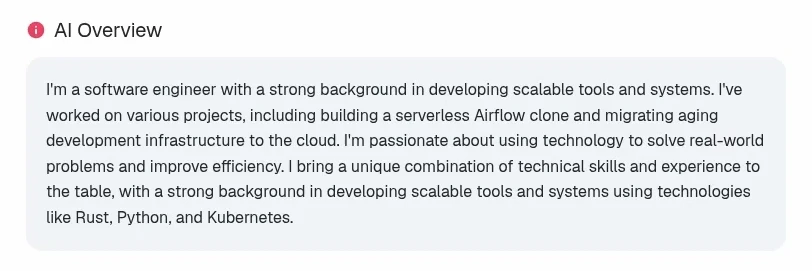
An organicfeatured snippet layout compiling your biography summary into a high-fidelity AI Overview card.
Jobs Widget Timeline
Your work history is presented inside a structured "Jobs" timeline card, styled exactly like real Google job boards. It leverages dynamic date arithmetic to sum total months across all roles to accurately represent your career duration.
People Also Ask Accordion
Your technical skills are translated into standard expandable accordion rows. Each question - like "What frontend skills does [Name] have?" - expands smoothly with spring-animated transitions to reveal your relevant tags.
Sidebar Knowledge Panel
Your basic information, profile picture, location, external links, achievements, and certifications are mapped directly into a sidebar Knowledge Panel, replicating how google highlights verified individuals and brands.
Dynamic Theme Customization
The Google Search theme fully supports all four of the global customizers in the ThemeEditor sidebar:
| Configuration Key | Visual Effect | Customizable Options |
|---|---|---|
| showAiOverview | Toggles the careerFeatured Snippet card at the top of listings. | True (Enabled) | False (Hidden) |
| showPeopleAlsoAsk | Toggles the expandable skills accordion rows. | True (Enabled) | False (Hidden) |
| showKnowledgePanel | Toggles the entire right-sidebar Google Knowledge Panel. | True (Enabled) | False (Hidden) |
| color | Alters active highlights, button icons, and hyperlink states. | Theme-editor primary color selections |
| fontId | Changes the main display and body typeface pairs. | Sequoia, Nunito, Fredoka, outfit, or custom defaults |
| borderRadius | Adjusts the roundness of the featured snippet and accordion panels. | sharp (flat rectangular) | rounded | pill (standard capsules) |
| spacing | Adjusts vertical list padding spacing between search listings. | compact | default (standard lists) | relaxed |
Explore more themes
View all →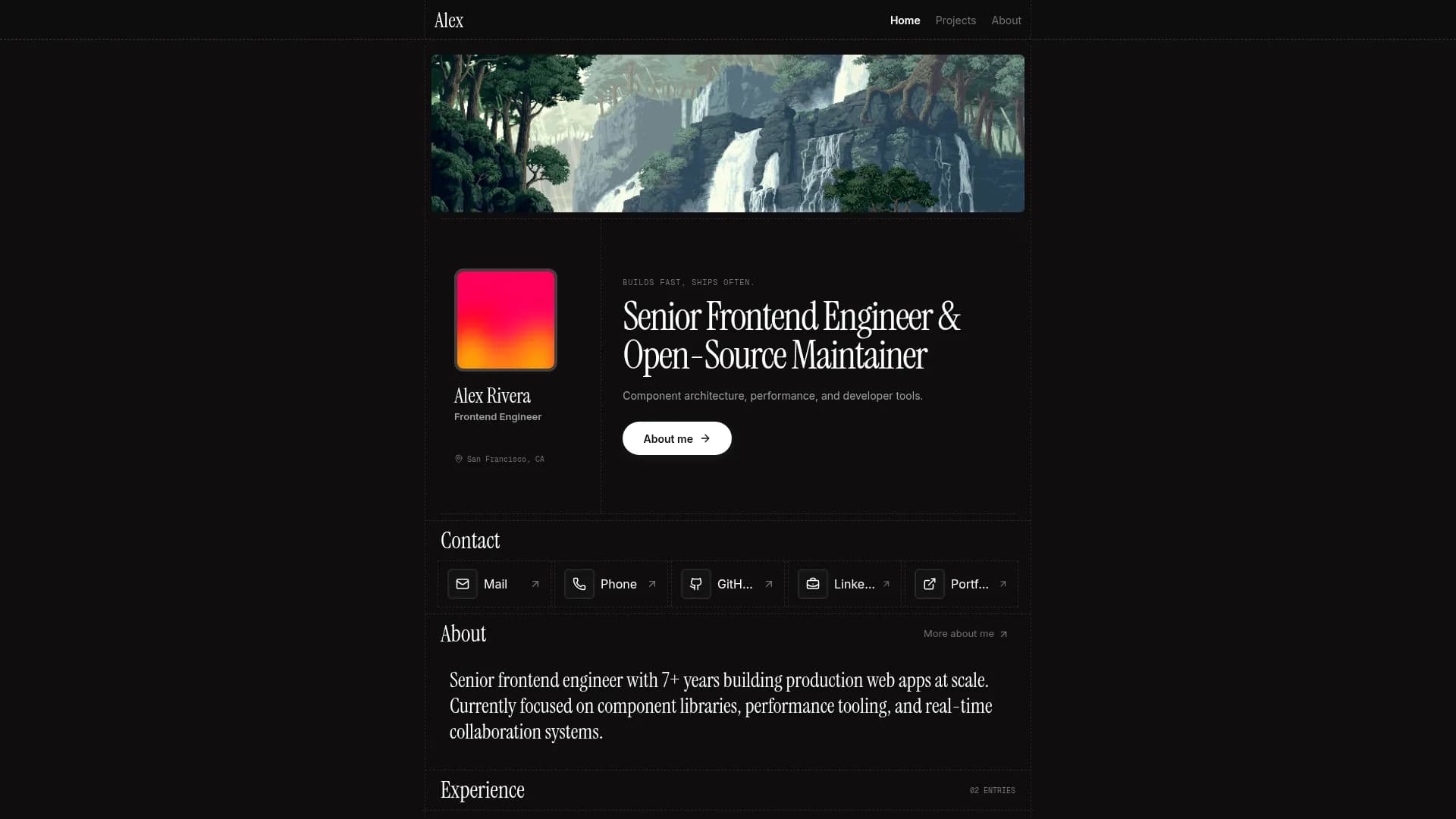

Margin
Editorial & Technical
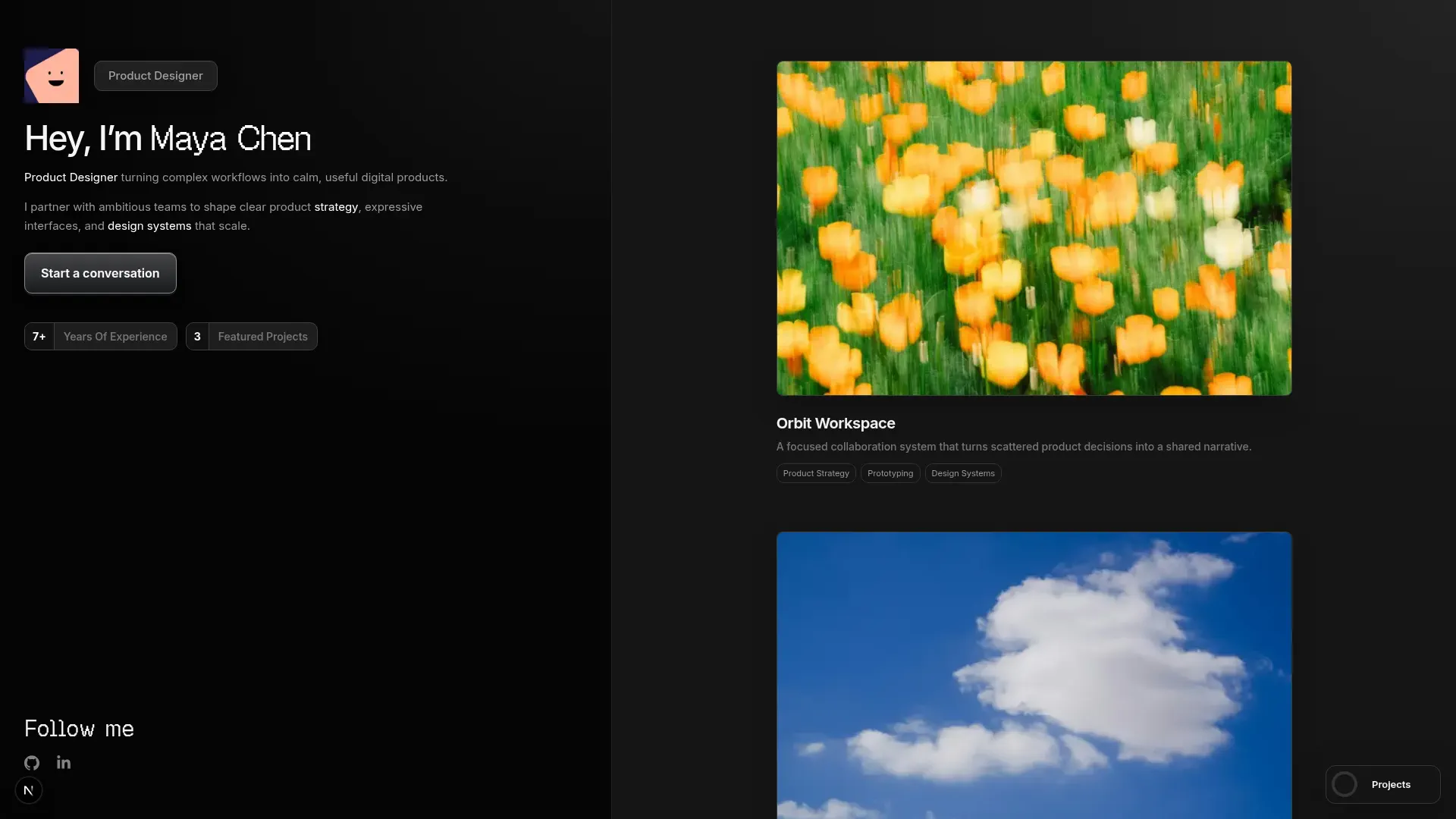

Left Anchor
Anchored & Immersive
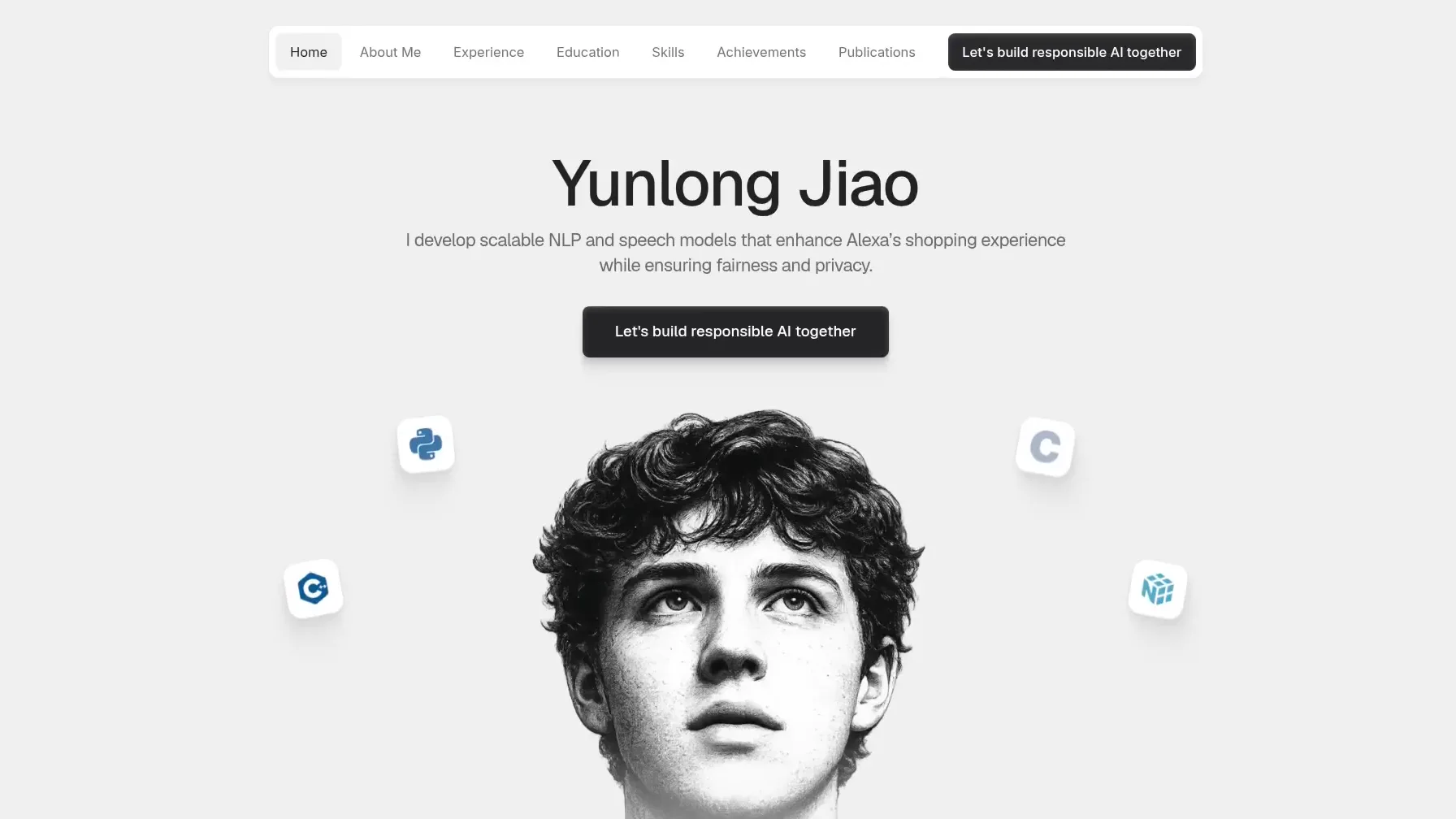

Persona
Refined & Personal
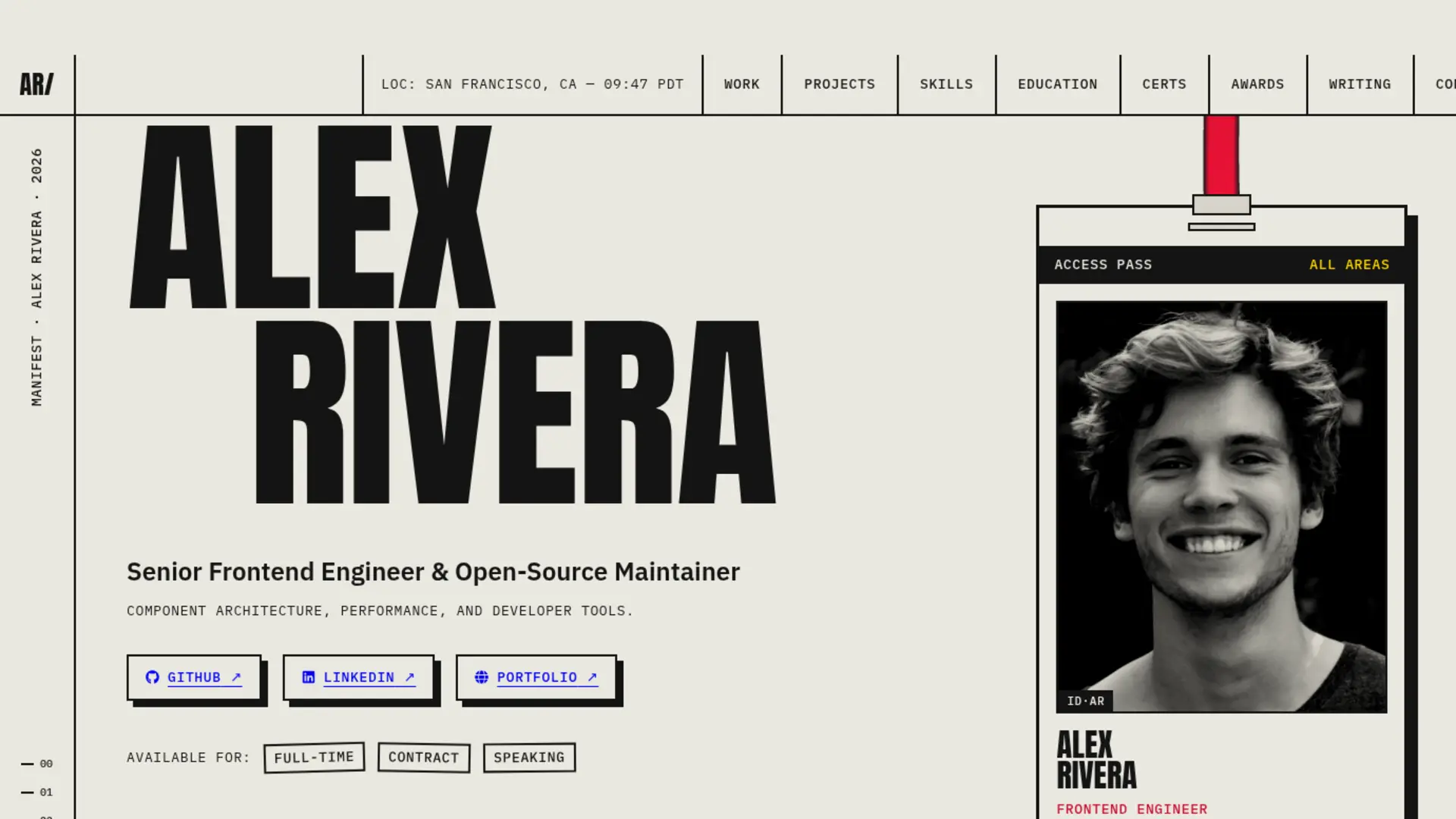

Brutalism
Raw & Industrial
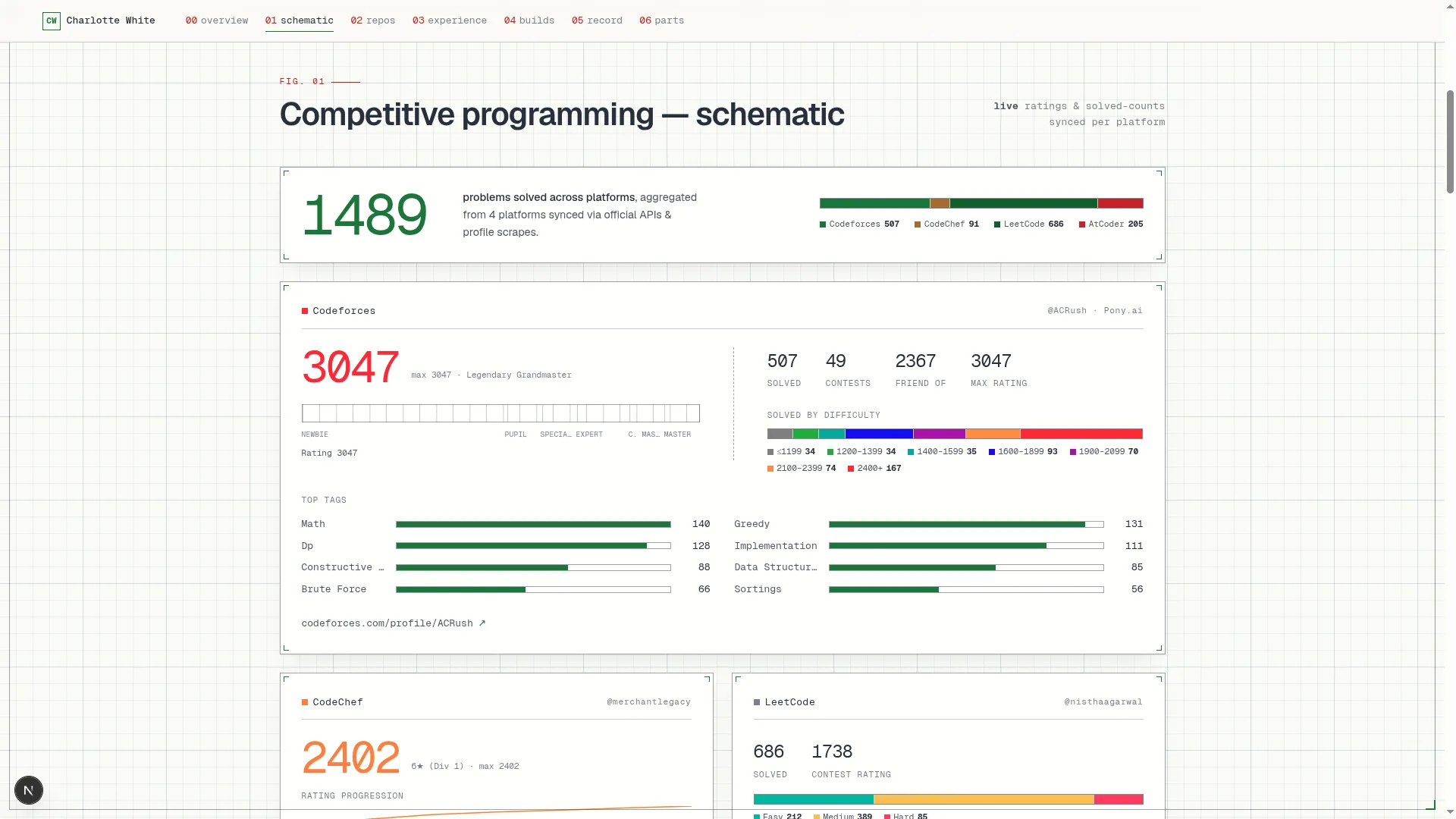

Blueprint
Coding & Competitive
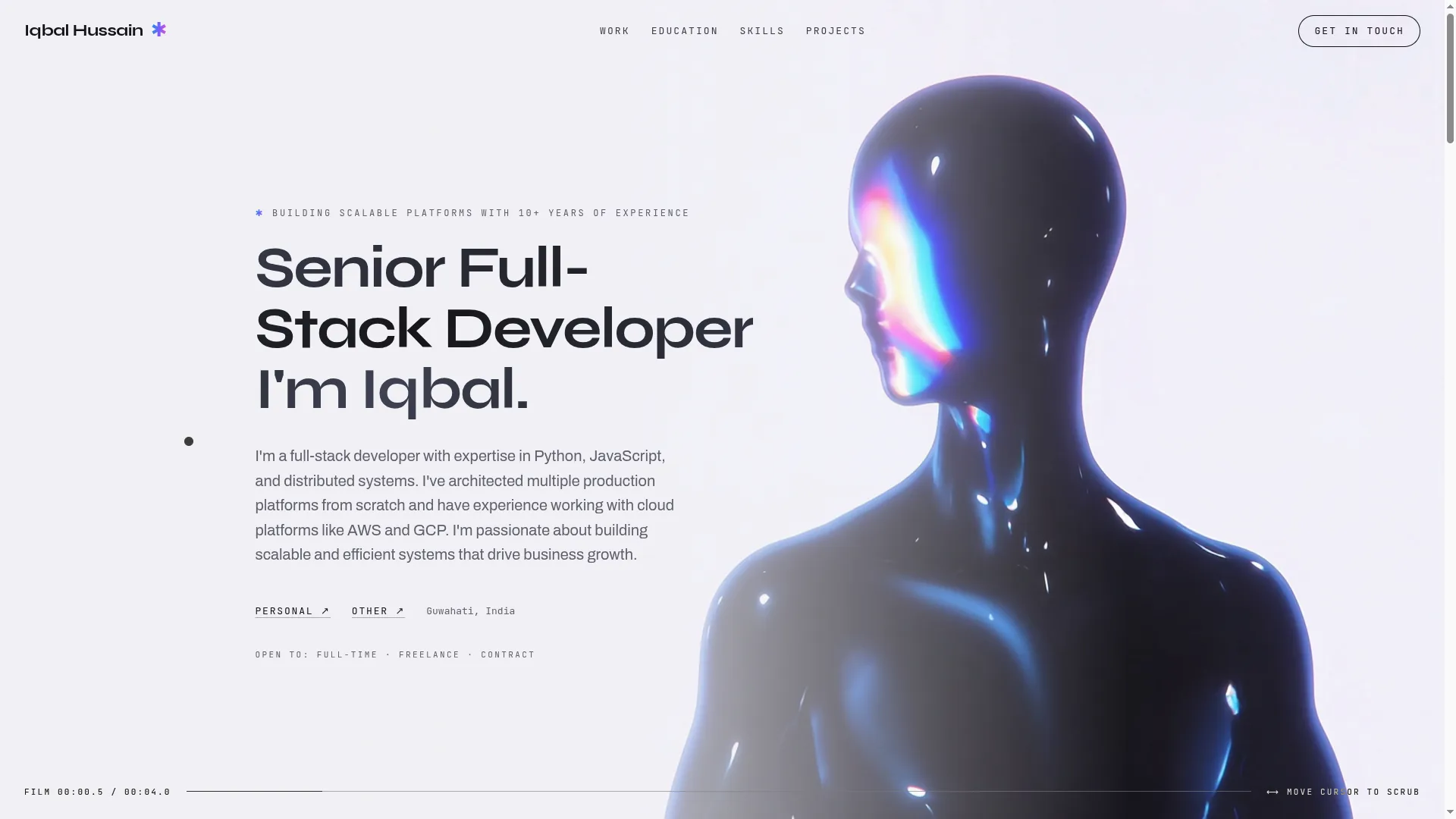

Mainframe
Cinematic & Editorial
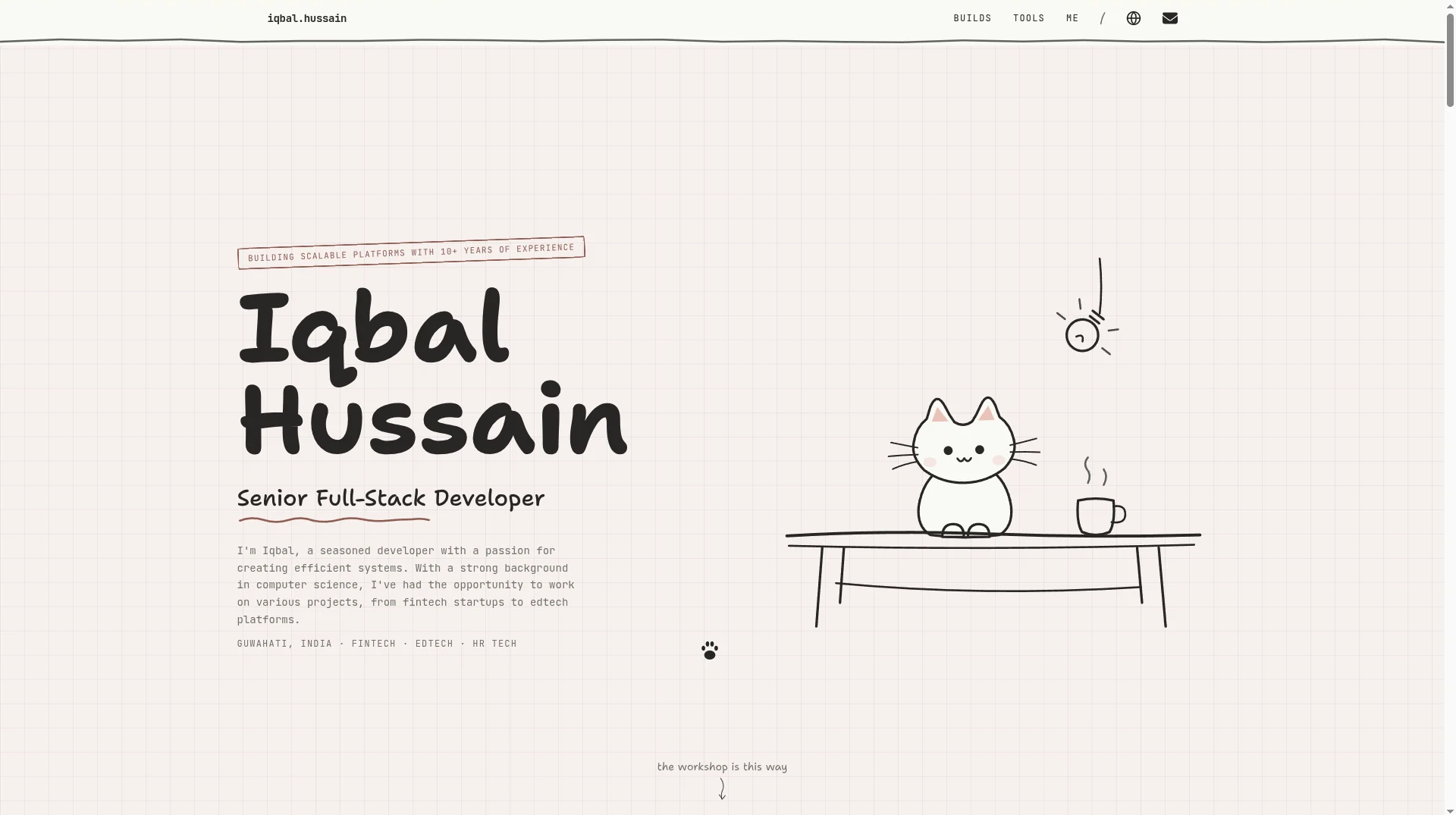

Workshop
Hand-drawn & Playful
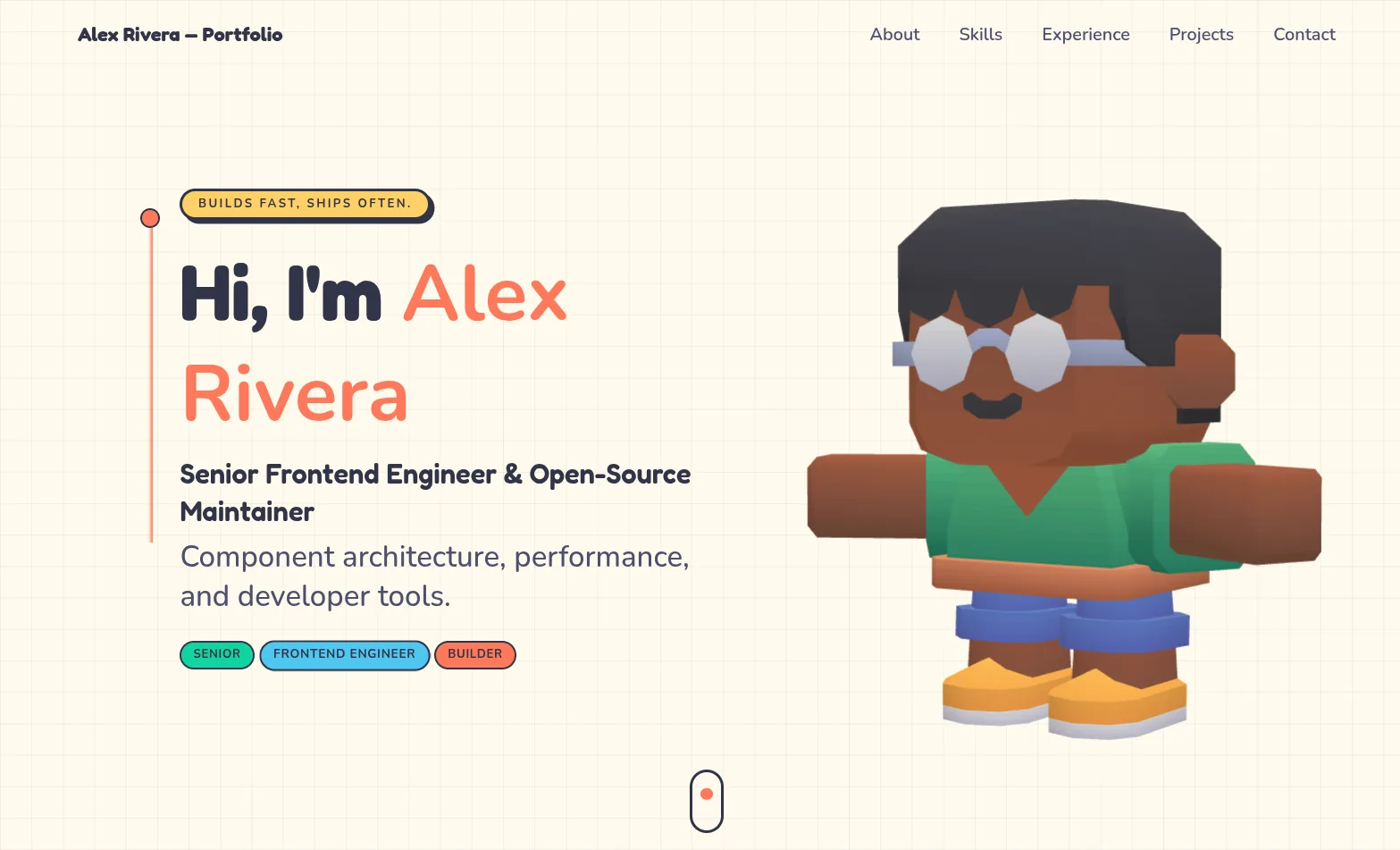

3D Studio
Interactive & Immersive
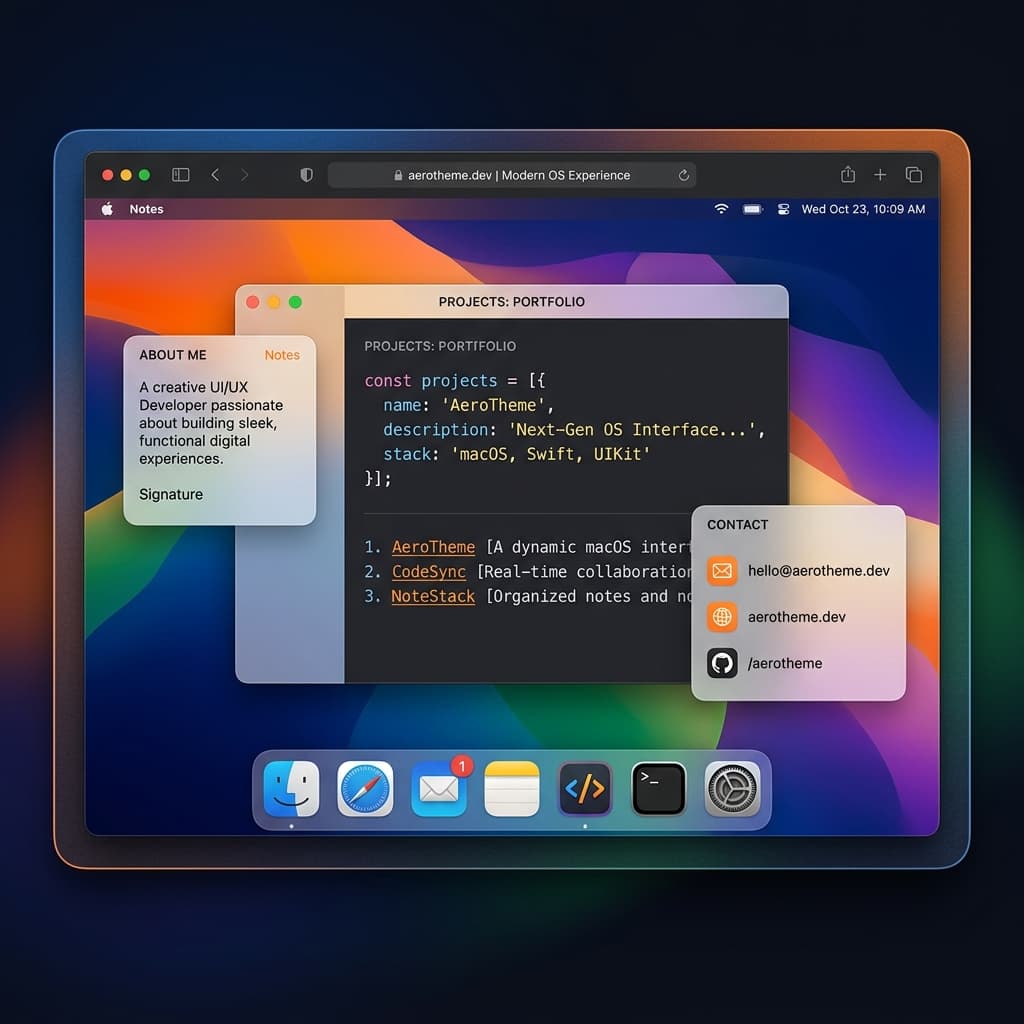

macOS Sequoia
Classic OS Simulator
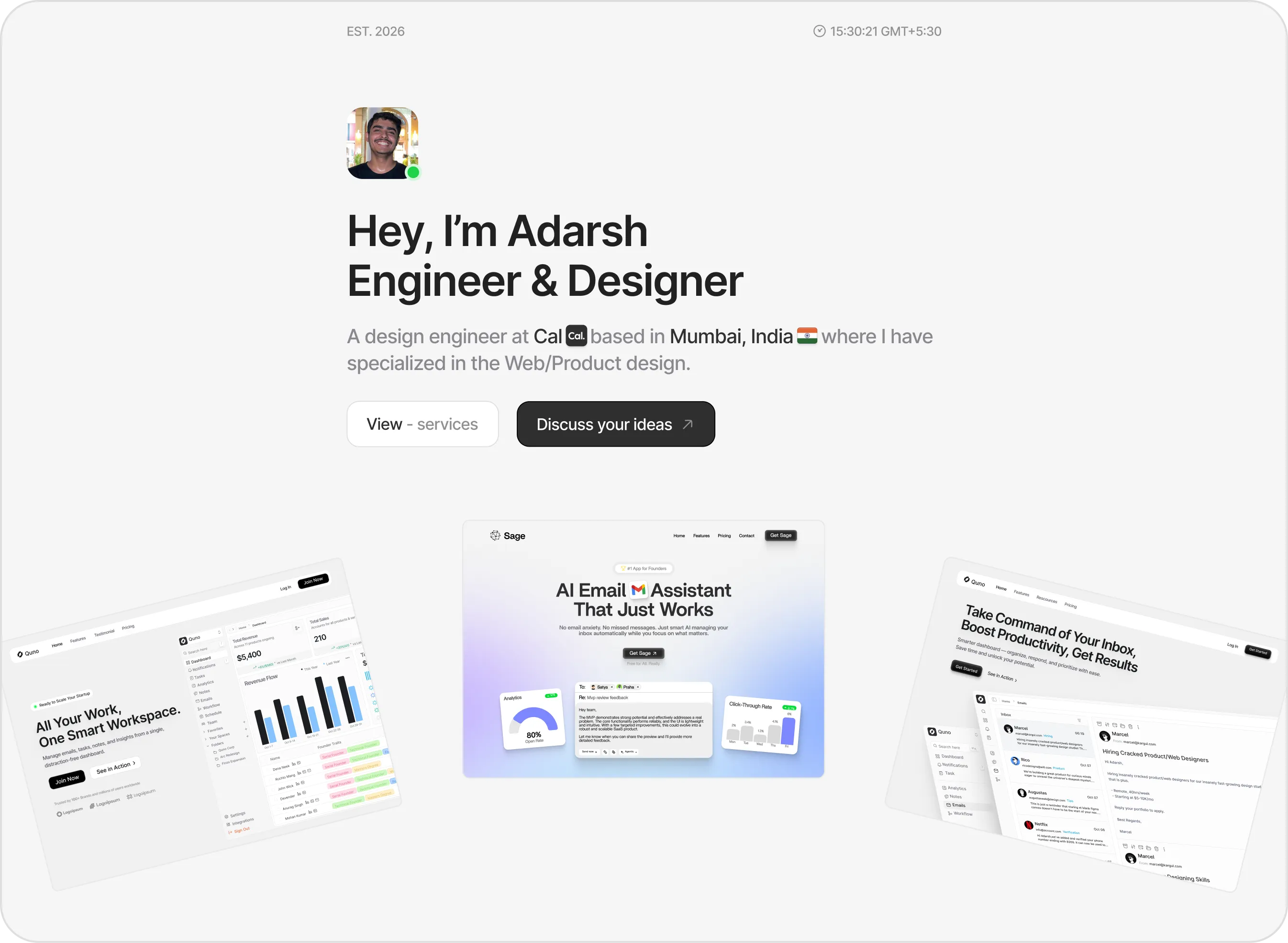

Sidefolio
Creative & Freelancer


Modern
Designer & Developer
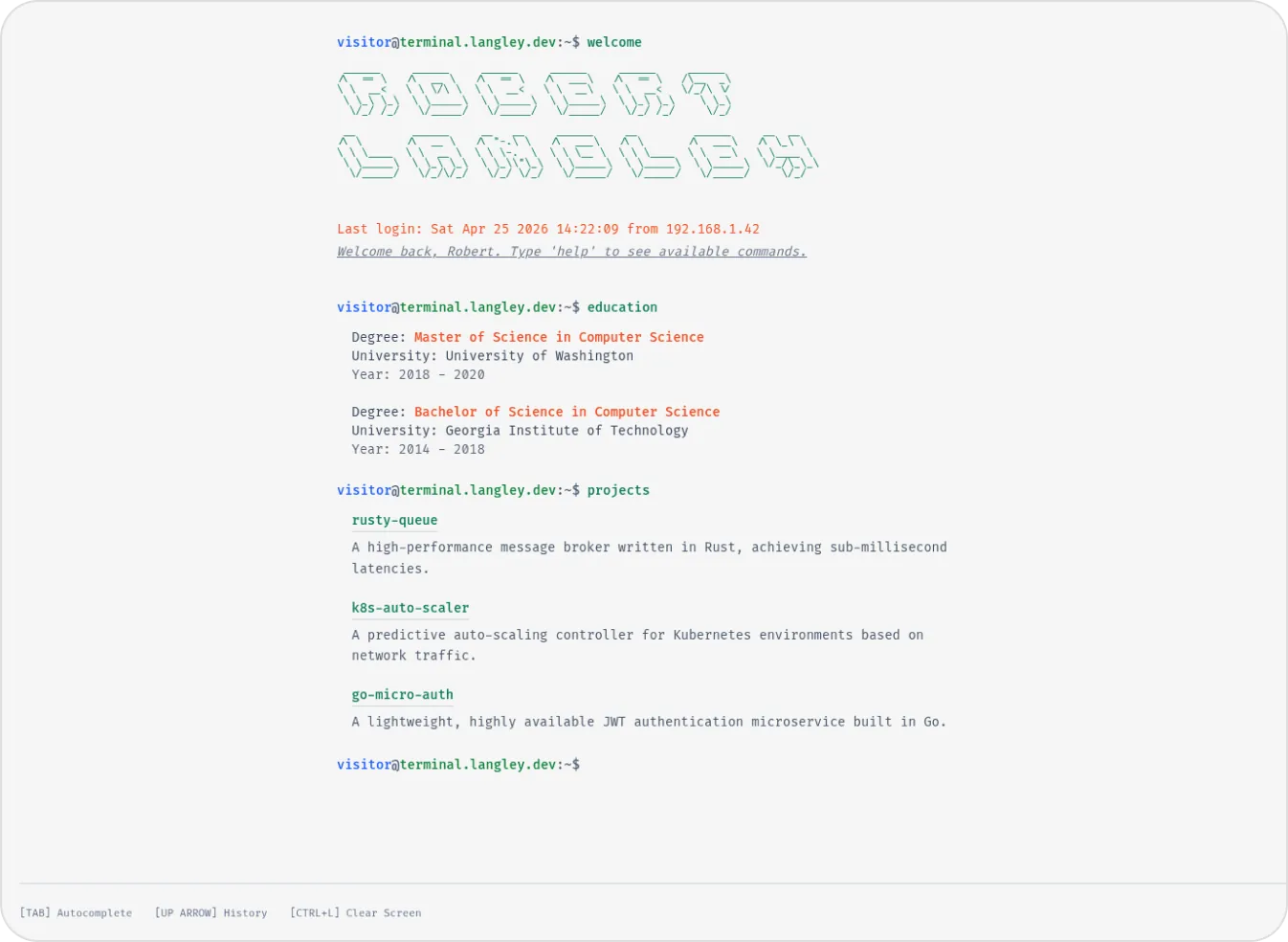

Terminal
Developer & Engineer
Margin
Editorial & Technical
Left Anchor
Anchored & Immersive
Persona
Refined & Personal
Brutalism
Raw & Industrial
Blueprint
Coding & Competitive
Mainframe
Cinematic & Editorial
Workshop
Hand-drawn & Playful
3D Studio
Interactive & Immersive
macOS Sequoia
Classic OS Simulator
Sidefolio
Creative & Freelancer
Modern
Designer & Developer
Terminal
Developer & Engineer