
macOS Portfolio Template - Interactive, Desktop-Class & Retro
Classic OS Simulator
Overview
The macOS Sequoia theme is a fully realized operating system simulator designed to showcase your career and projects inside a premium desktop environment. Inspired by macOS Big Sur and Sequoia interfaces, it organizes your resume into standard folders, launching fully draggable, resizable applications with custom spring physics directly in the browser.
It is an incredibly creative, detailed portfolio experience that immediately captures visitor attention, combining professional resume data with playful operating system visual metaphors.
Design Philosophy
The layout is built entirely on Apple's signature clean aesthetics, utilizing frosted glass effects, layered shadows, and high-fidelity simulated application structures:
- Frosted Glassmorphism: Menubars, Dock widgets, and application windows feature backdrop blur filters (
backdrop-blur-xl) that adapt to whichever wallpaper is selected underneath. - Spring-Physics Windowing: Windows are built with organic drag controls (via Framer Motion
useMotionValue+useSpring), supporting realistic momentum dragging and sizing. - Zustand Reactive Architecture: All window states (focus, minimize, maximize, and stack layers) are managed in a reactive, centralized Zustand store.
- Mobile Responsive Block: Displays a frosted device warning on screens narrower than 768px (phones) to guarantee visual usability, featuring a "Launch Anyway" capsule button to bypass.
Key Features
Draggable App Windows
Supports draggable, resizable application windows built with momentum spring physics and dynamic focus grouping.
Virtual Finder Directory
Builds macOS Finder folders dynamically from resume sections, supporting active back/forward navigation paths.
System Preferences customizer
Manage system-wide Dark Modes, wallpaper selections, centerpiece typography, andscreensavers on-the-fly.
Playable Dock Arcades
Play custom-coded retro Snake and Minesweeper arcade simulators directly inside standard macOS application windows.
Tip
Application windows are clamped strictly to stay beneath the 28px top menu bar and within the active viewport bounds so they never get lost or hidden!
Sections Breakdown
Every resume section in the macOS theme is mapped directly to a logical macOS application metaphor:
Multi-App Finder Suite & Windows
Running the Finder app opens up a virtual directory containing folders for About Me (Notes), Experience (Safari), Education (Books), Certifications (Wallet), Achievements (Game Center), and Projects (Xcode). Clicking a folder dynamically opens the respective app window, complete with macOS traffic-light buttons (Close, Minimize, Maximize) and draggable focus ordering.
Multi-window dragging and standard Finder directory navigation across experience, projects, and bio sections.
System Customizer Preferences
Typing or launching options via the customizer sidebar lets visitors customize your portfolio layout instantly:
- Theme Modes: Seamless transition between full system-wide Light and Dark Modes.
- Wallpaper Types: Choose between abstract colorful gradients, solid colors, or custom background URLs.
- Frosted Glass Blur: Toggle backdrop glass-morphism effects on and off.
- Centerpiece Greeting: Select between Magnifier hover greetings or animated Text-Scramble overlays.
Real-time wallpaper re-rendering, glassmorphism toggles, dark mode shifting, and custom screensavers in action.
Built-in Desktop Arcade Simulators
To add a layer of gaming nostalgia, the Dock features two fully playable arcade simulators:
- Snake: Direct key-navigated snake simulator with adjustable speeds (Easy, Normal, Hard).
- Minesweeper: Right-click flag placing, grid checks, and auto-expanding safe zones.
Play custom-coded retro Snake directly inside standard draggable macOS application windows.
Test logic and flag grids inside the Minesweeper desktop arcade simulator.
Desktop Customization Variables
The macOS Sequoia theme utilizes standard configuration settings customizable via the ThemeEditor sidebar:
| Setting Key | Visual Effect | Customizable Options |
|---|---|---|
| isDarkMode | Sets system-wide Light vs. Dark modes for menus, Finder, and app windows. | True (Dark Theme) | False (Light Theme) |
| wallpaperType | Determines the background wallpaper layout mode. | gradient | color | image |
| wallpaper | Specifies the CSS value or URL target for the active wallpaper. | Custom image URLs or pre-configured gradients |
| glassEffectsEnabled | Toggles frosted-glass backdrop-blur-xl filters on the Dock and Menubar. | True (Acrylic glass blur) | False (Solid elements) |
| showCenterpiece | Toggles the centerpiece dynamic greeting overlay on the desktop. | True | False |
| centerpieceEffect | Selects the visual transition style for the centerpiece greeting. | scramble (scramble typography) | magnifier (lens sweep) |
| screensaverEnabled | Enables an idle apple-logo clock screensaver. | True | False |
| screensaverTimeout | Sets the idle duration before the screensaver triggers. | Slider select (e.g. 60 seconds) |
| folderColor | Changes the directory icon accents across the desktop. | blue | red | orange | green | purple | gray |
| isSnakeEnabled | Show or hide the retro Snake game in the Dock. | True | False |
| isMinesweeperEnabled | Show or hide the Minesweeper game in the Dock. | True | False |
Explore more themes
View all →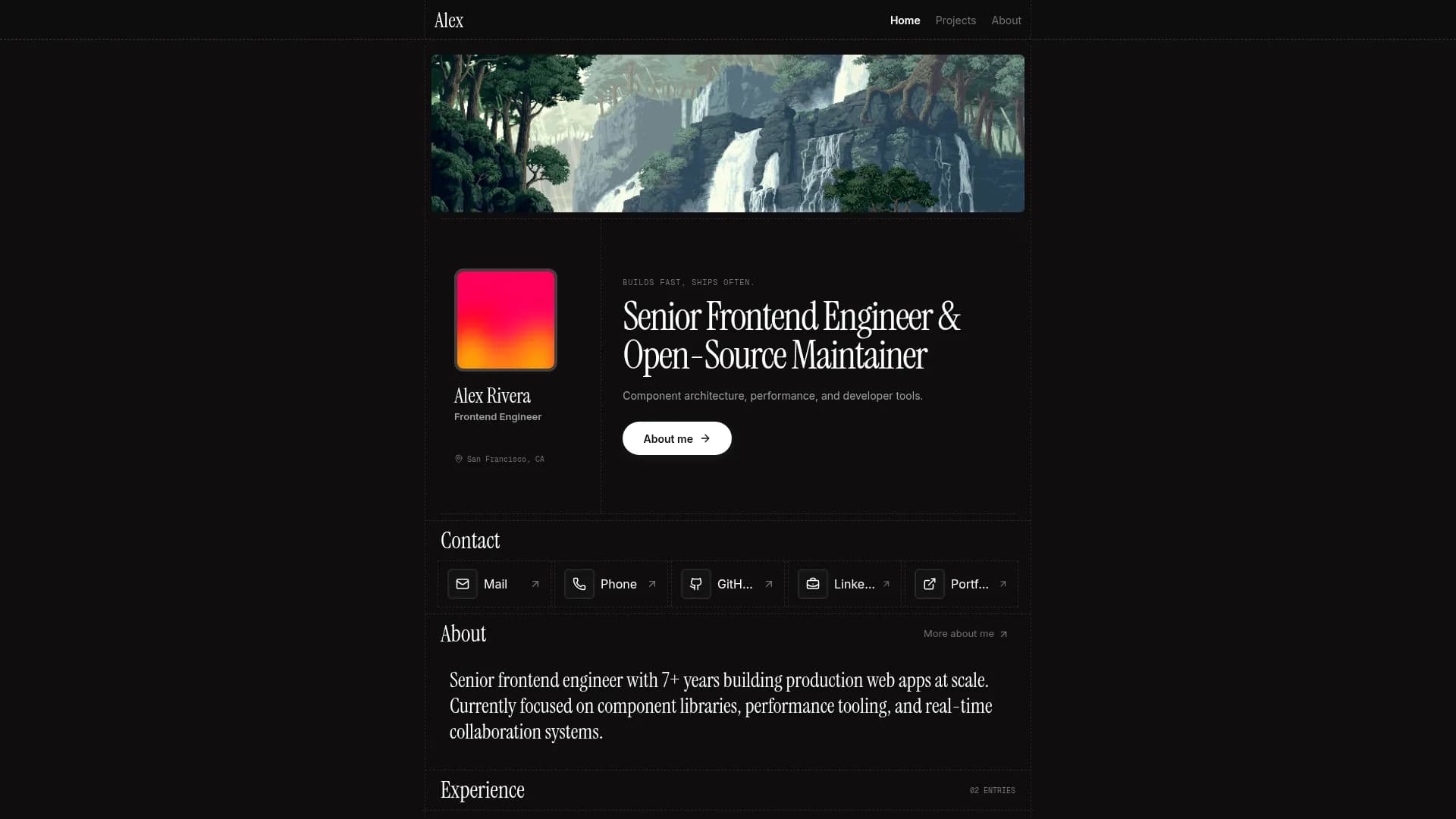

Margin
Editorial & Technical
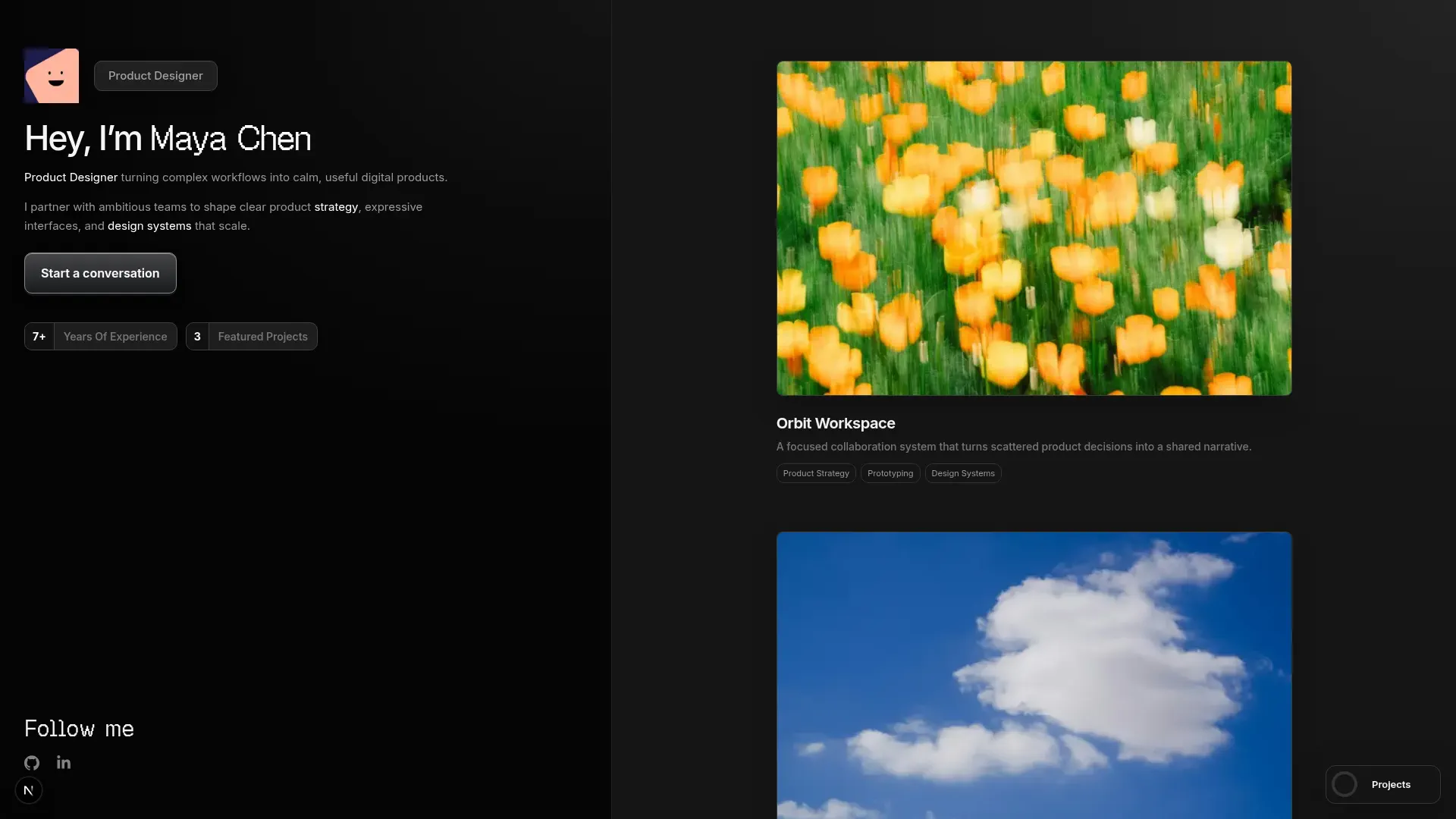

Left Anchor
Anchored & Immersive
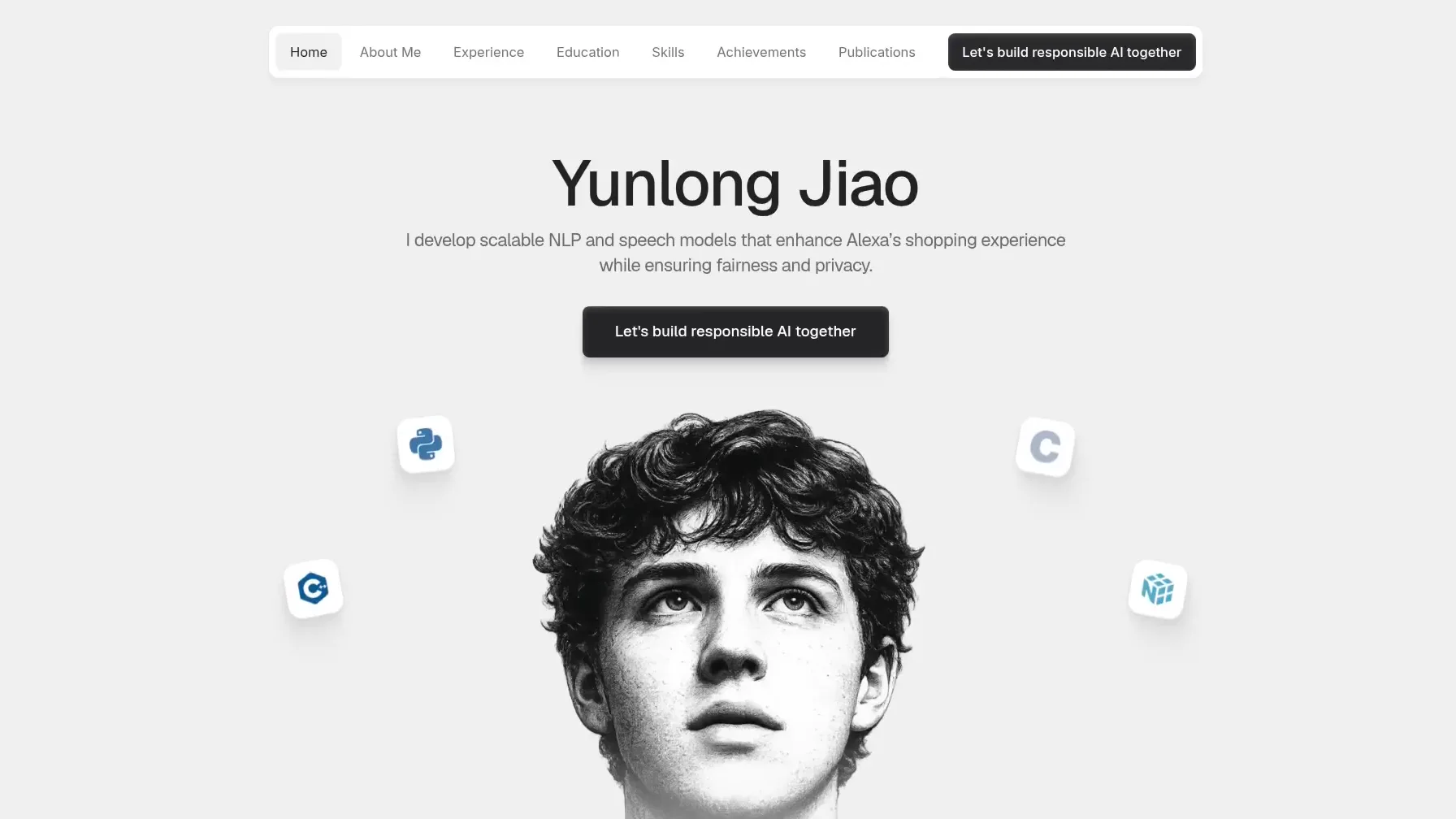

Persona
Refined & Personal
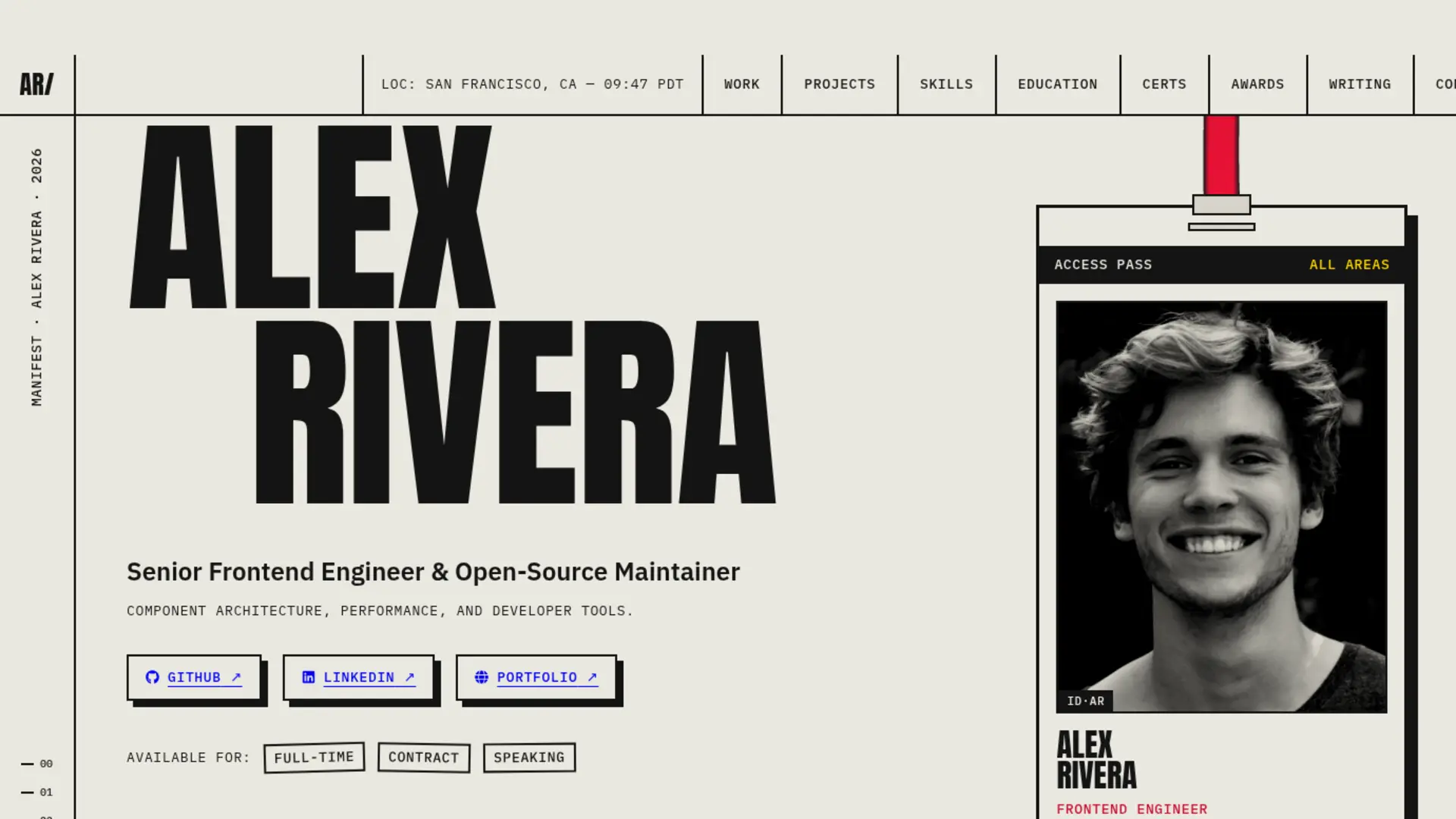

Brutalism
Raw & Industrial
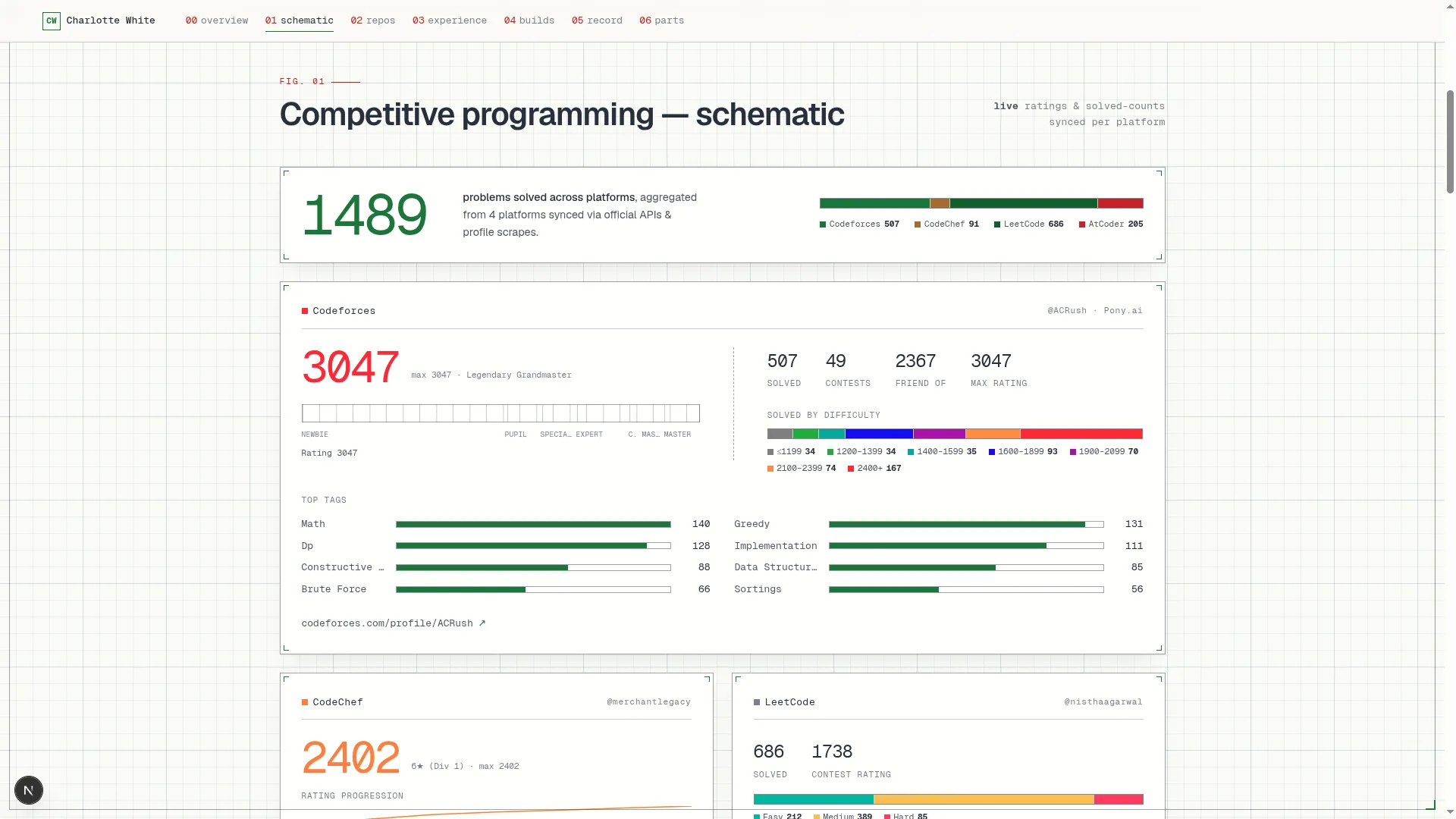

Blueprint
Coding & Competitive
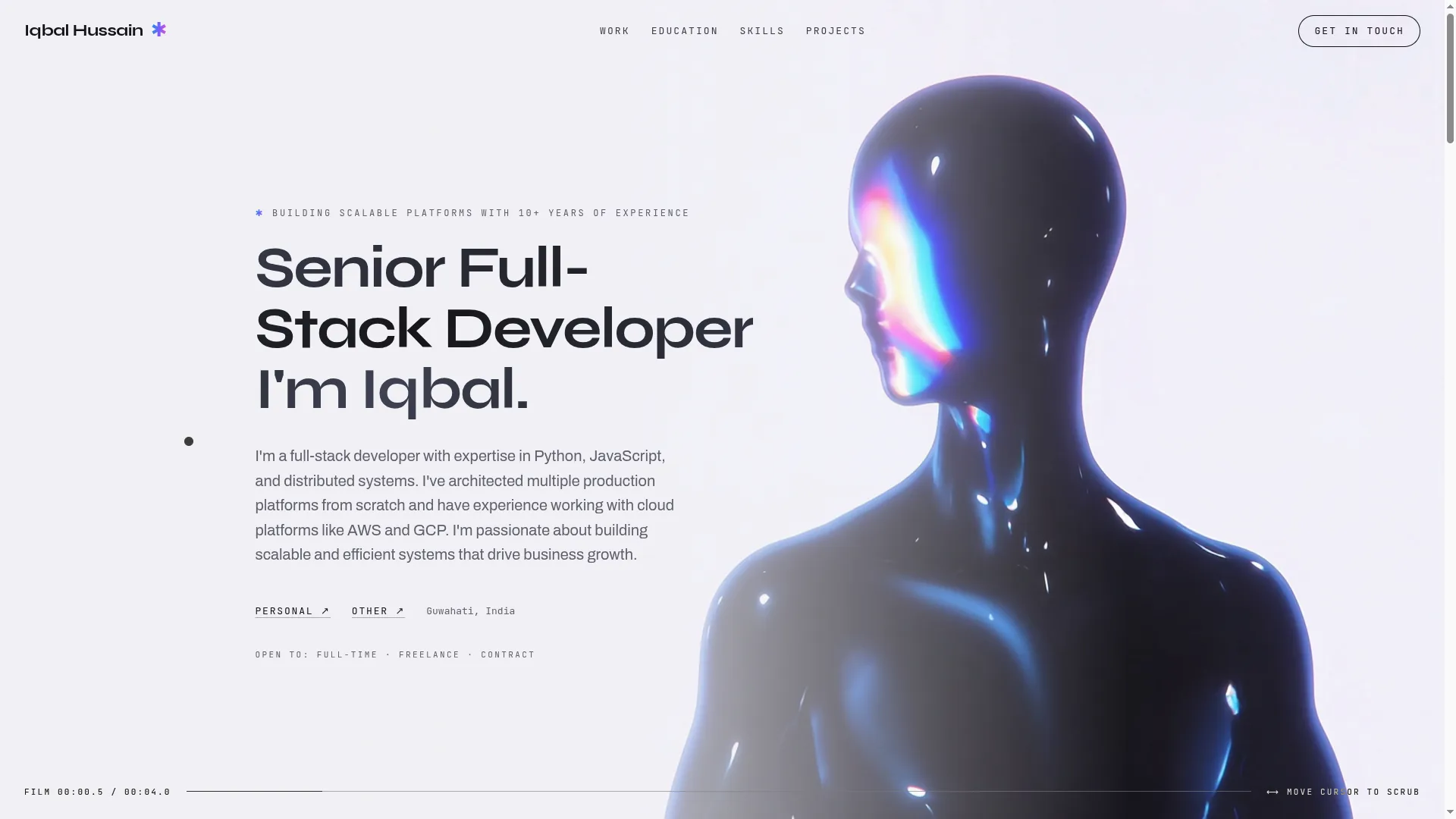

Mainframe
Cinematic & Editorial
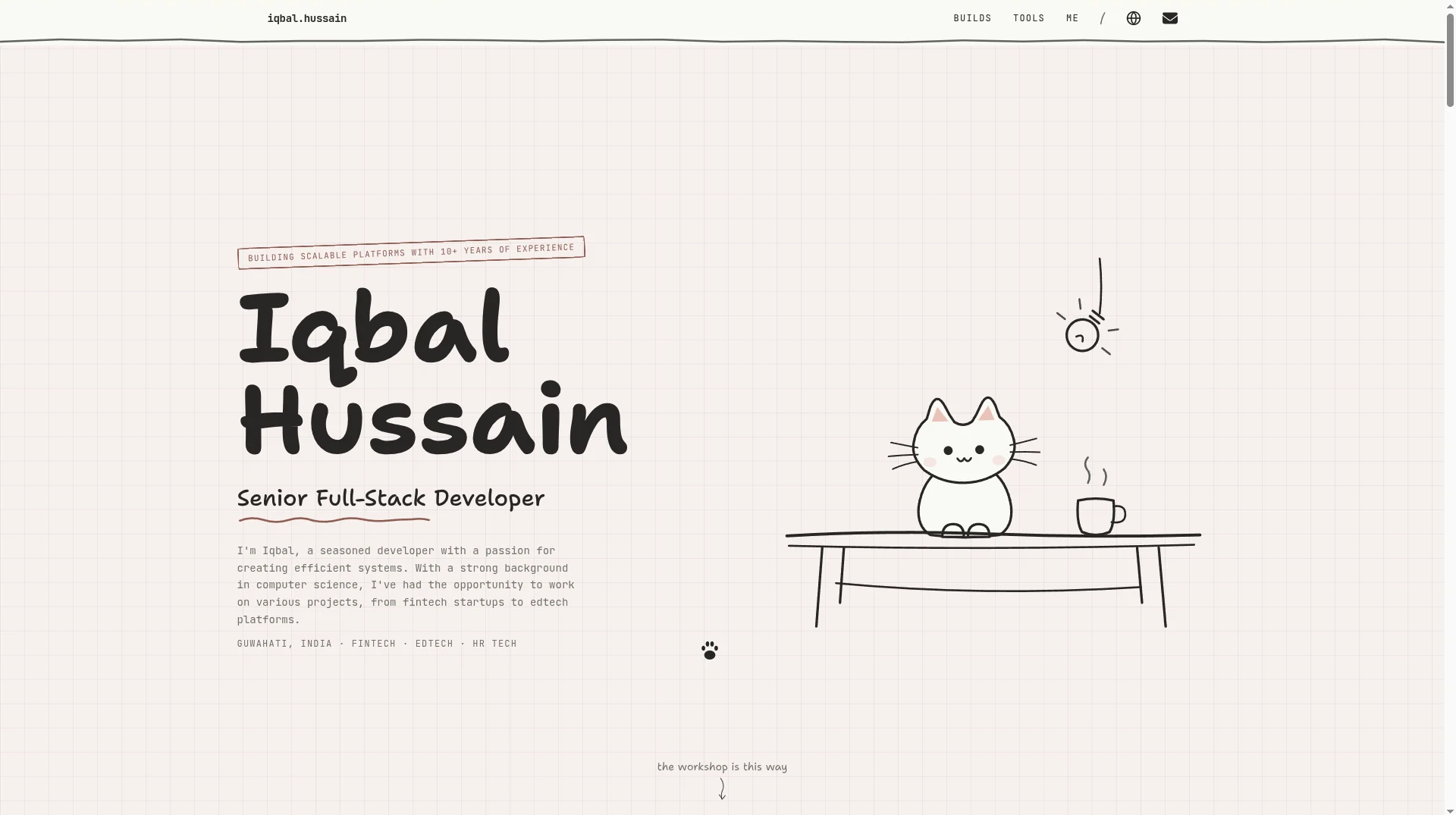

Workshop
Hand-drawn & Playful
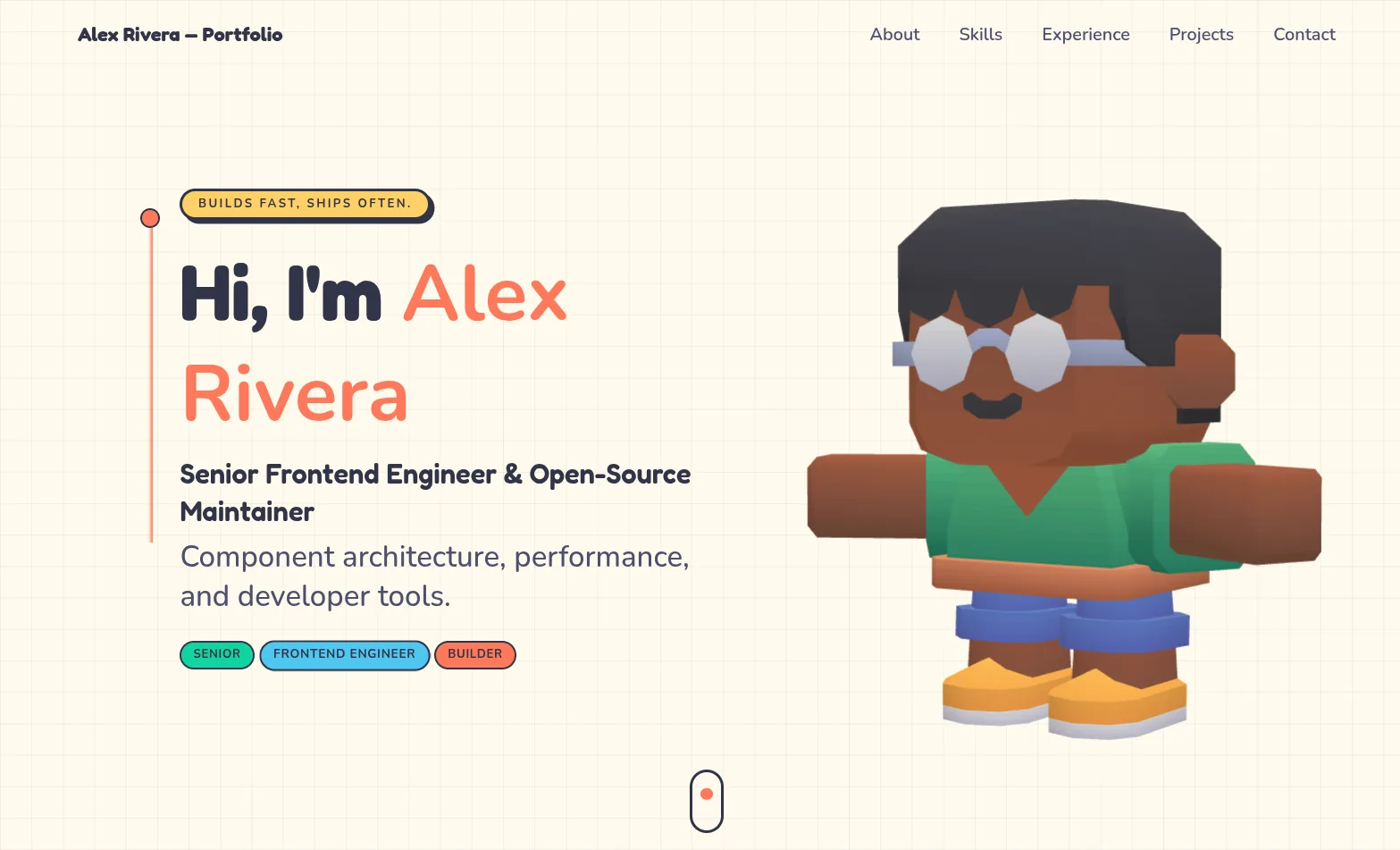

3D Studio
Interactive & Immersive
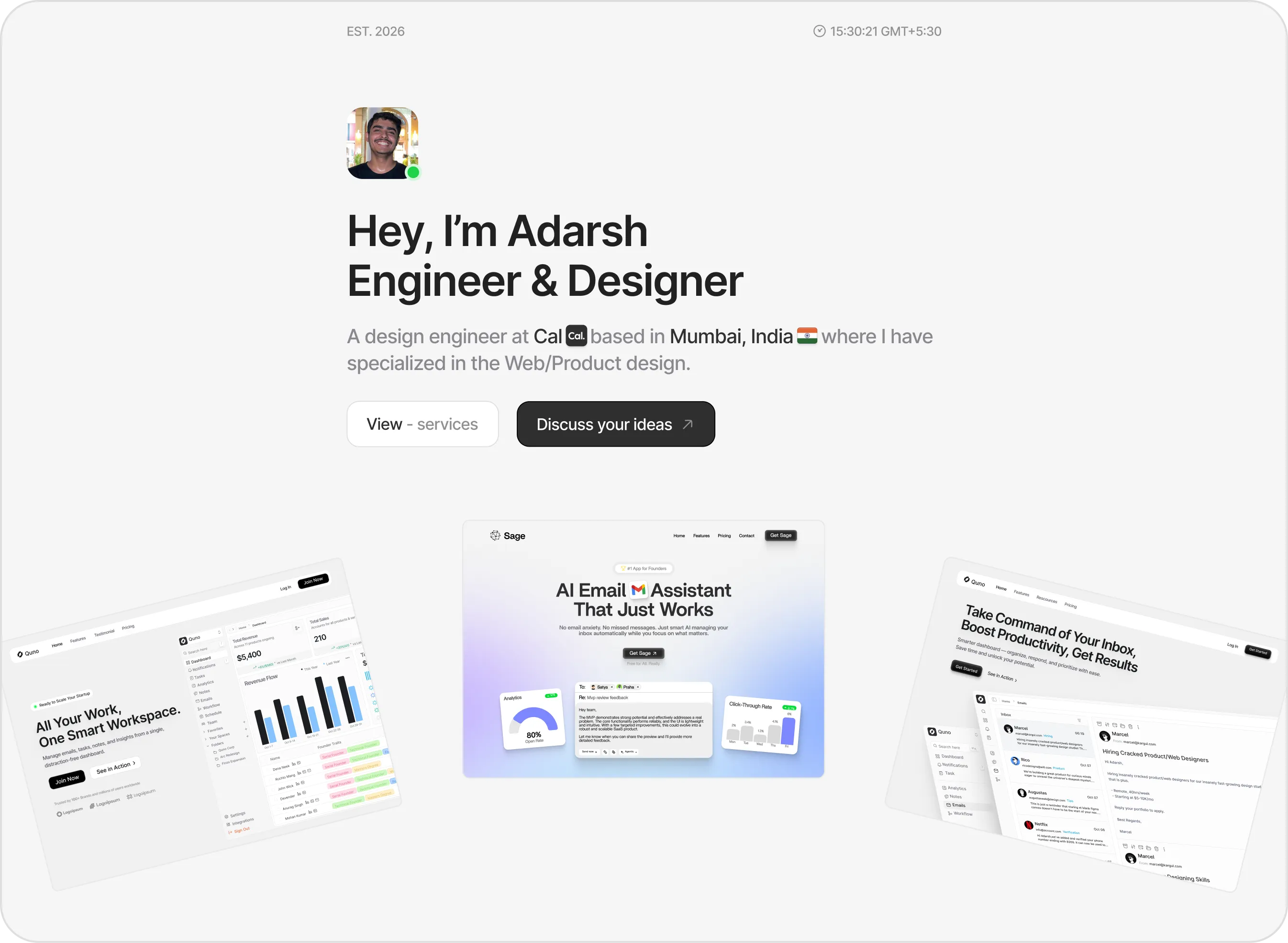

Sidefolio
Creative & Freelancer
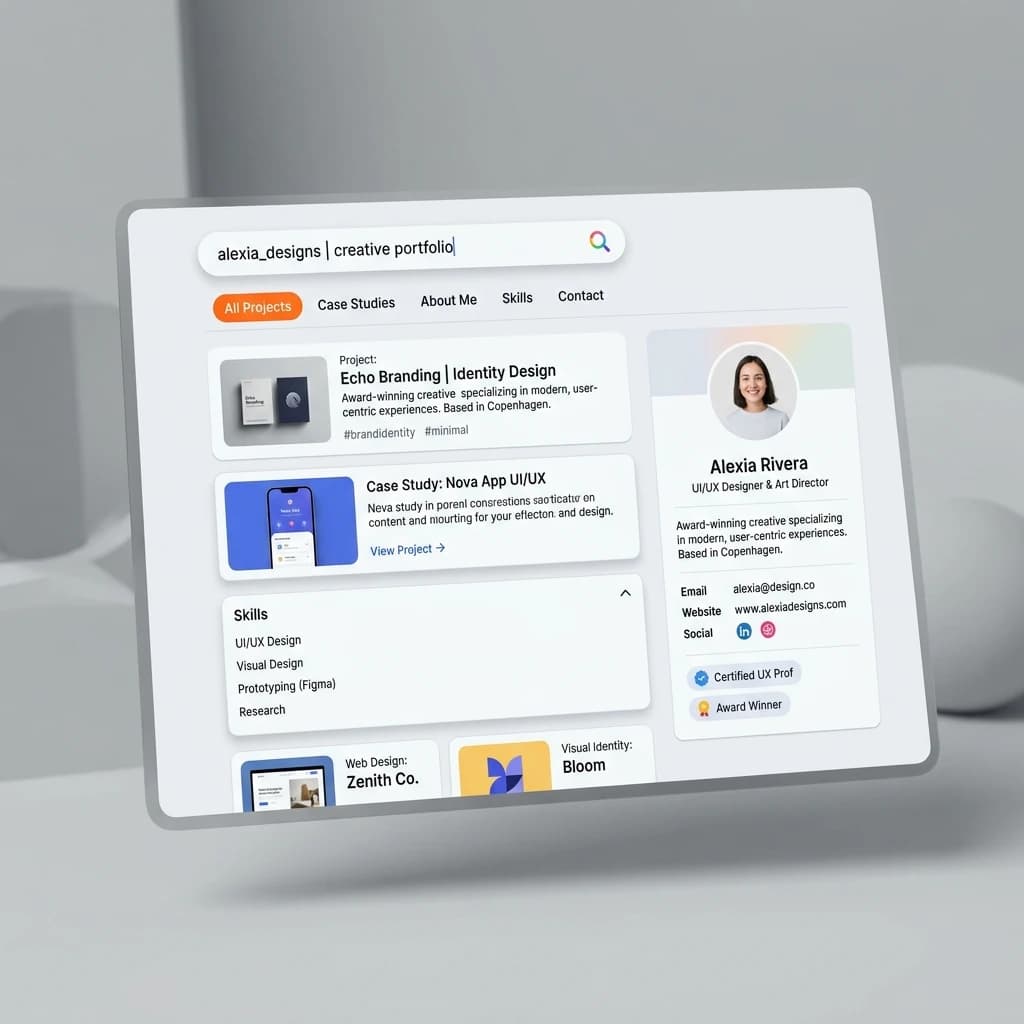

Google Search
SEO & Search Engine replica


Modern
Designer & Developer
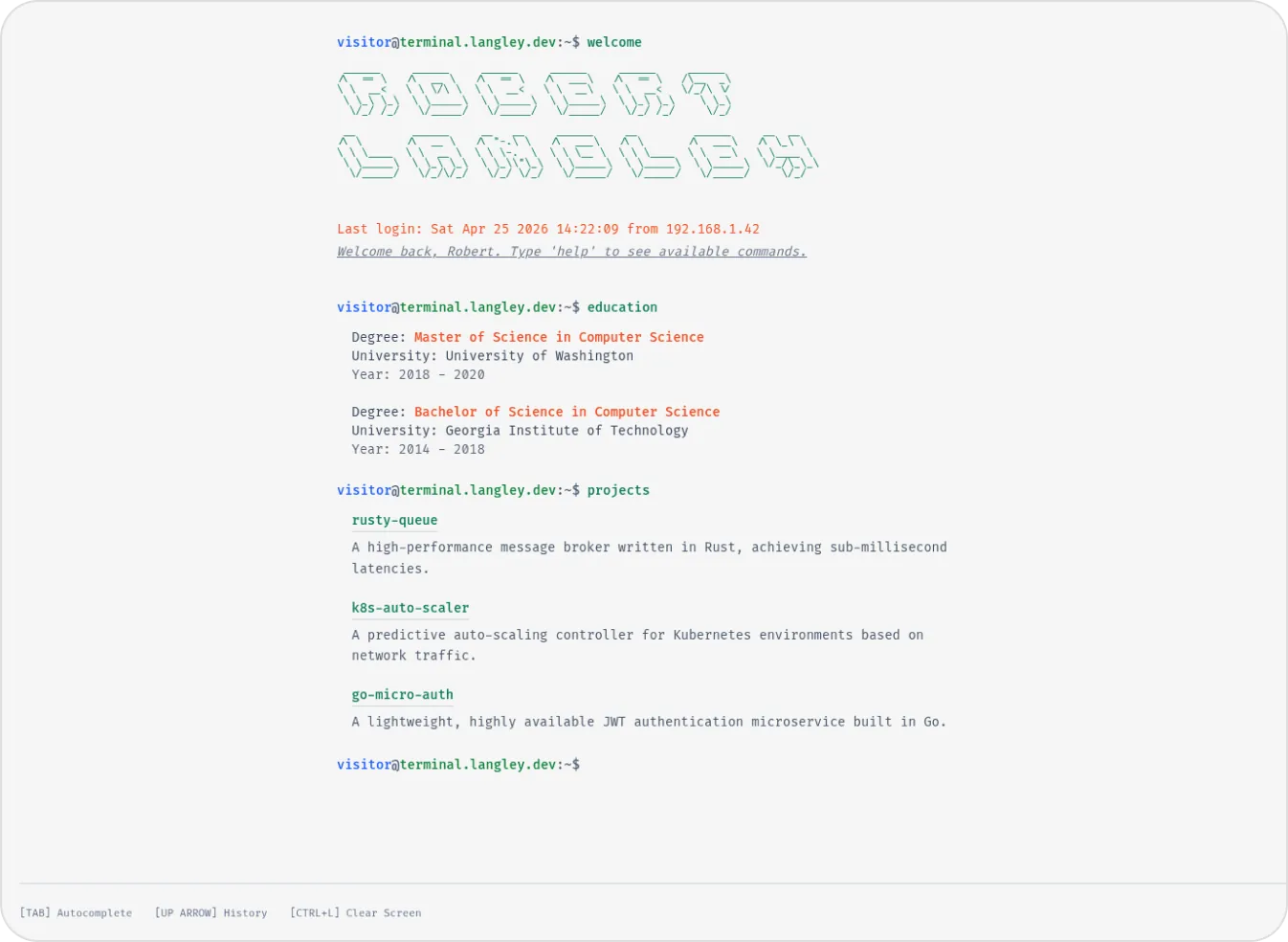

Terminal
Developer & Engineer
Margin
Editorial & Technical
Left Anchor
Anchored & Immersive
Persona
Refined & Personal
Brutalism
Raw & Industrial
Blueprint
Coding & Competitive
Mainframe
Cinematic & Editorial
Workshop
Hand-drawn & Playful
3D Studio
Interactive & Immersive
Sidefolio
Creative & Freelancer
Google Search
SEO & Search Engine replica
Modern
Designer & Developer
Terminal
Developer & Engineer