
Mainframe Portfolio Template - Cinematic, Editorial & Kinetic
Cinematic & Editorial
Overview
The Mainframe theme is a cinematic, editorial portfolio for people who want their work to arrive with atmosphere. A porcelain canvas and obsidian-ink display headline set an editorial tone, while a signature hero "film" - a looping 3D figure you scrub with your cursor - turns the opening screen into something alive.
Mono micro-labels, a holographic prism gradient accent, and a kinetic keyword marquee give it the feel of a design-studio reel rather than a resume. Every section fades in on scroll, and the whole page is light-mode, fast, and resilient to sparse data.
Design Philosophy
Mainframe is built on contrast: a calm, spacious canvas punctuated by one dramatic, motion-driven hero. The chrome stays quiet so the work and the film do the talking:
- Cursor-Scrubbed Film Hero: A looping cinematic clip whose timeline maps to your cursor position. Moving left to right scrubs through the frames, with a mono HUD reading out the timecode.
- Liquid-Metal Headline: The headline can render as an animated dark-gloss "liquid metal", a holographic accent gradient, a solid ink fill, or an outline - paired with typewriter, fade, blur, char-stagger, or instant entrances.
- Holographic Prism Accent: A three-stop gradient paints headlines, card ring-borders, and the marquee glyphs. Six curated presets ship in.
- Editorial Typography: Big display headings in Syne, Space Grotesk, or Fraunces, body text in Archivo, and JetBrains Mono for the labels.
Key Features
Cursor-Scrubbed Film Hero
A looping 3D-figure clip you scrub with your cursor (left to right). Five films ship in; mobile and reduced-motion visitors get a gentle autoplay loop instead.
Animated Display Headline
Liquid-metal, prism, solid, or outline treatments with typewriter, fade, blur, char-stagger, or instant entrances - in Syne, Grotesk, or Fraunces.
Holographic Prism Accent
Six curated three-stop gradient presets paint the headline, card ring-borders, and marquee glyphs - chosen in the theme options panel.
Interactive Project Cards
3D tilt with a directional shadow and swept sheen, a cursor-following spotlight, a lift, or a flat finish - plus a magnetic contact CTA and a custom cursor halo.
Tip
Mainframe hides sparse entries the way the original template did: a title-only award or a project without bullets still renders, but fully-empty rows are dropped. Sections you have no data for disappear from the page and the nav automatically.
Sections Breakdown
The page opens with the film hero, a kinetic marquee of your keywords and domains, then your content sections in any order you choose, a contact section, and a dark closing footer.
Hero & Marquee
The hero pairs the scrub film with a mono eyebrow (your role), the animated headline (your tagline plus first name), a short summary, your social links and location, and an "Open to" line. Below it, a marquee streams your narrative keywords and domains across a hairline-bordered strip.
Work, Education & Skills
Work and education render as spacious two-column rows: a company/institution rail with an ink initials tile and a mono date range on the left, role/degree details on the right. Skills group by category, each item a pill that carries its brand logo when one is recognized.
Projects, Writing & Recognition
Projects show as interactive cover-image cards (tilt/glow/lift) with tech-tag pills and a visit link. Publications, achievements, and certifications each get their own editorial section - publications as prism-ring cards (with author lists), awards and certifications as clean justified rows with verify links and credential badges.
Contact & Footer
The contact section leads with your call-to-action headline and a "What sort of work?" chip selector built from your availability, wired to a mailto inquiry. The dark footer closes with a chrome-silver name, your links, and location.
Dynamic Theme Customization
Mainframe exposes a rich options panel in the ThemeEditor, plus the global Border Radius, Spacing, and Sections (reorder/visibility) controls. The global color and font pickers are replaced by the theme's own gradient-accent and display-font selectors.
| Configuration Key | Visual Effect | Customizable Options |
|---|---|---|
| heroFilm | Selects the cursor-scrubbed hero film. | figure | blackchrome | mercury | violet | ink |
| accentPreset | Sets the holographic gradient accent. | prism | electric | sunset | acid | mono | gold |
| displayFont | Sets the display/heading typeface. | syne | grotesk | serif |
| headlineStyle | Treatment for the hero headline. | metal | accent | solid | outline |
| headlineAnim | Headline entrance animation. | typewriter | fade | blur | stagger | instant |
| cardEffect | Project card hover effect. | tilt | lift | glow | flat |
| marqueeSpeed | Keyword marquee speed. | slow | normal | fast | off |
| grain | Film-grain overlay intensity. | none | subtle | film |
| customCursor / magnetic | Cursor halo and magnetic CTA toggles. | on | off |
Explore more themes
View all →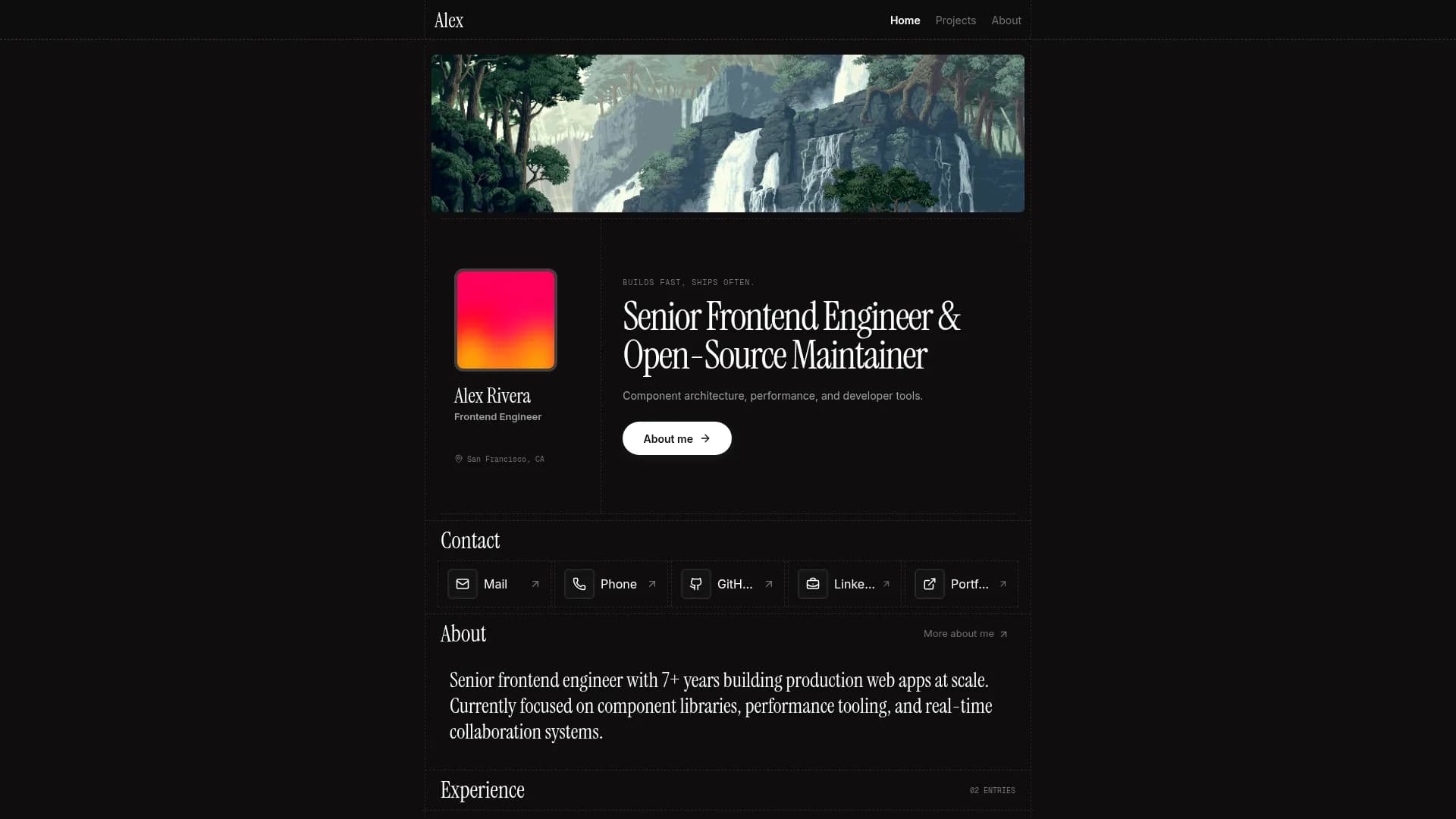

Margin
Editorial & Technical
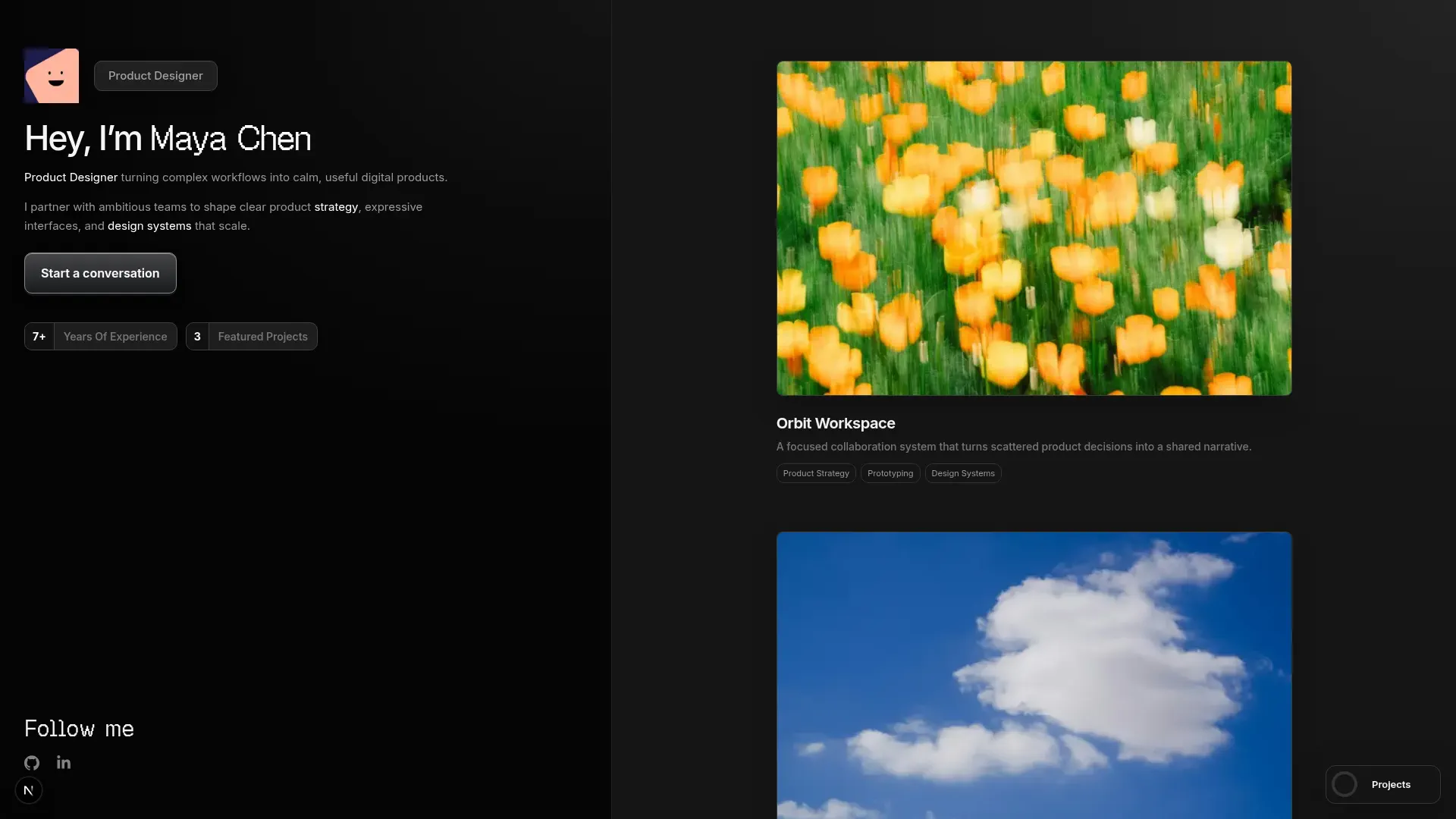

Left Anchor
Anchored & Immersive
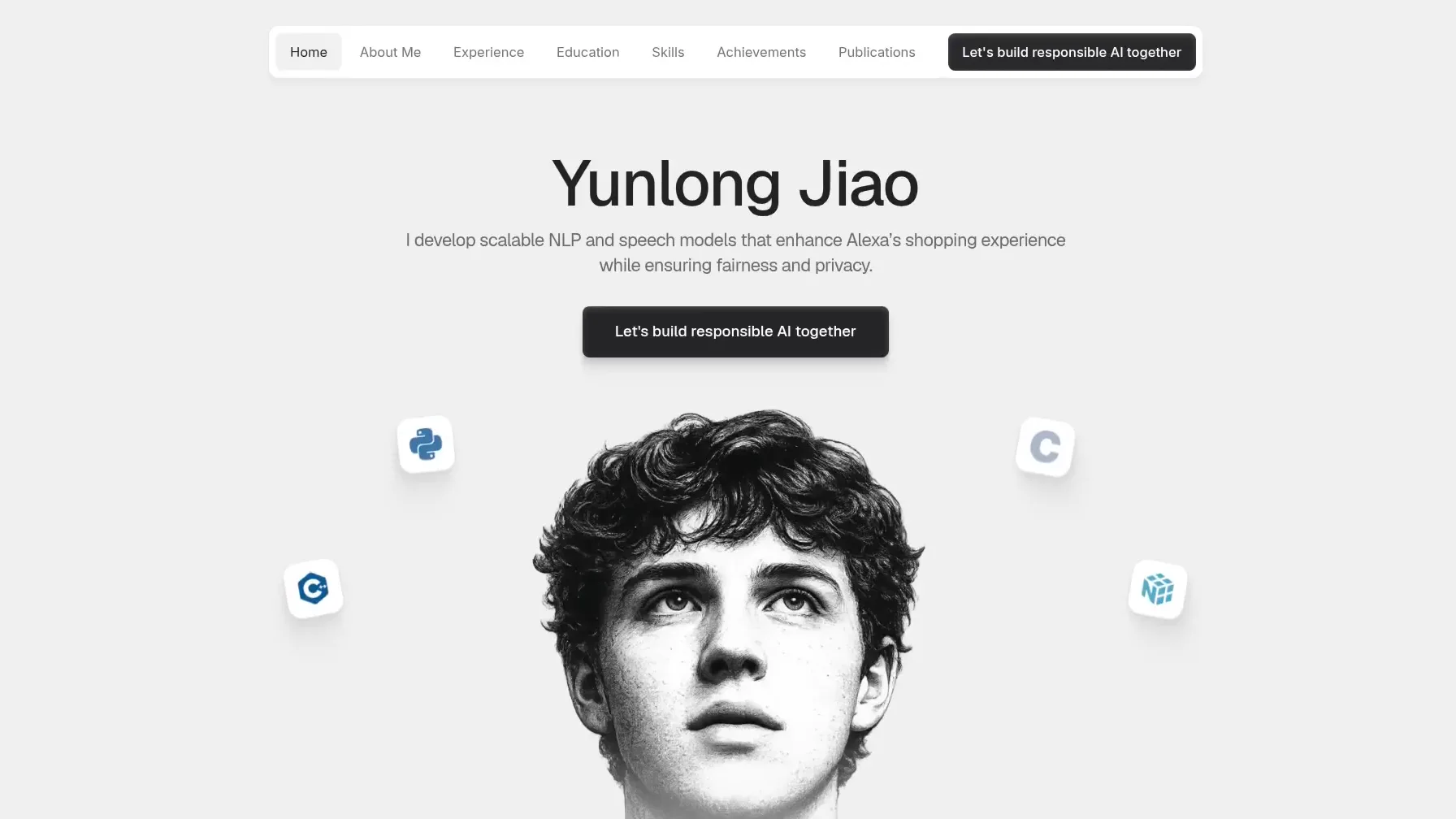

Persona
Refined & Personal
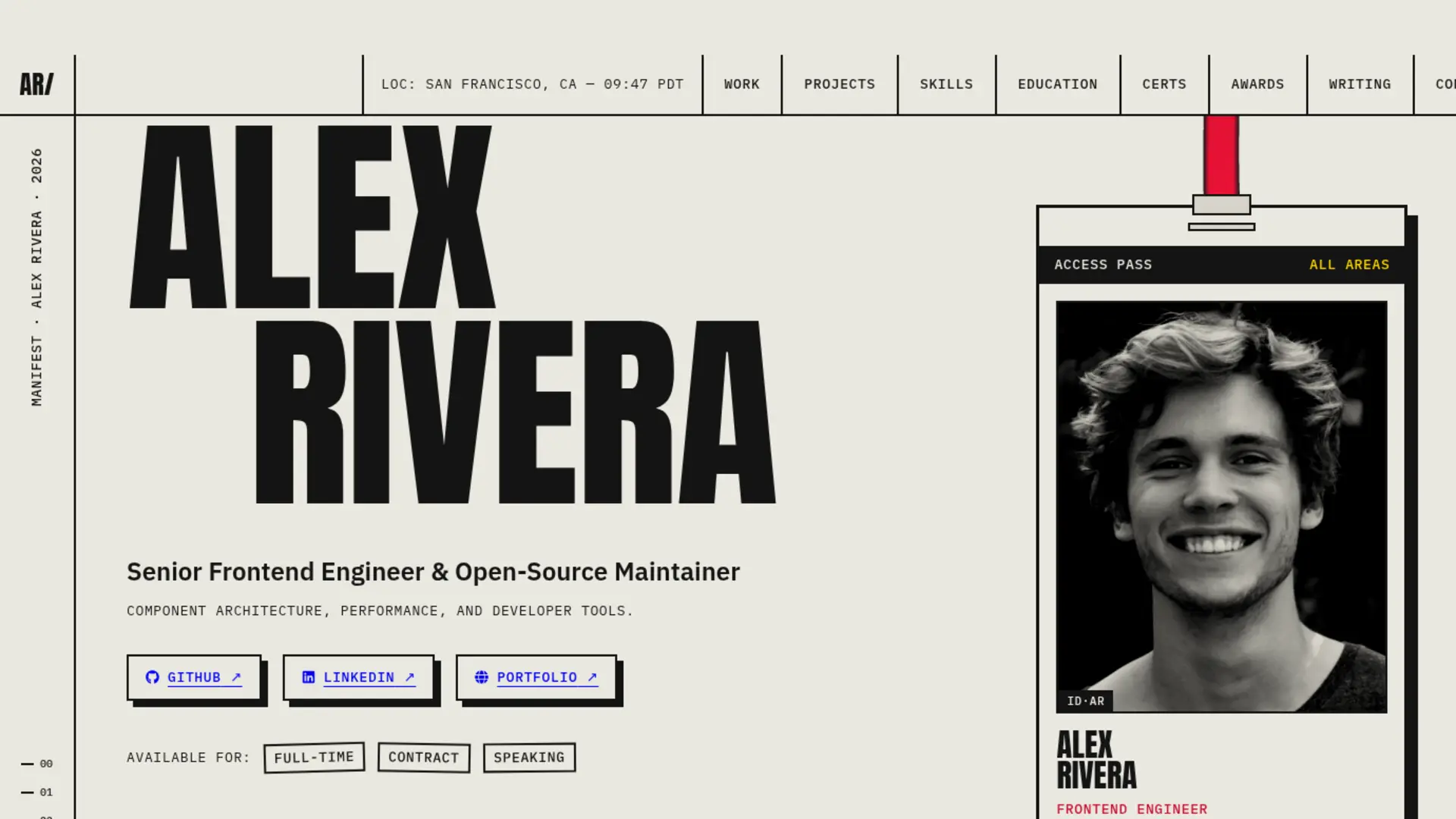

Brutalism
Raw & Industrial
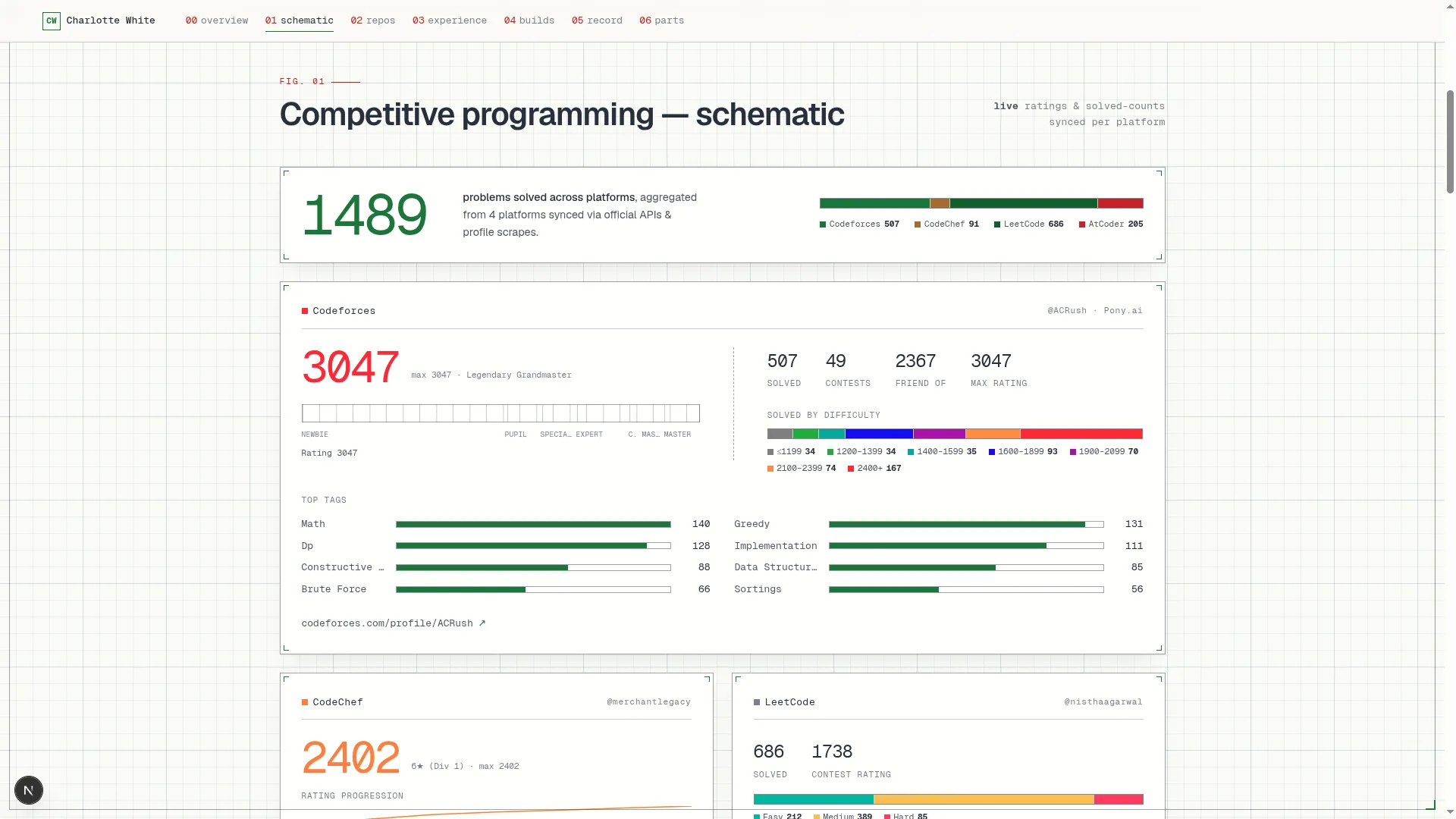

Blueprint
Coding & Competitive
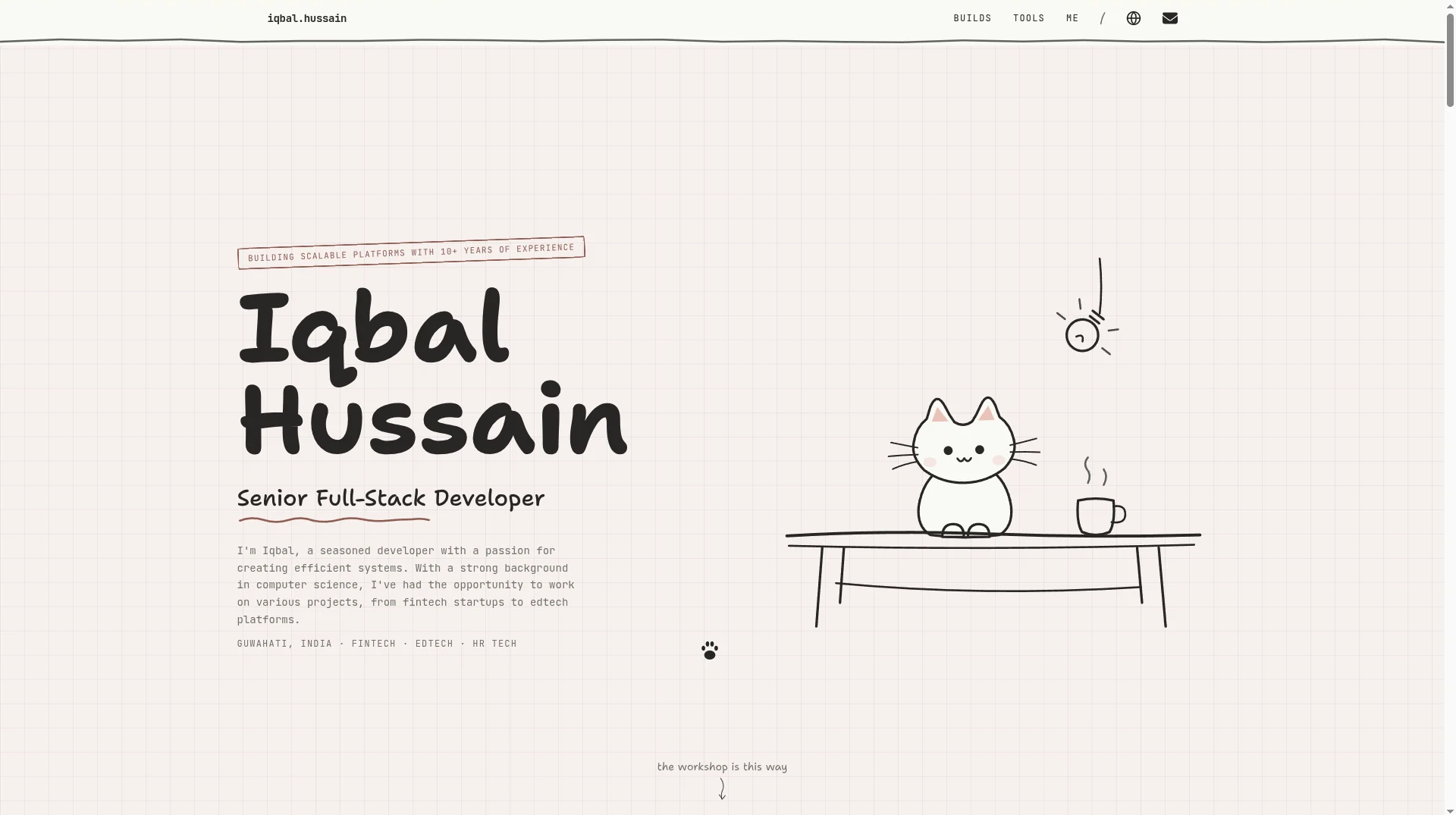

Workshop
Hand-drawn & Playful
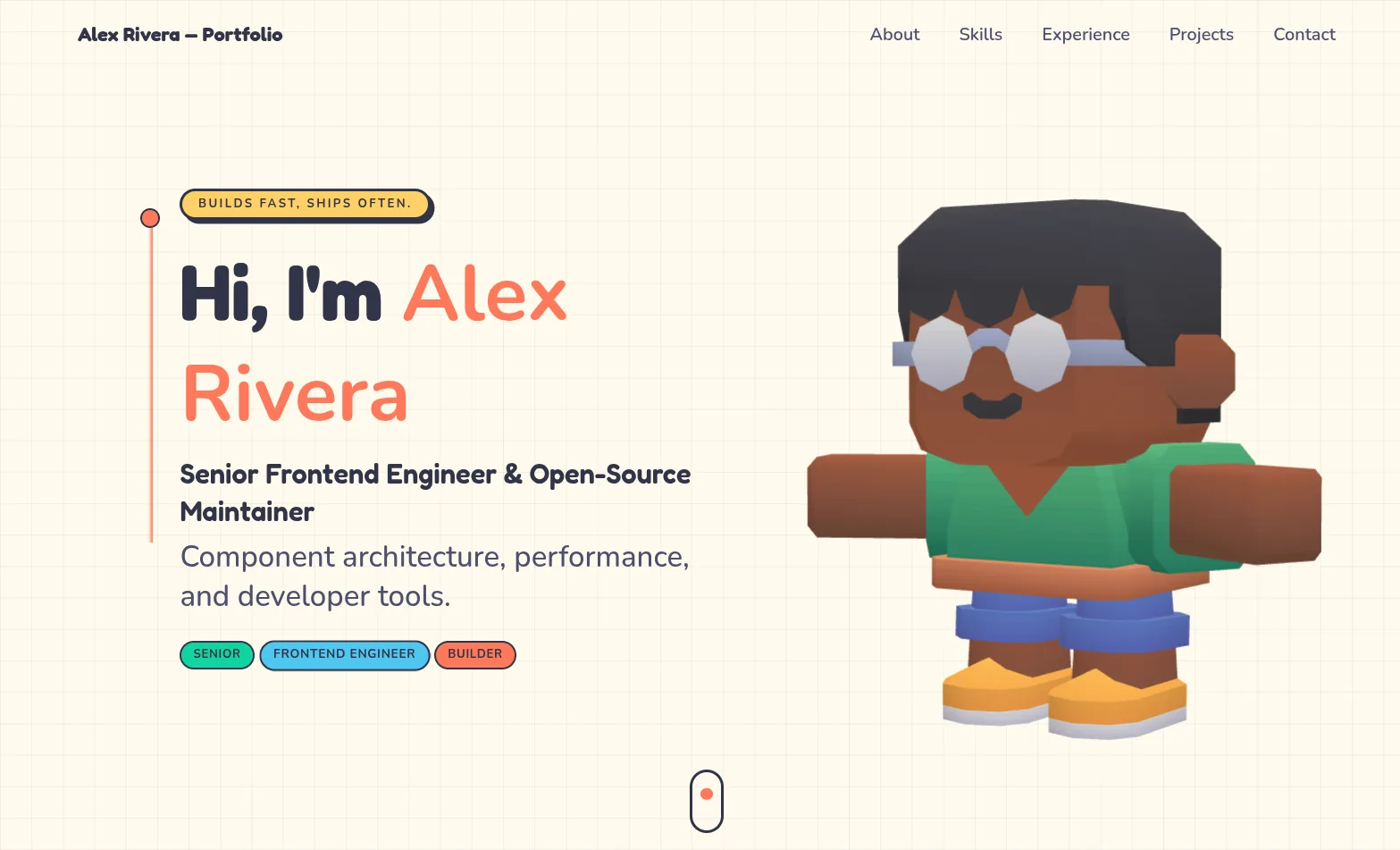

3D Studio
Interactive & Immersive
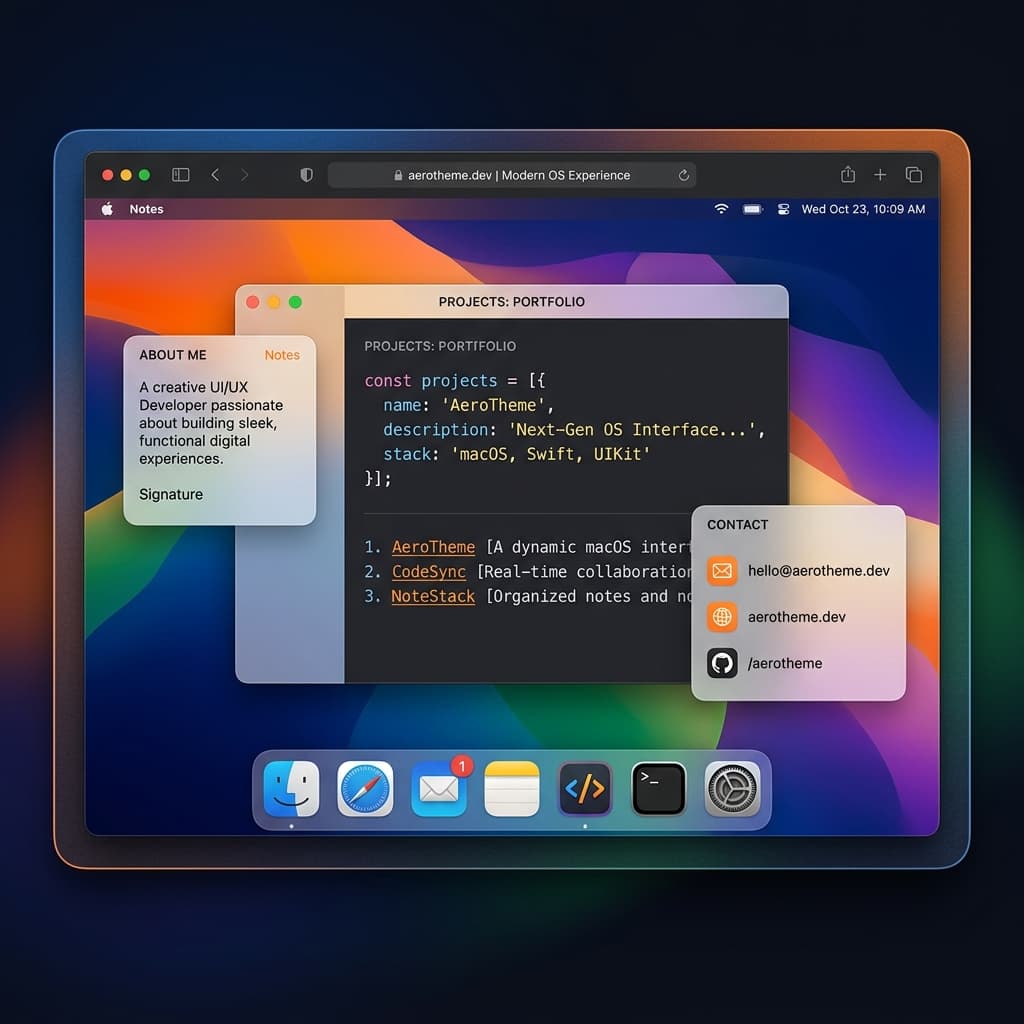

macOS Sequoia
Classic OS Simulator
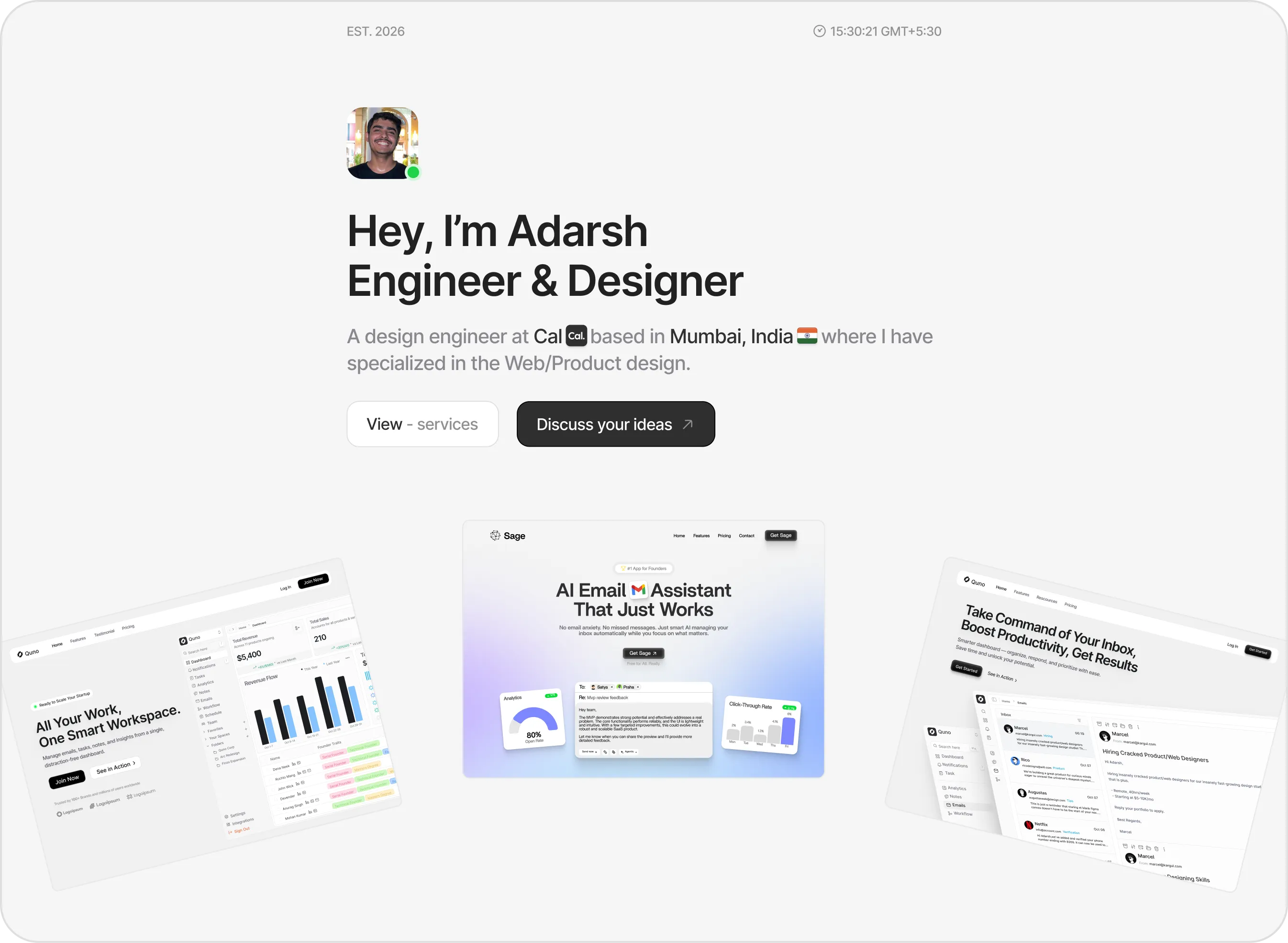

Sidefolio
Creative & Freelancer
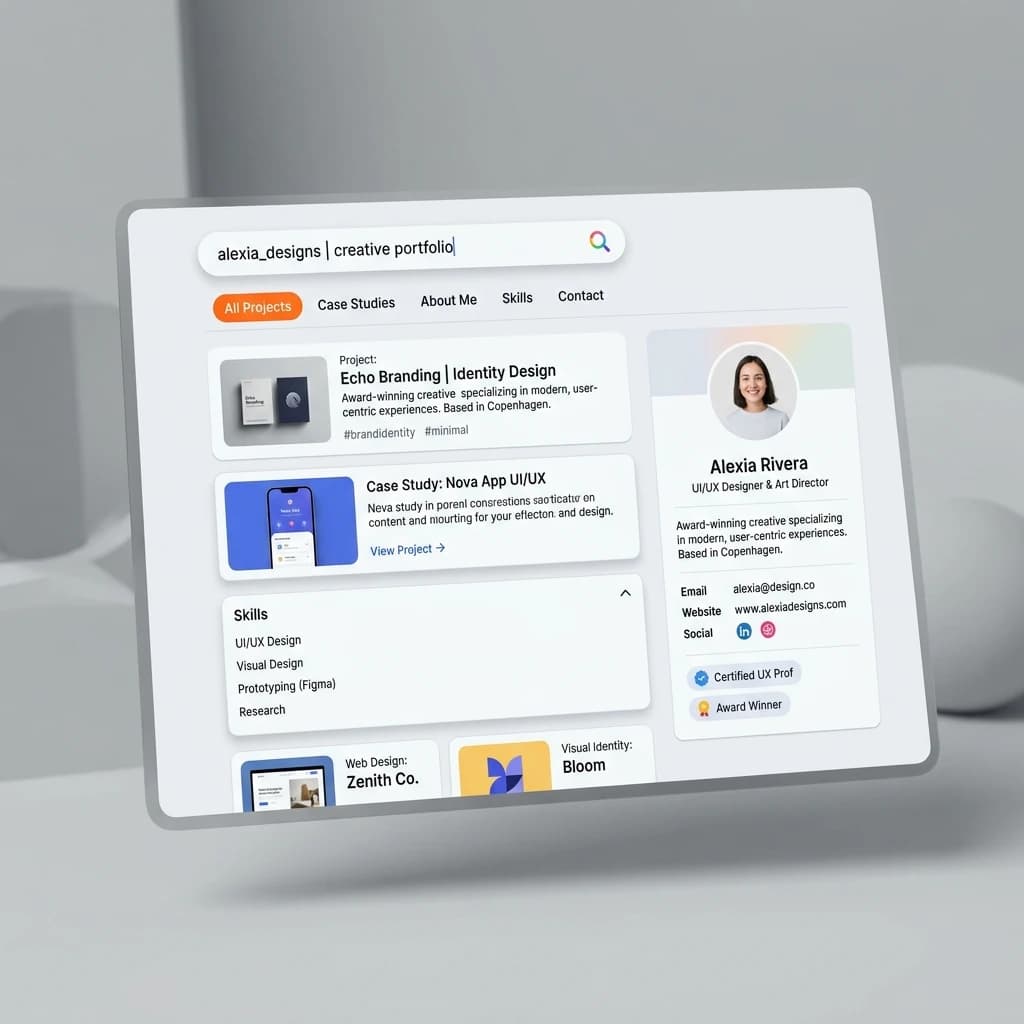

Google Search
SEO & Search Engine replica


Modern
Designer & Developer
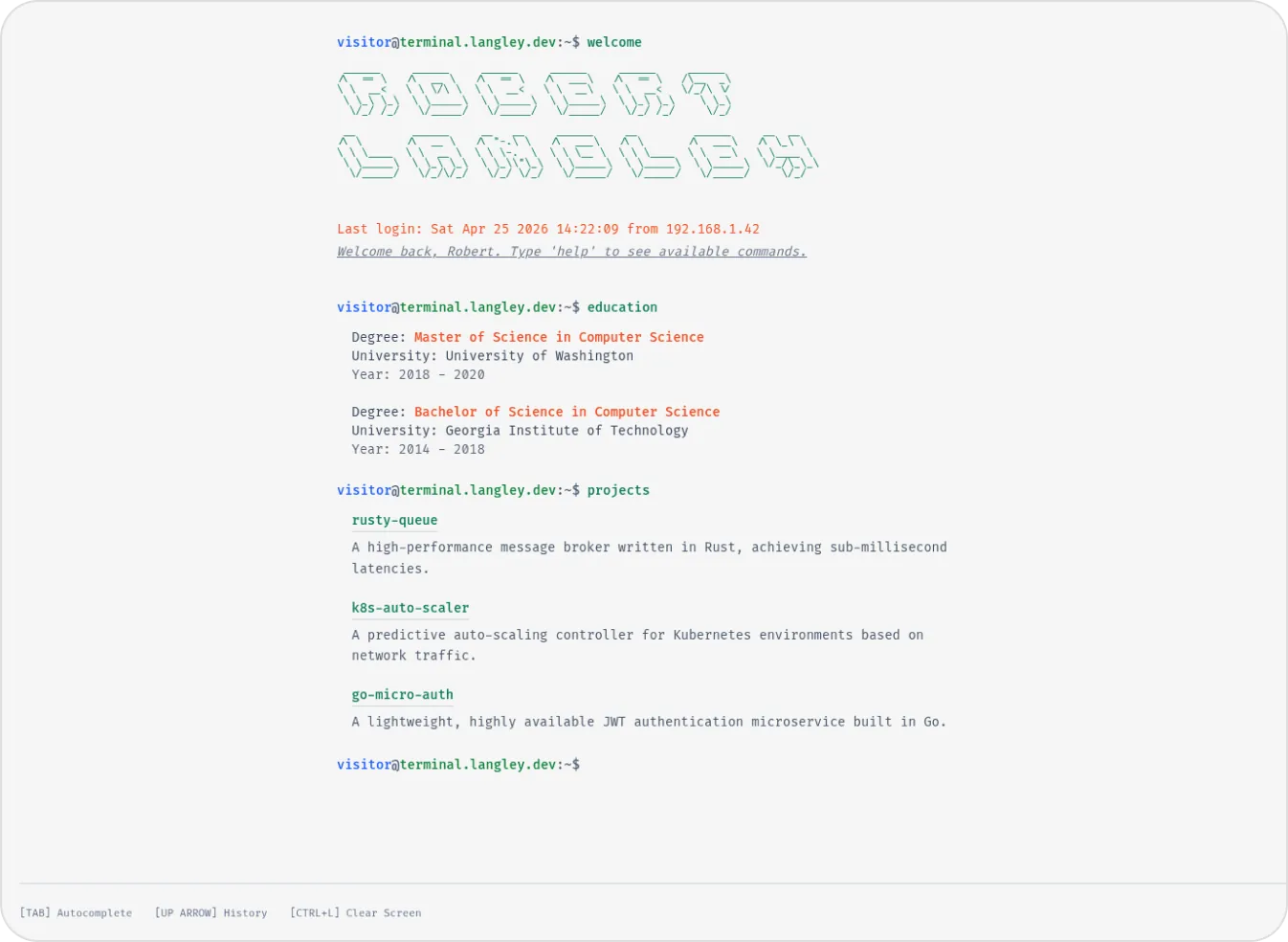

Terminal
Developer & Engineer
Margin
Editorial & Technical
Left Anchor
Anchored & Immersive
Persona
Refined & Personal
Brutalism
Raw & Industrial
Blueprint
Coding & Competitive
Workshop
Hand-drawn & Playful
3D Studio
Interactive & Immersive
macOS Sequoia
Classic OS Simulator
Sidefolio
Creative & Freelancer
Google Search
SEO & Search Engine replica
Modern
Designer & Developer
Terminal
Developer & Engineer