
Terminal Portfolio Template - Retro, Command-Line & Developer-First
Developer & Engineer
Overview
The Terminal theme brings a highly interactive, terminal-inspired CLI environment directly to your web portfolio. Tailored specifically for software engineers, systems programmers, DevOps builders, and technical leaders, it replaces conventional scrolling layouts with a retro-meets-modern terminal window that responds to user input in real-time.
Visitors can explore your career history, inspect your skill tree, launch deep-dive project files, and play with authentic Unix command utilities by simply typing in their queries. It is a bold, nostalgic statement that showcases technical prowess and immediate creativity.
Design Philosophy
Engineered around a retro CRT aesthetic, the Terminal theme blends high-performance accessibility with nostalgic nerd-culture charm. It avoids generic modern trends to deliver a hyper-focused developer workspace.
The UI leverages key characteristics that elevate it from a simple gimmick to a robust, responsive web client:
- Authentic Monospacing: Anchored on the ultra-clean
Geist Monofont family to guarantee character grid integrity and pristine ASCII layout alignments. - CRT Simulation Overlay: Subtle horizontal scanline patterns and text-shadow glow effects deliver a realistic phosphor monitor feel.
- Color Customization: Overridable color configurations allow users to change accents, backgrounds, and text styling for custom amber, green, or monochrome palettes.
- Prompt Architectures: Multiple prompt pre-styling formats - such as modern
❯arrows, minimal~$icons, or custom host prefixes likevisitor@local:~$.
Key Features
Interactive CLI Shell
A fully operational browser command shell supporting complex inputs, arrow keys history, and Tab completion.
Vintage CRT Scanlines
Optional phosphor-screen scanline overlays and text glow shadows mimicking retro terminal hardware.
Dynamic Section Pruning
Built-in command paths disappear and gate automatically from autocomplete if resume data is missing.
clever UNIX Easter Eggs
Includes nostalgic easter eggs like matrix rain canvas, cowsay bubbles, and simulated system deletions.
Tip
Try typing Tab or Right-Arrow in the prompt for instant command completion, or use the Up / Down Arrow keys to walk through your previous command history!
Sections Breakdown
Instead of traditional scrollable rows, your resume categories are mapped directly into a responsive shell environment. The system translates structured data fields dynamically, hiding empty categories entirely to defend against empty command outputs.
Interactive CLI & Help Command
By typing help or pressing tab, visitors get a direct list of commands showing what resume details they can load. The theme handles all routing internally to deliver instant response times.
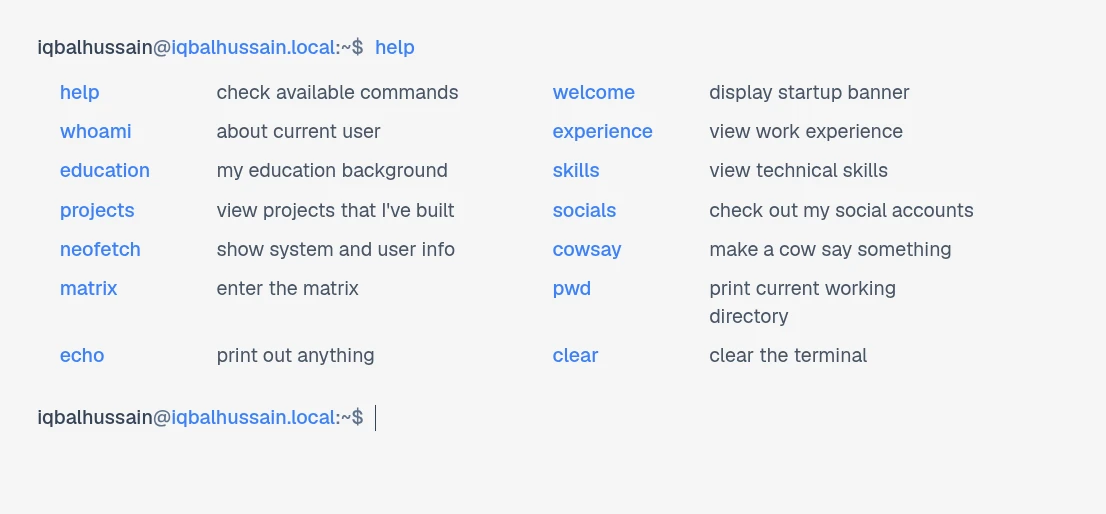
The terminal theme interactive CLI displaying available commands and tab-autocomplete suggestions.
System Specifications (neofetch)
Running neofetch displays a custom-designed ASCII brand icon alongside live-computed parameters pulled from your resume:
- OS Kernel: Mapped directly to your highest degree level.
- CPU & Memory: Calculated from your primary technical skill trees and total accumulated years of work experience.
- Uptime & Shell: Derived from your active career longevity and stable shell revisions.
- Battery Status: A humorous coffee battery charging readout to surprise your visitors!
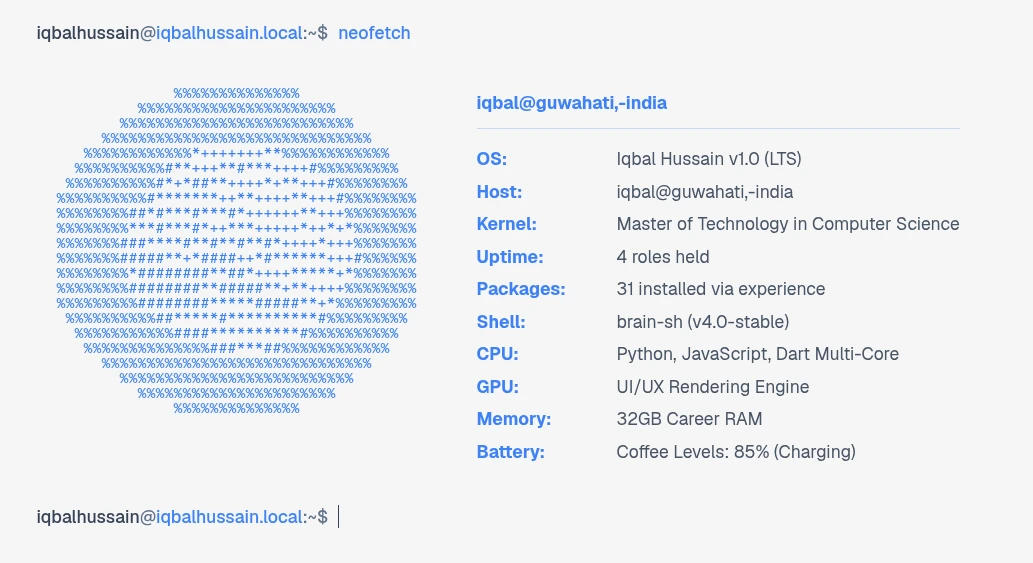
The neofetch command compiles structured resume stats into high-fidelity terminal specifications.
UNIX Whimsies & Easter Eggs
To keep visitors engaged and make your portfolio truly memorable, the theme integrates classic UNIX easter eggs:
cowsay [msg]: Summons a classic ASCII cow inside your terminal to say whatever message the visitor passes in, or defaults to a professional hire pitch.matrix: Triggers a stunning full-screen digital green rain cascade, rendered smoothly via hardware-accelerated Canvas. Any keystroke exits back to the terminal.sudo rm -rf /: Tries to invoke root powers to delete the system. Displays a warning and a mock deletion progress bar before locking access with an immutable firewall alert.
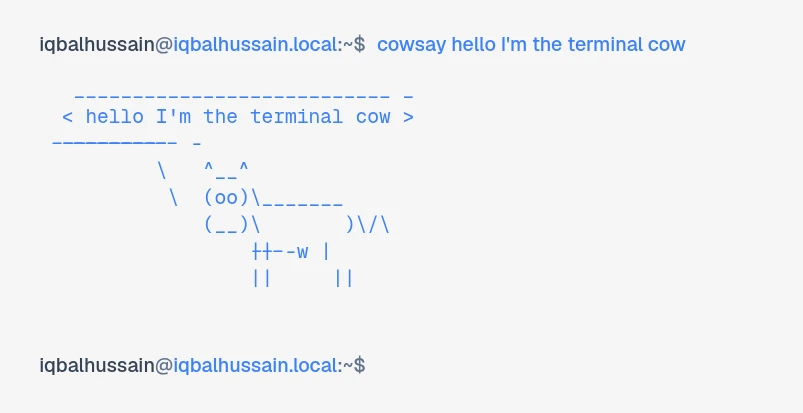
Unix nostalgia at its finest: the cowsay command dynamically wraps and presents arguments in a fun speech bubble.
Supported Commands
The Terminal theme translates all resume sections into a clean directory-like experience:
| Command | Description | Details / Options |
|---|---|---|
| help | Renders the help menu showing all active, authorized commands. | Tab / CTRL+I |
| whoami | Displays personal profile info: name, email, location, and phone. | Null-safe integration |
| experience | Generates an interactive, step-by-step career history layout. | Formatted bulleted items |
| skills | Lists and categories all your technical skills side-by-side. | Grouped brackets display |
| projects | Renders active project links with technology badges. | Presents live target URLs |
| socials | Retrieves links to all your connected platforms (GitHub, LinkedIn). | Direct external hyperlinks |
| neofetch | Outputs standard system specs and calculated profile stats. | Custom brand ASCII logo |
| cowsay | Triggers the speech bubble ASCII cow easter egg. | cowsay [custom message] |
| matrix | Launches a fullscreen Matrix digital green rain sequence. | Press any key to close |
| sudo | Performs simulated superuser operations. | sudo rm -rf / |
| clear | Clears the active shell workspace history and buffers. | Ctrl+L shortcut |
Explore more themes
View all →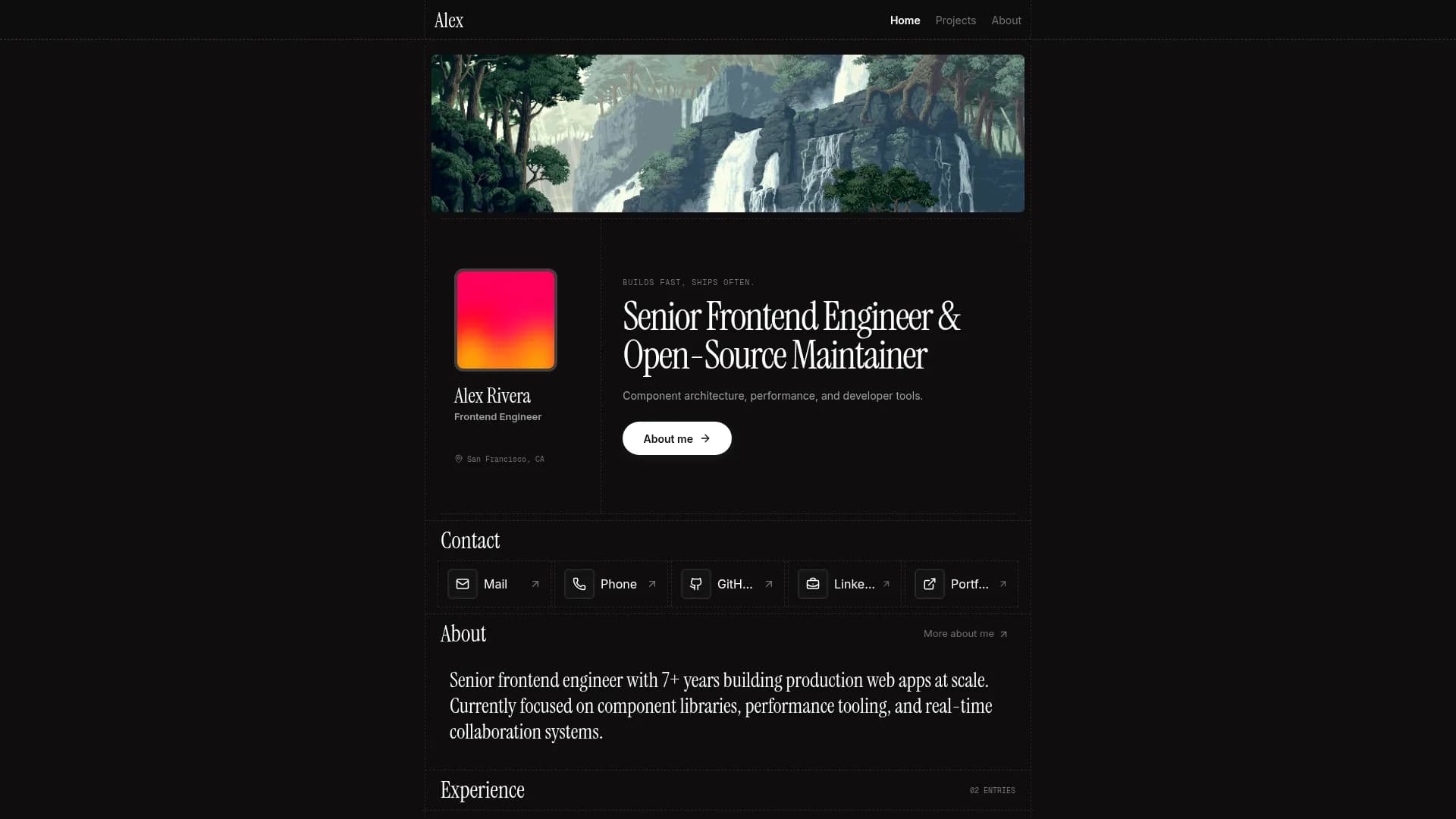

Margin
Editorial & Technical
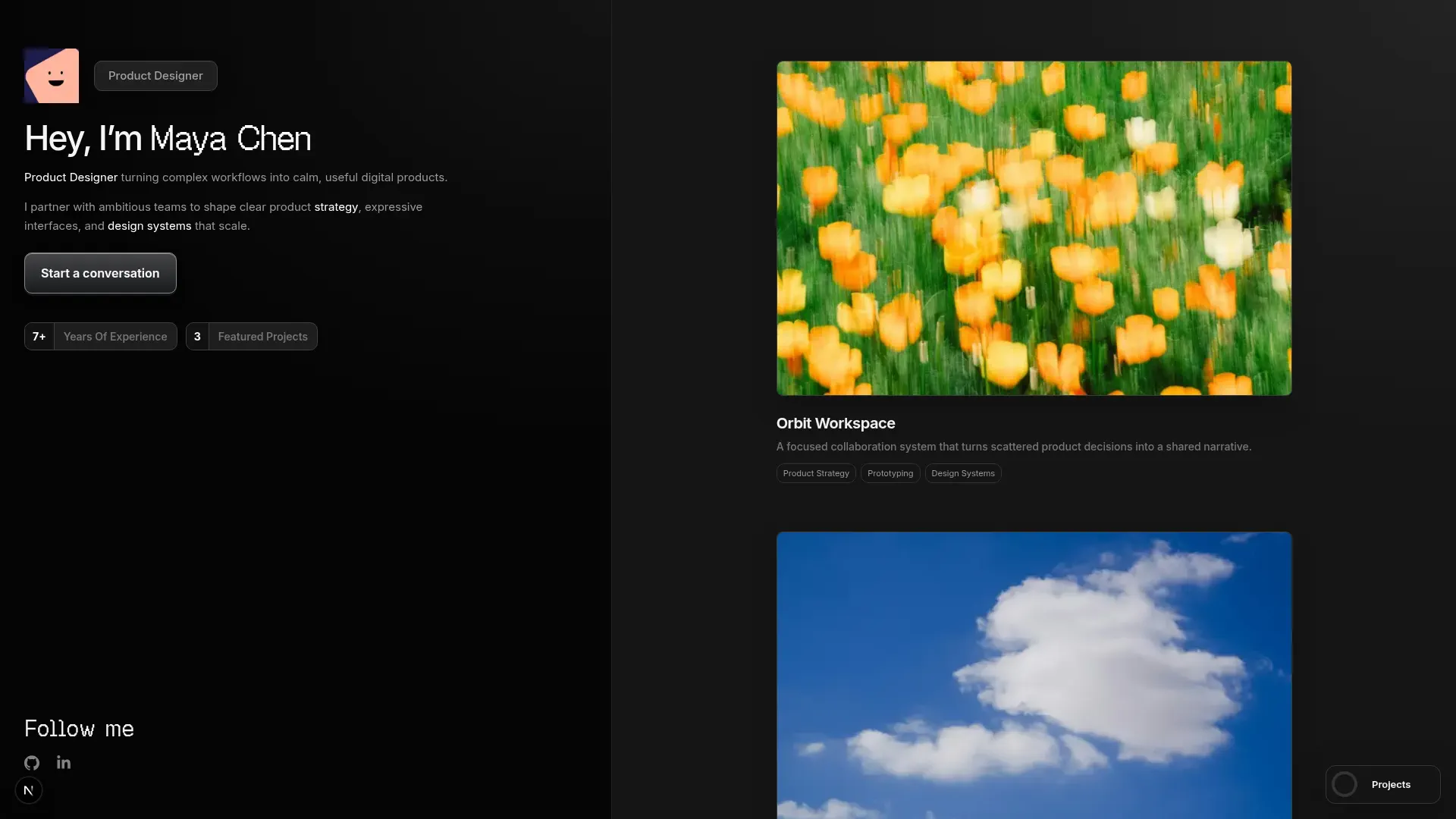

Left Anchor
Anchored & Immersive
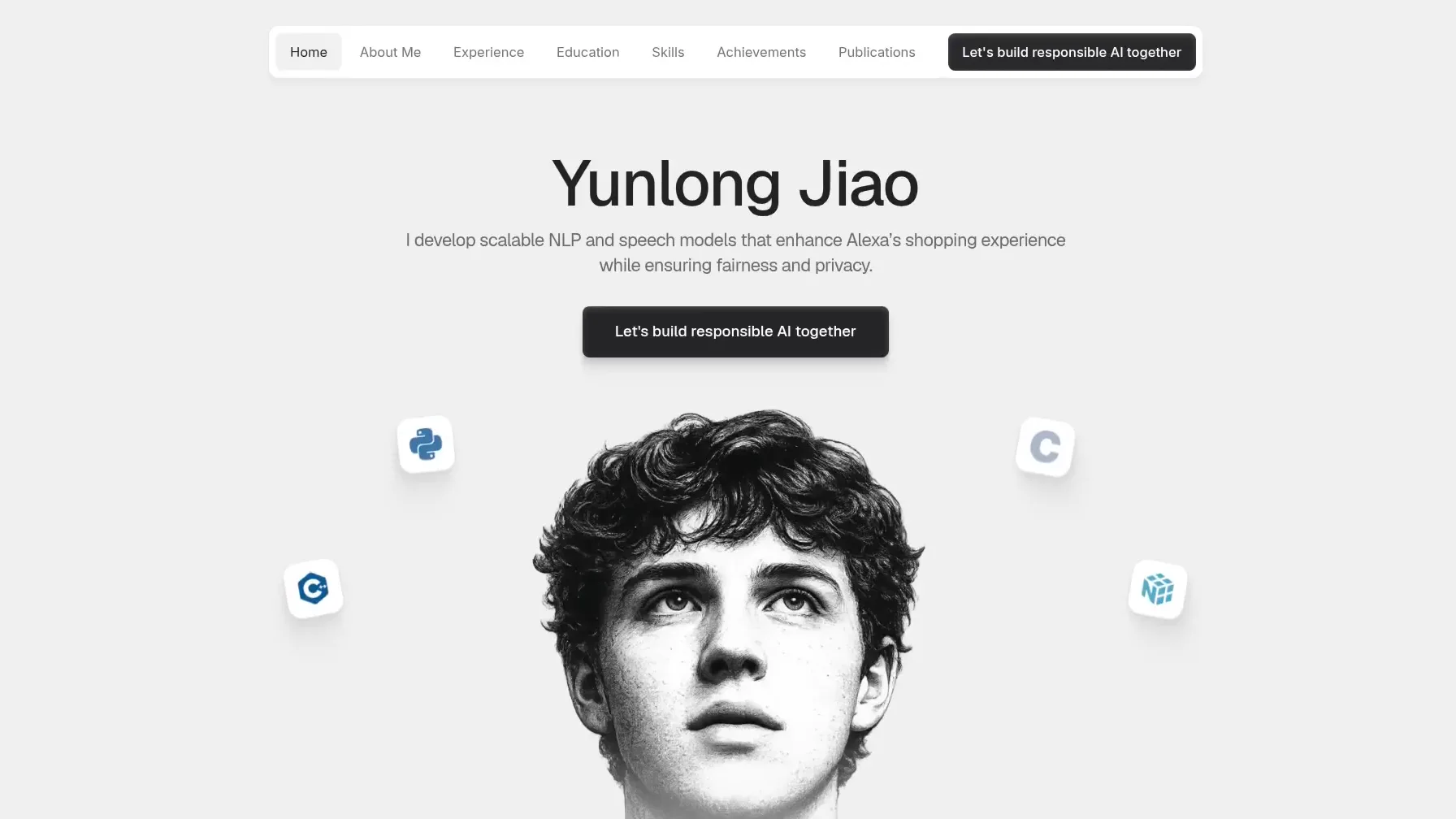

Persona
Refined & Personal
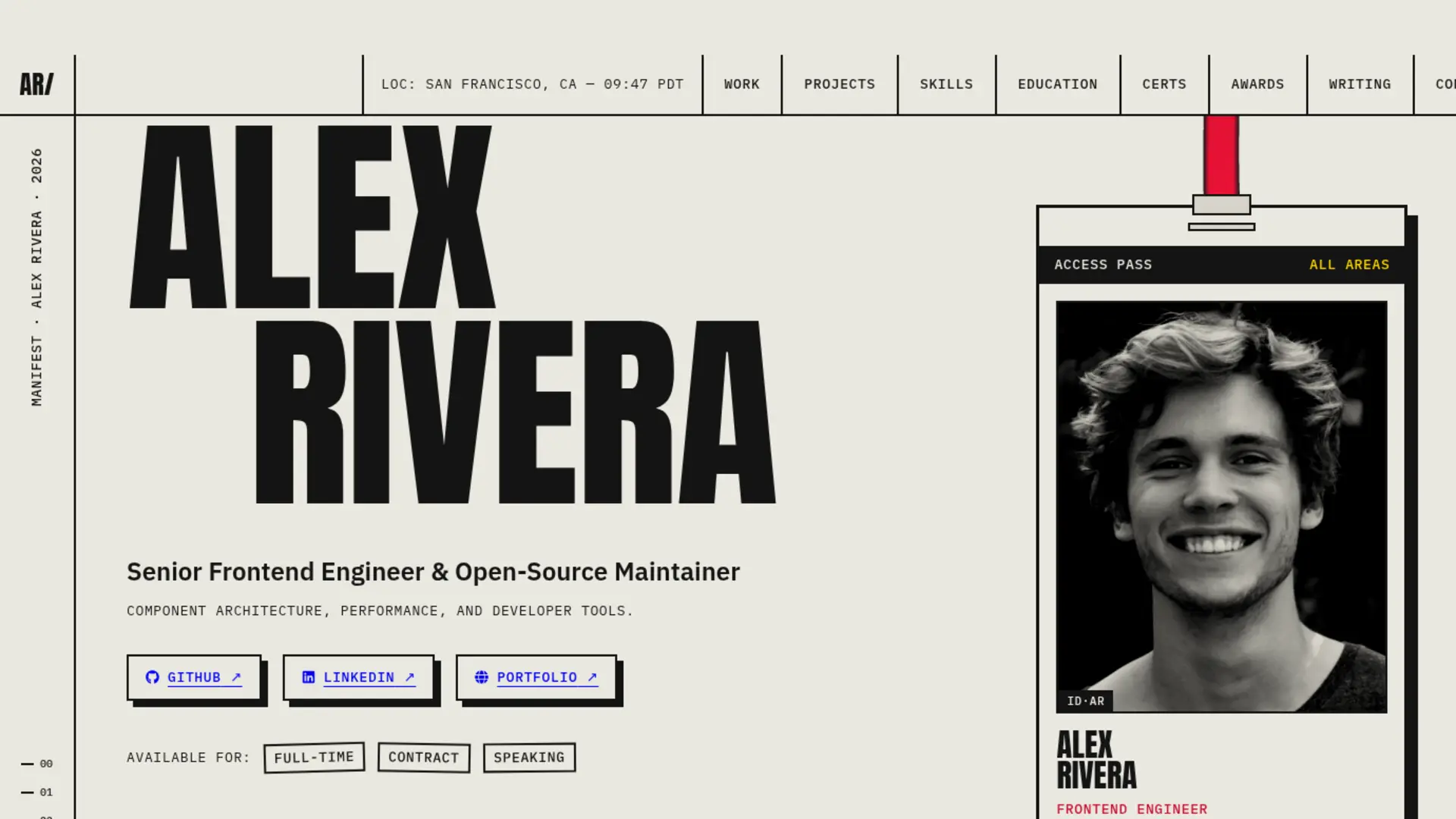

Brutalism
Raw & Industrial
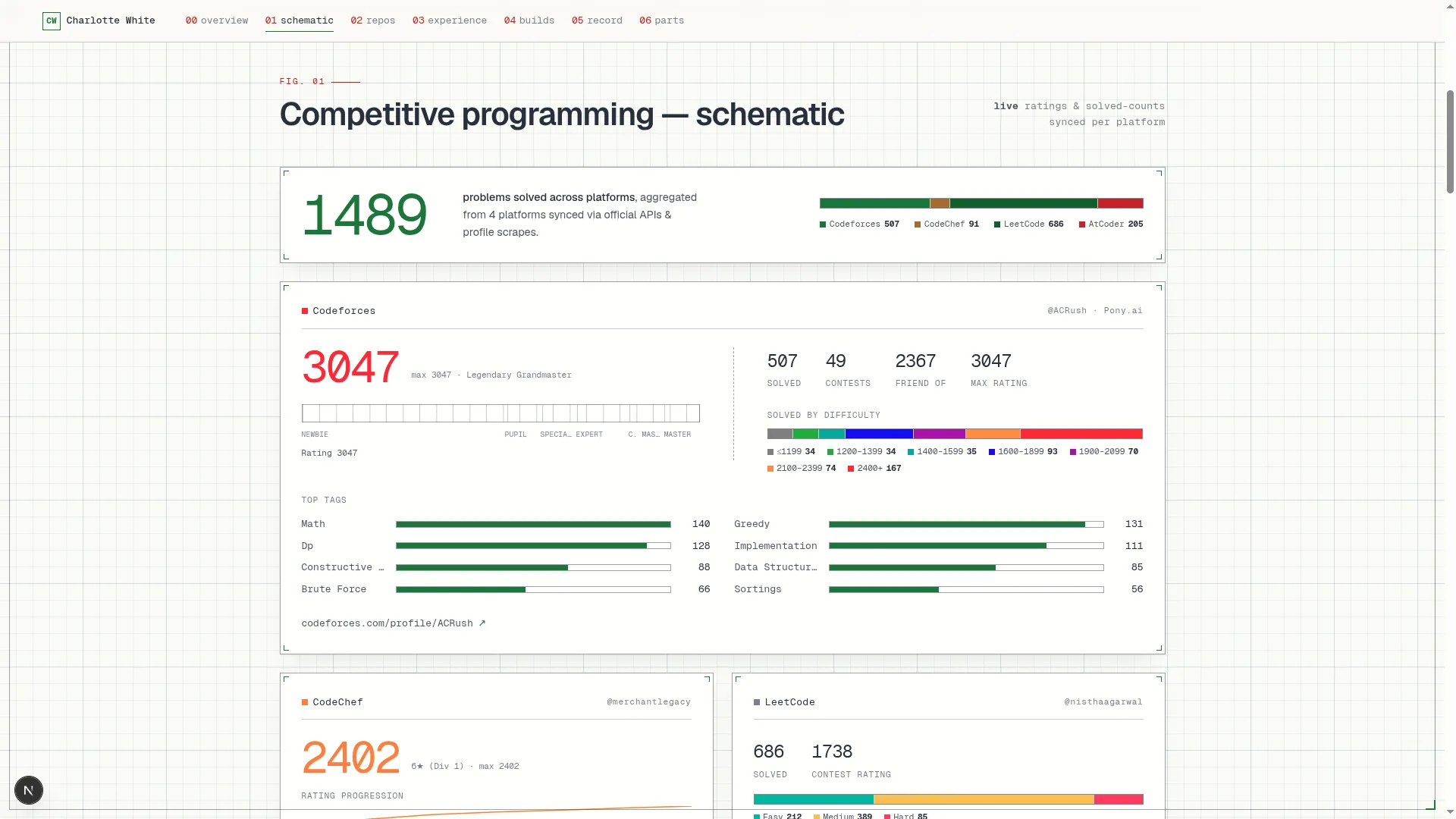

Blueprint
Coding & Competitive
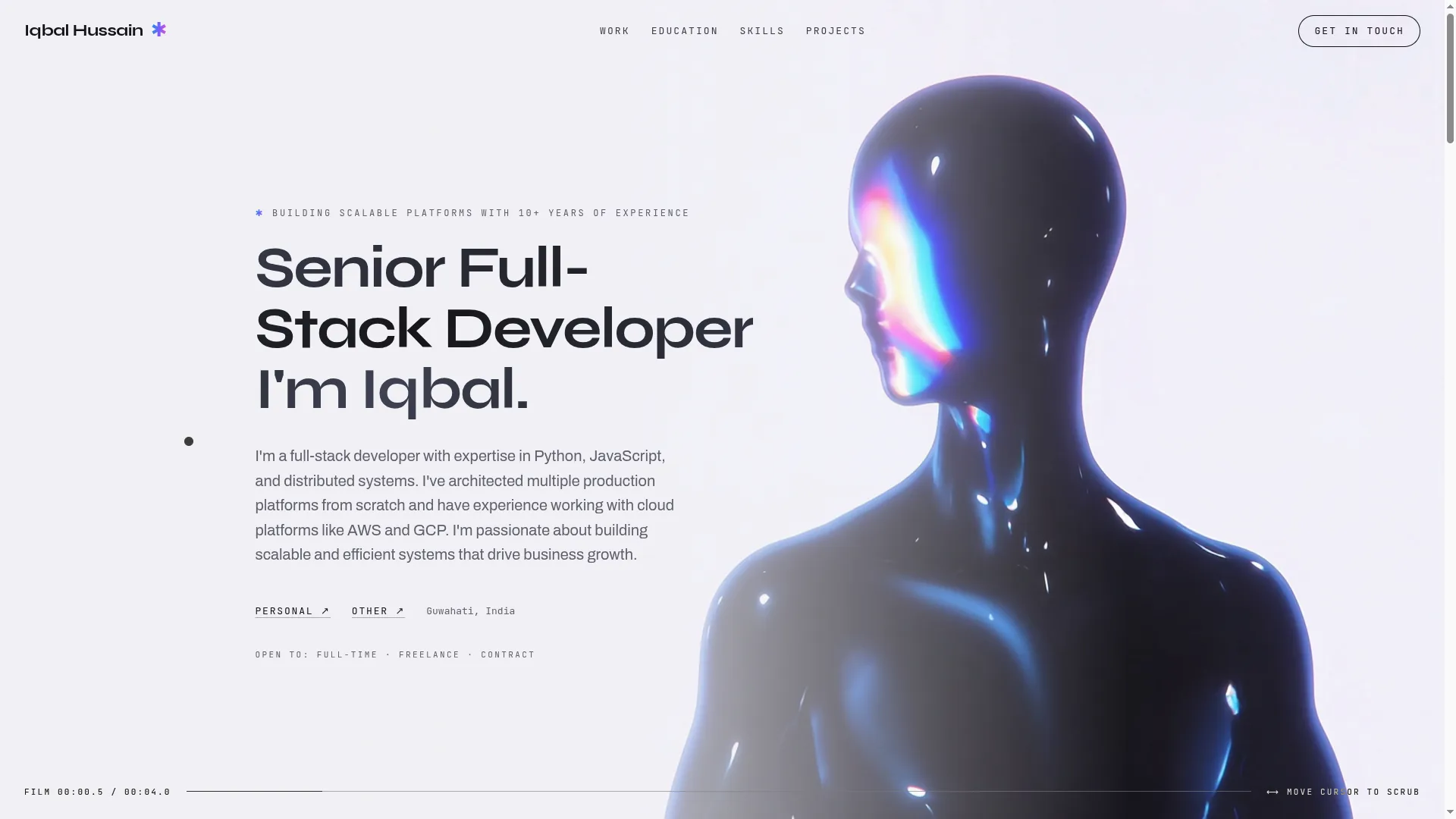

Mainframe
Cinematic & Editorial
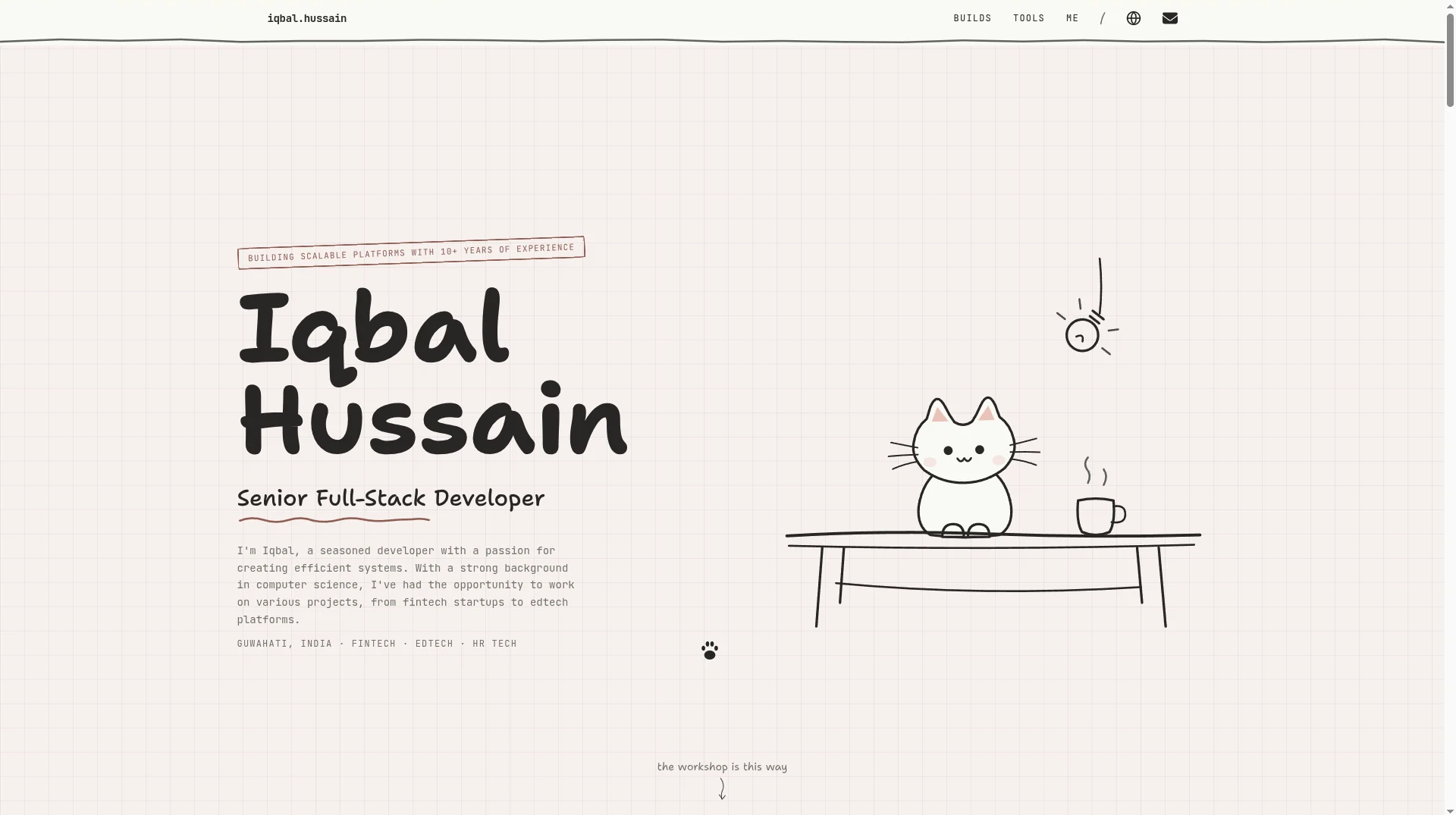

Workshop
Hand-drawn & Playful
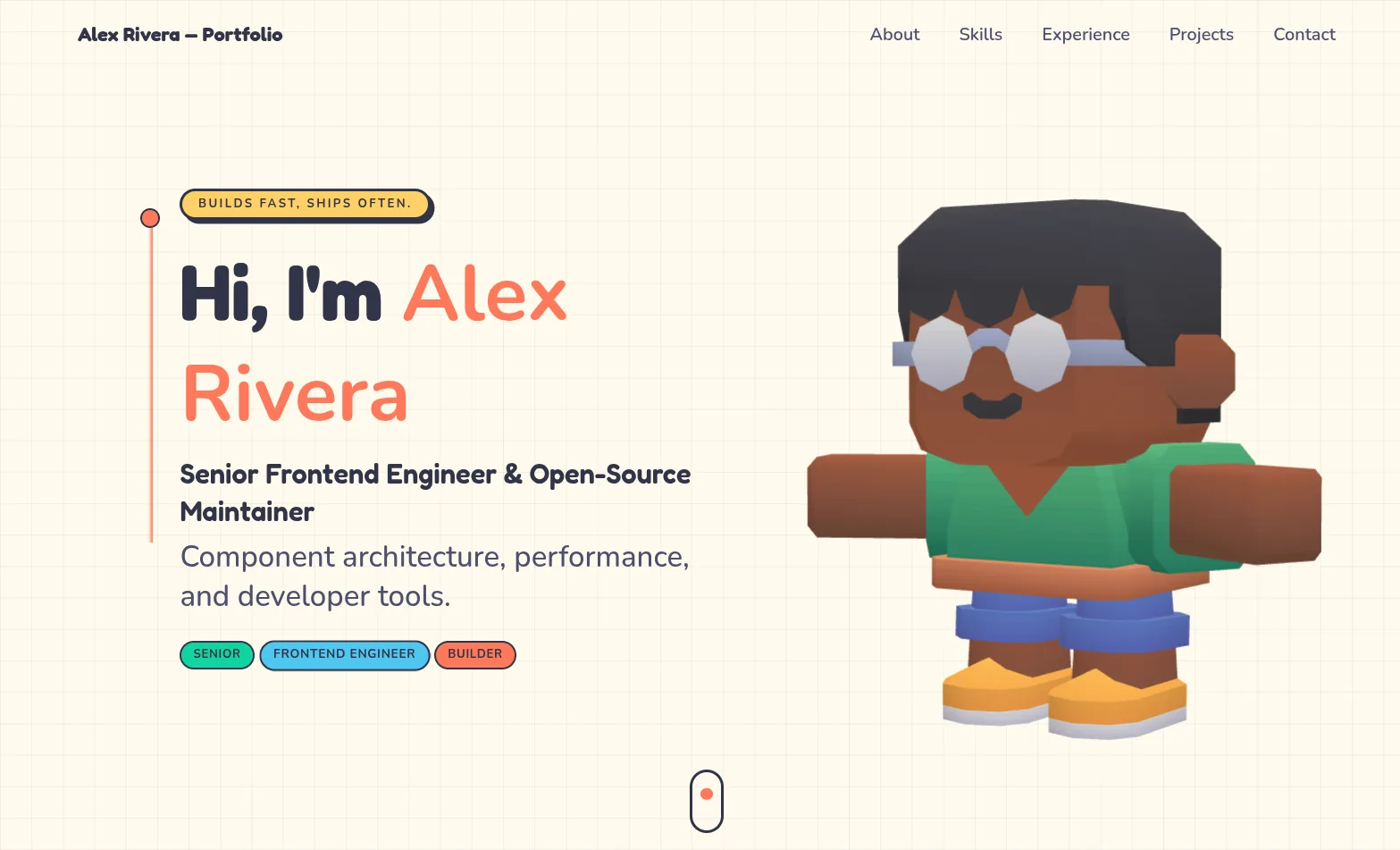

3D Studio
Interactive & Immersive
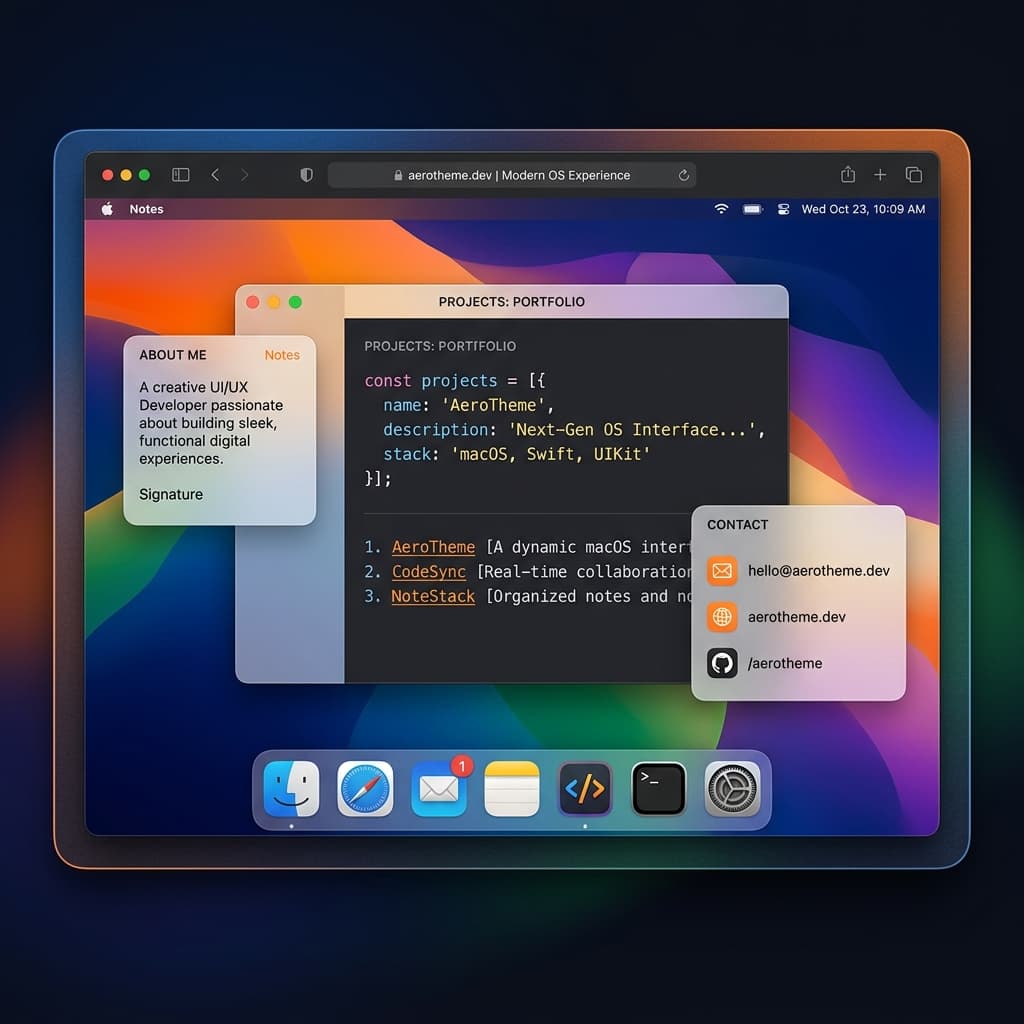

macOS Sequoia
Classic OS Simulator
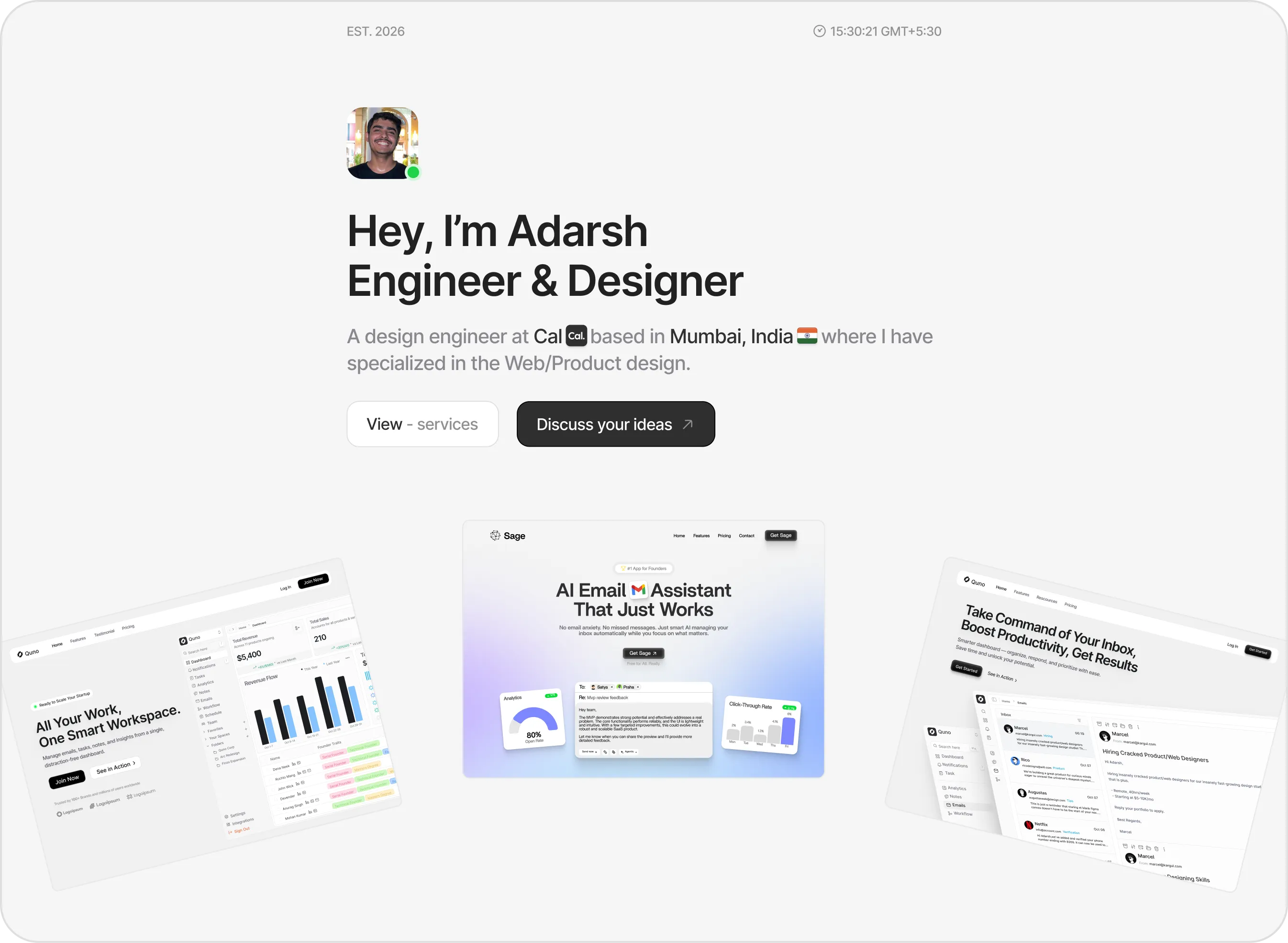

Sidefolio
Creative & Freelancer
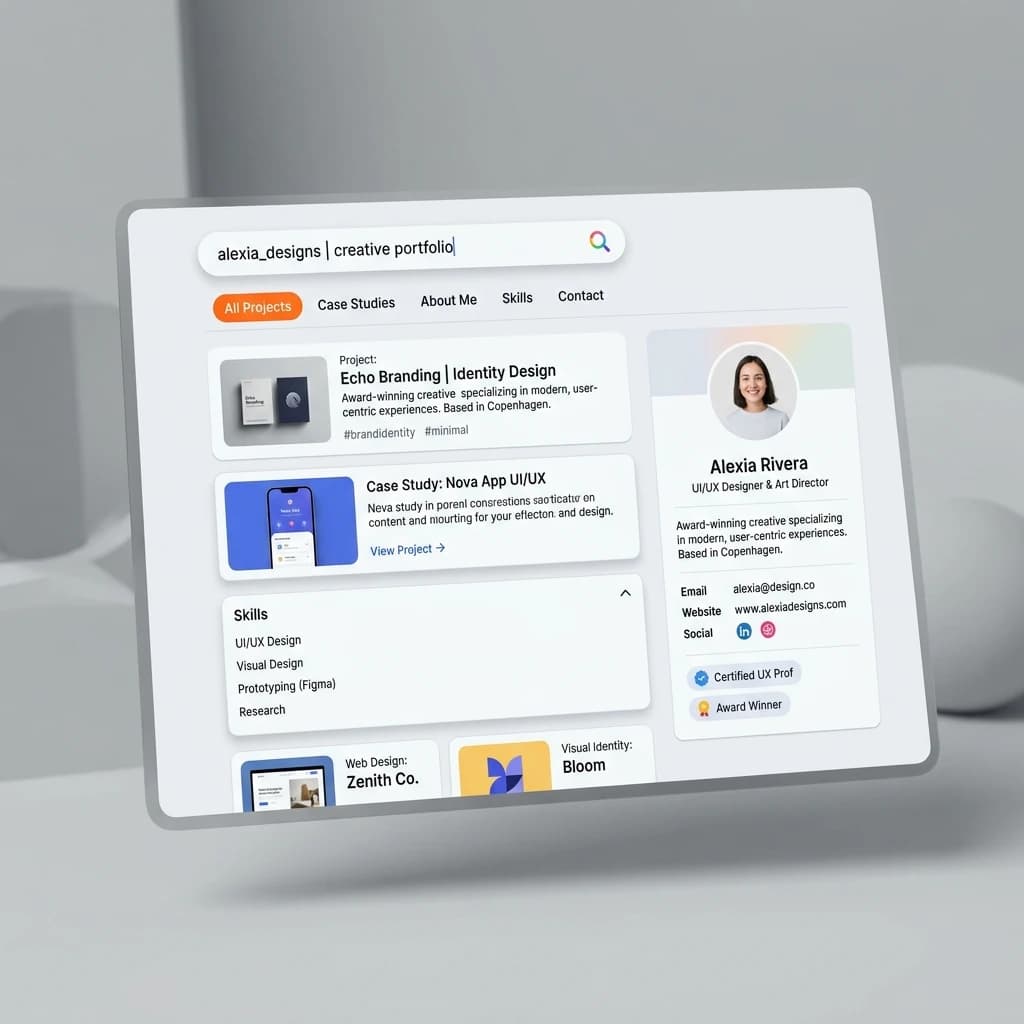

Google Search
SEO & Search Engine replica


Modern
Designer & Developer
Margin
Editorial & Technical
Left Anchor
Anchored & Immersive
Persona
Refined & Personal
Brutalism
Raw & Industrial
Blueprint
Coding & Competitive
Mainframe
Cinematic & Editorial
Workshop
Hand-drawn & Playful
3D Studio
Interactive & Immersive
macOS Sequoia
Classic OS Simulator
Sidefolio
Creative & Freelancer
Google Search
SEO & Search Engine replica
Modern
Designer & Developer