
Modern Portfolio Template - Minimal, Clean & Professional
Designer & Developer
Overview
The Modern theme is the flagship visual layout of itsfolio, bringing a premium editorial, corporate-automotive aesthetic to your portfolio. Fusing clean layout grids, high-contrast type scales, and smooth reactive transitions, it is built for designers, developers, and product creators who want a polished, high-end professional showcase right out of the box.
Every section alternates backgrounds seamlessly between crisp white and soft light grays to guide the visitor's eyes organically through your experience timeline, skills, and projects.
Design Philosophy
Modern is engineered around structural clarity, combining subtle borders, generous whitespace, and responsive container controls:
- Editorial Typography Scale: Employs a strict 700/300 weight split - bold, structured headings layered against light, highly legible body copy.
- Alternating Row Visuals: Alternates page sections between pure white and soft gray backgrounds to define clear visual boundaries without resorting to heavy lines.
- True Container Queries (
@container): Replaces standard viewport-based media queries with container queries. This ensures components adapt and resize dynamically inside editor panels or dashboard mockups, scaling cleanly at any width. - Drag-to-Reorder Layout: Built-in dashboard drag handles let you rearrange experience, skills, projects, and achievements in any order instantly.
Key Features
Editorial Typography
Strict 700/300 weight split with alternating section backgrounds for visual rhythm and readability.
Container Queries
Responsive inside editor preview panes - adapts smoothly to container width, not just the viewport.
Drag-to-Reorder Grid
Rearrange work, skills, projects, and achievements in any order dynamically from the editor.
Three Skill Displays
Pick between clickable tabbed tags, animated proficiency progress bars, or compact text lists.
Tip
Modern is the default theme automatically applied to all new itsfolio accounts. It is highly versatile and works beautifully for all professionals right out of the box!
Sections Breakdown
The Modern theme translates your structured resume content into specialized, editorial components:
Avatar Slots & Accent Alignments
The top Hero section automatically resolves and centers your name, subtitle, email contacts, and social CTAs. The theme customizer lets you override global accent colors and dynamically upload avatars, instantly refreshing every highlight border and button accent on the page.
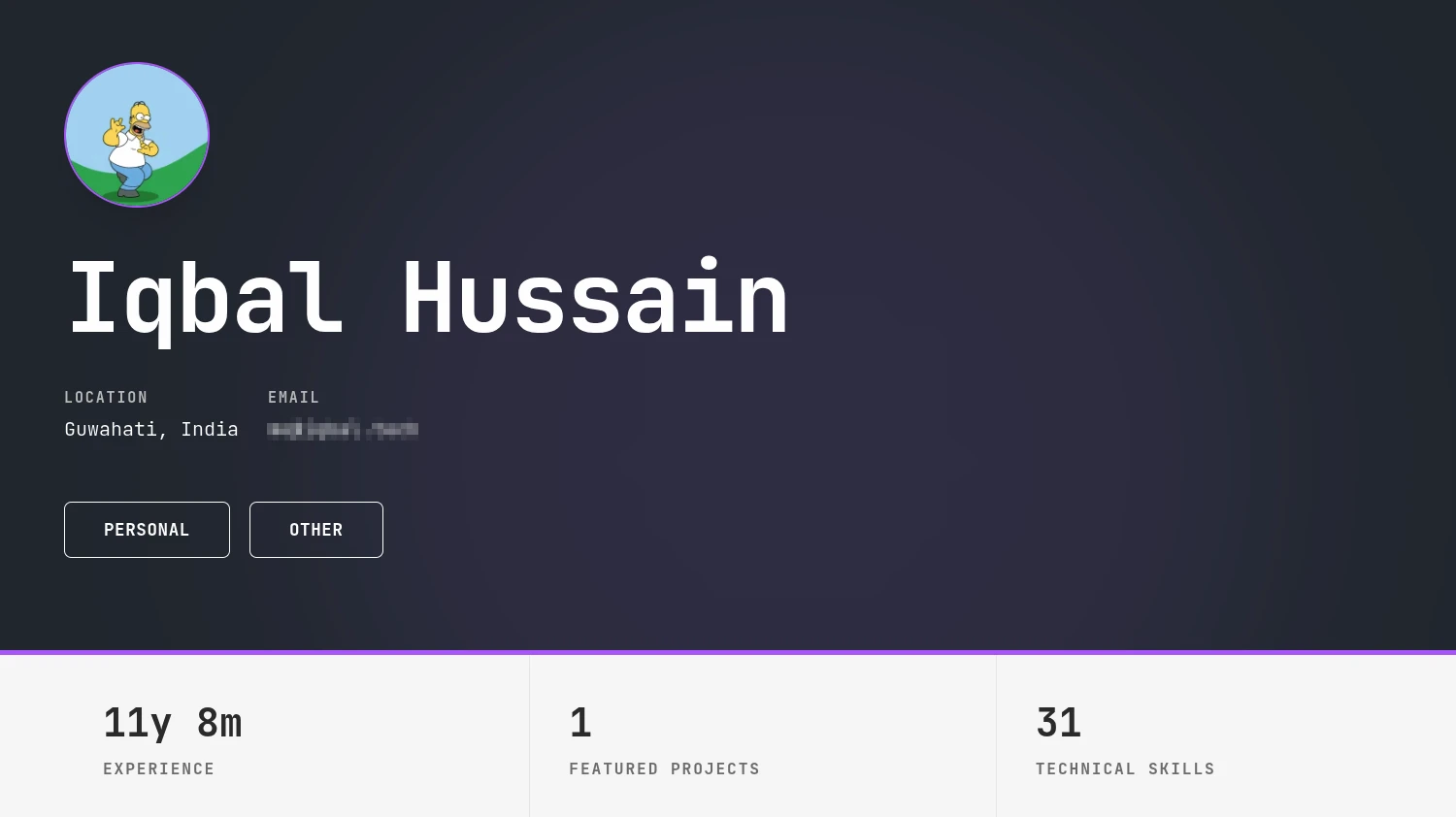
Dynamic profile picture slot resolution and theme accent color selectors in the dashboard editor.
Skills Progress Systems
Modern offers three distinct ways to visualize your technical skills. One of the most engaging is the Animated Progress Bars layout, which displays a horizontal bar representing your experience levels, complete with scroll-triggered animation fills.
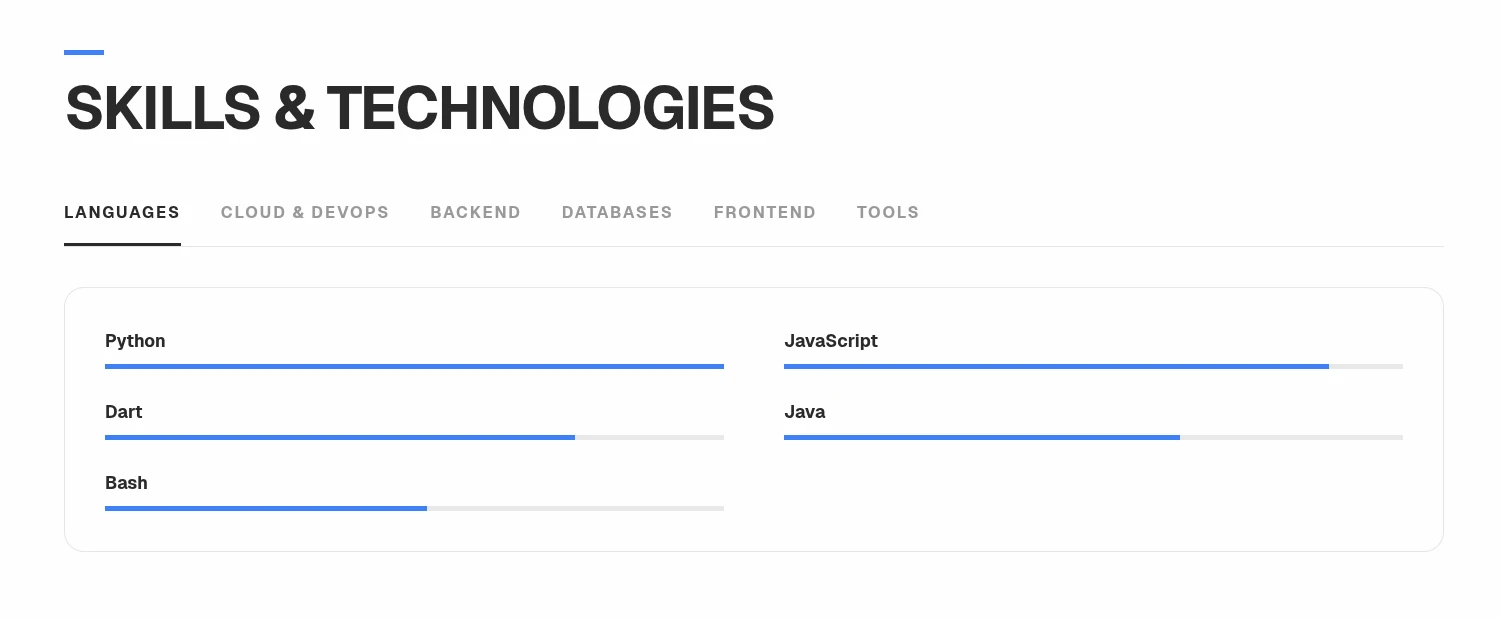
Clickable skill selectors and animated skill progress meters, dynamically populated from experience listings.
Dynamic Theme Customization
The Modern theme leverages the standard global controls alongside Modern-specific configuration overrides:
| Configuration Key | Visual Effect | Customizable Options |
|---|---|---|
| color | Sets the primary highlight accent tone for buttons, focus rings, and active tags. | 16 color presets or custom hex values |
| fontId | Alters the typography pairing across headings and content rows. | Geist, Inter, Outfit, DM Sans, Plus Jakarta Sans |
| borderRadius | Determines corner rounding levels for cards and buttons. | sharp (flat corners) | rounded (smooth) | pill (rounded) |
| spacing | Adjusts vertical row padding and spacing between content groups. | compact | default | relaxed |
| modern.heroStyle | Swaps the visual layout style for the hero section. | default (centered with stats) | clean (minimal text) |
| modern.cardStyle | Toggles outlines vs. clean shadows on content rows. | outlined | clean-shadow |
| modern.skillDisplay | Swaps the presentation layout for technical skills. | Tabbed Tags (tab filters) | Animated Bars (proficiency) | Compact List |
| modern.projectColumns | Sets the column rendering grid for your projects. | 1 Column List | 2 Column Grid |
Explore more themes
View all →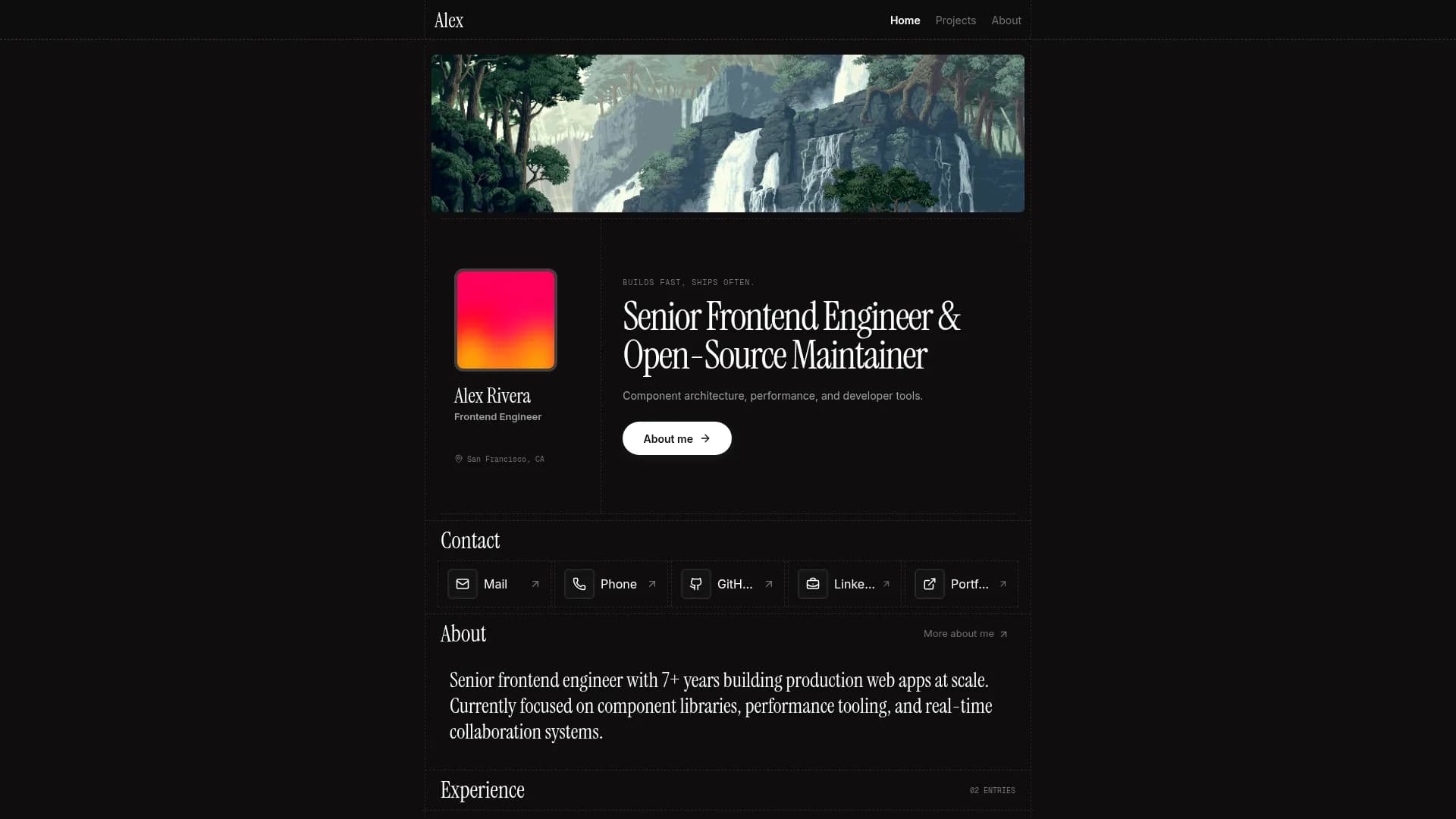

Margin
Editorial & Technical
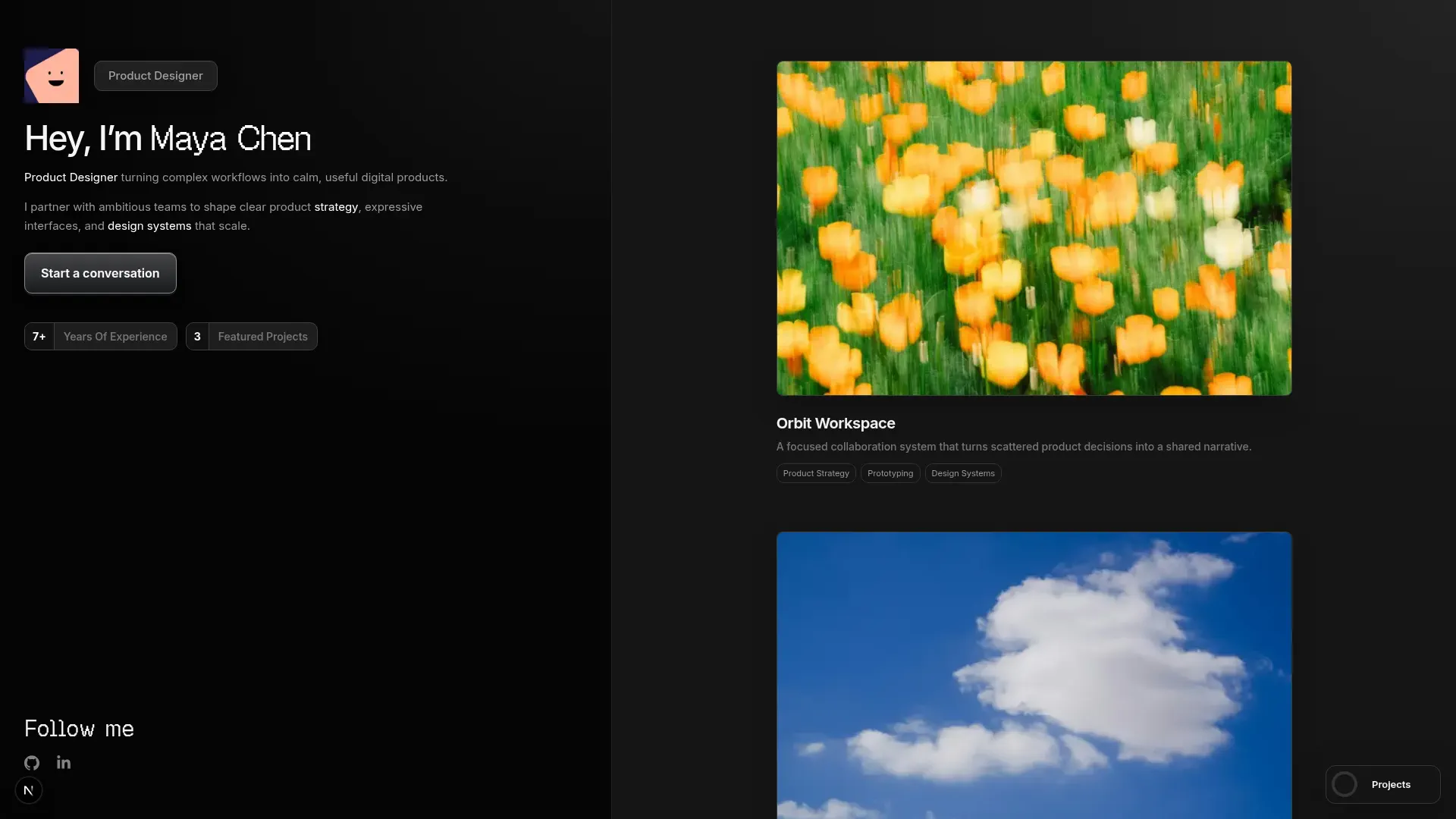

Left Anchor
Anchored & Immersive
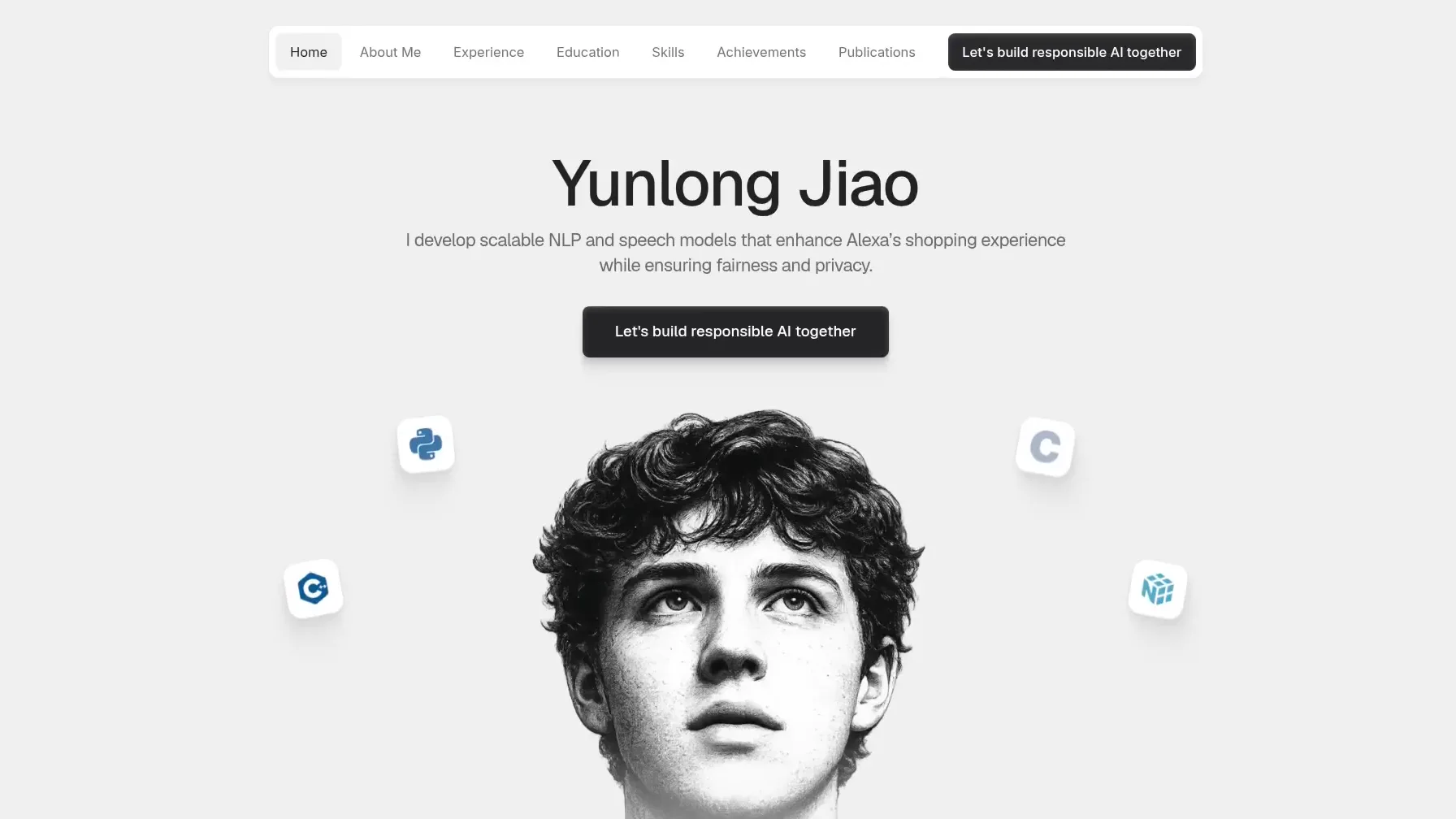

Persona
Refined & Personal
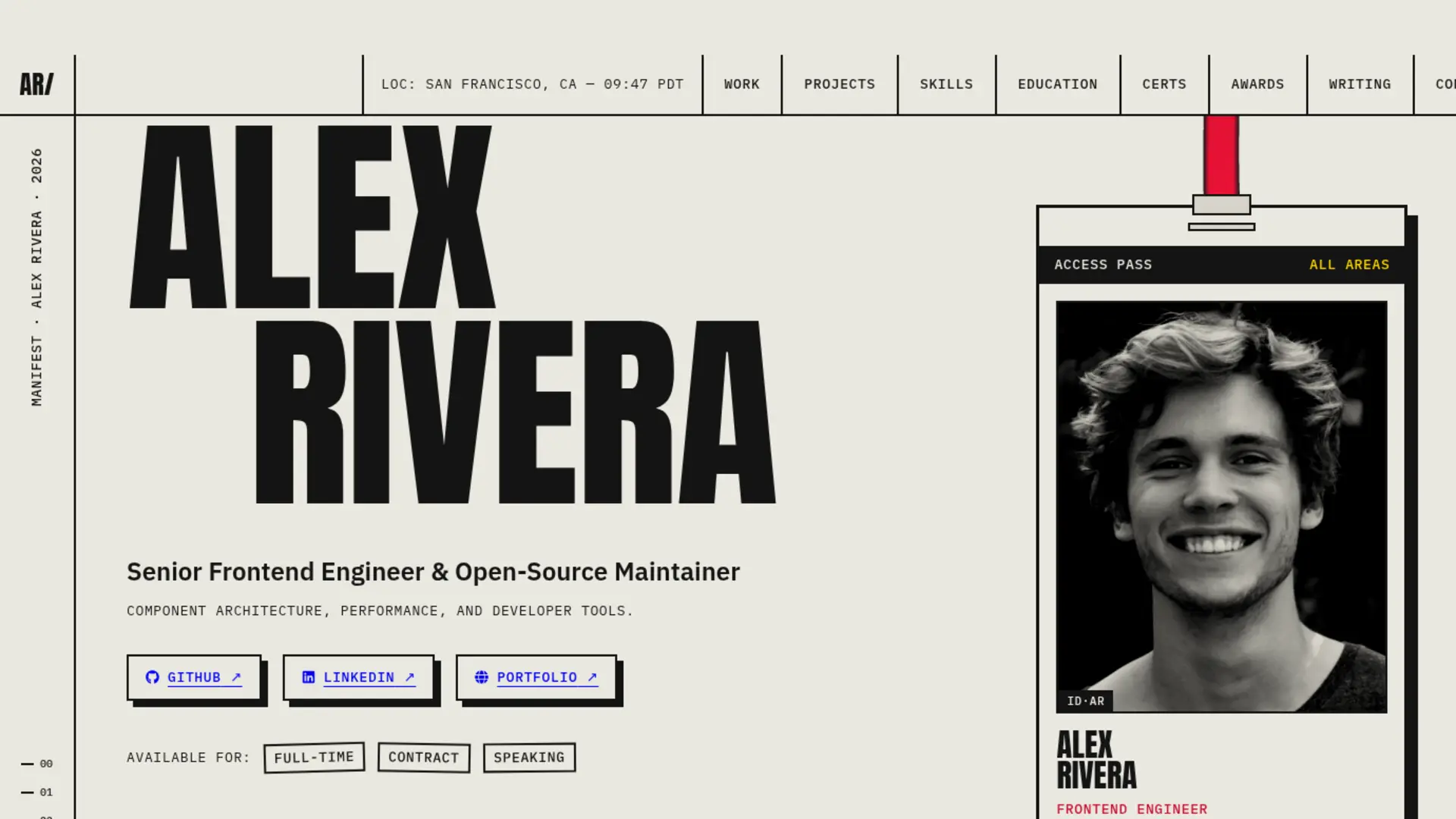

Brutalism
Raw & Industrial
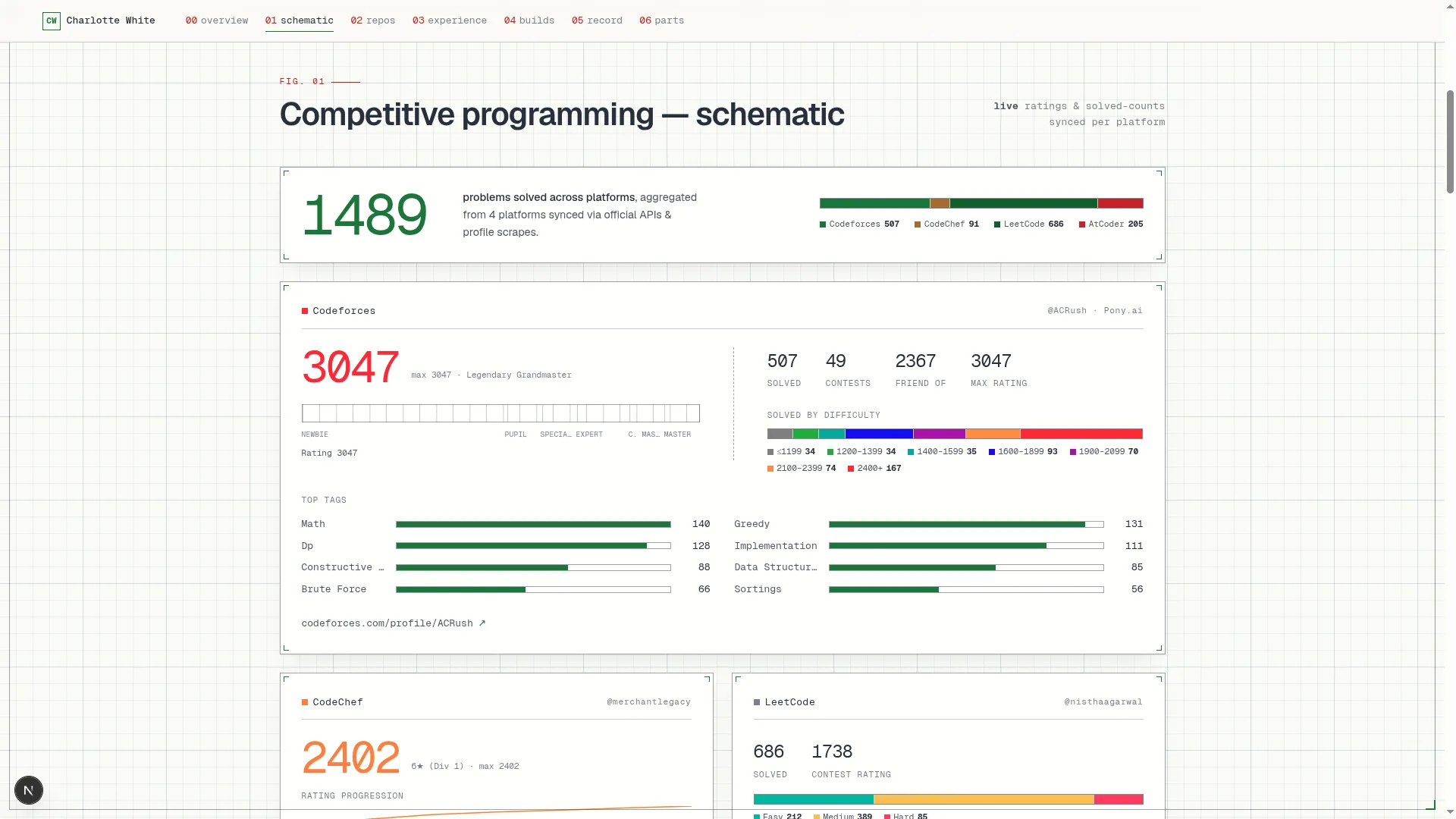

Blueprint
Coding & Competitive
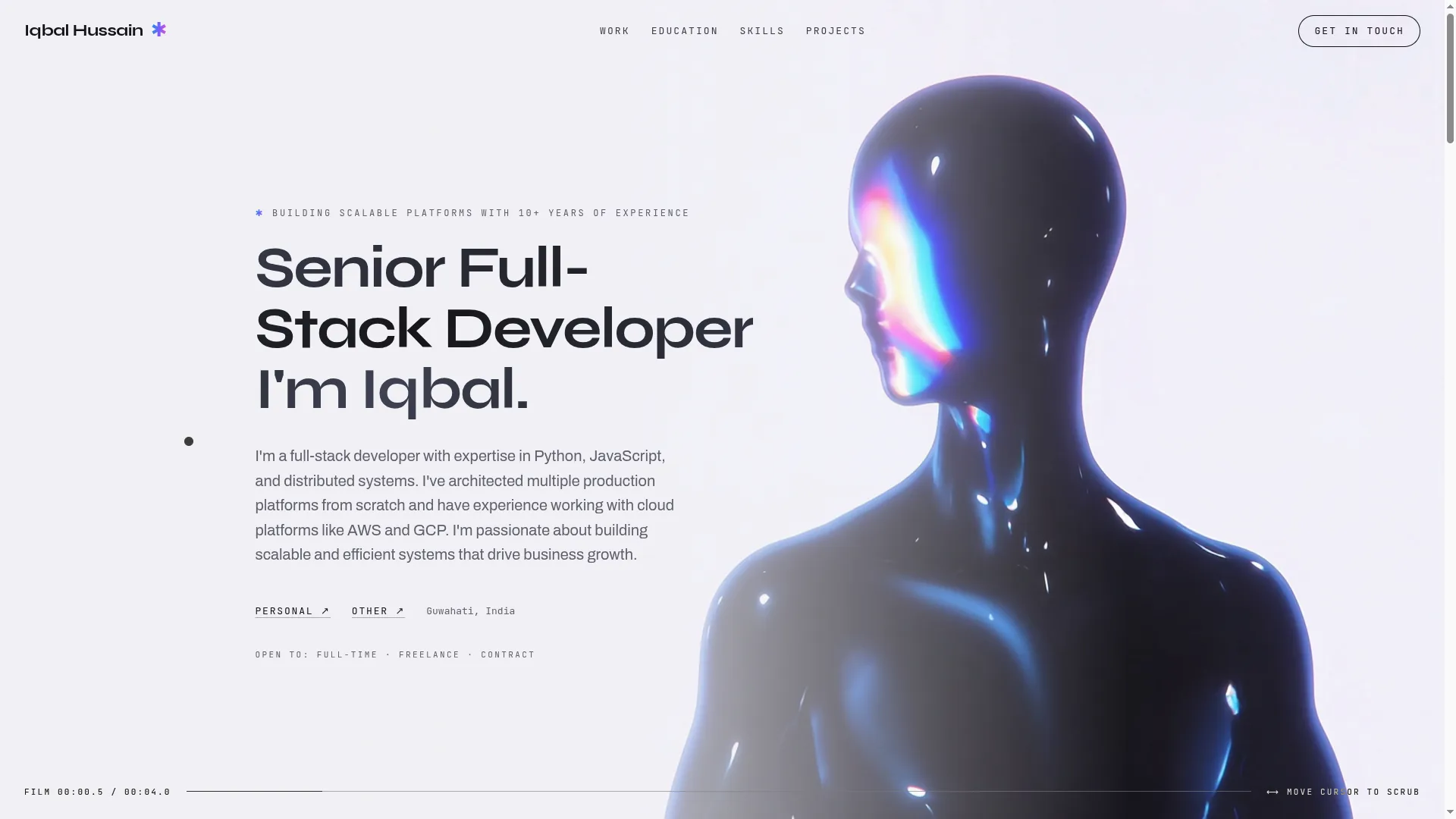

Mainframe
Cinematic & Editorial
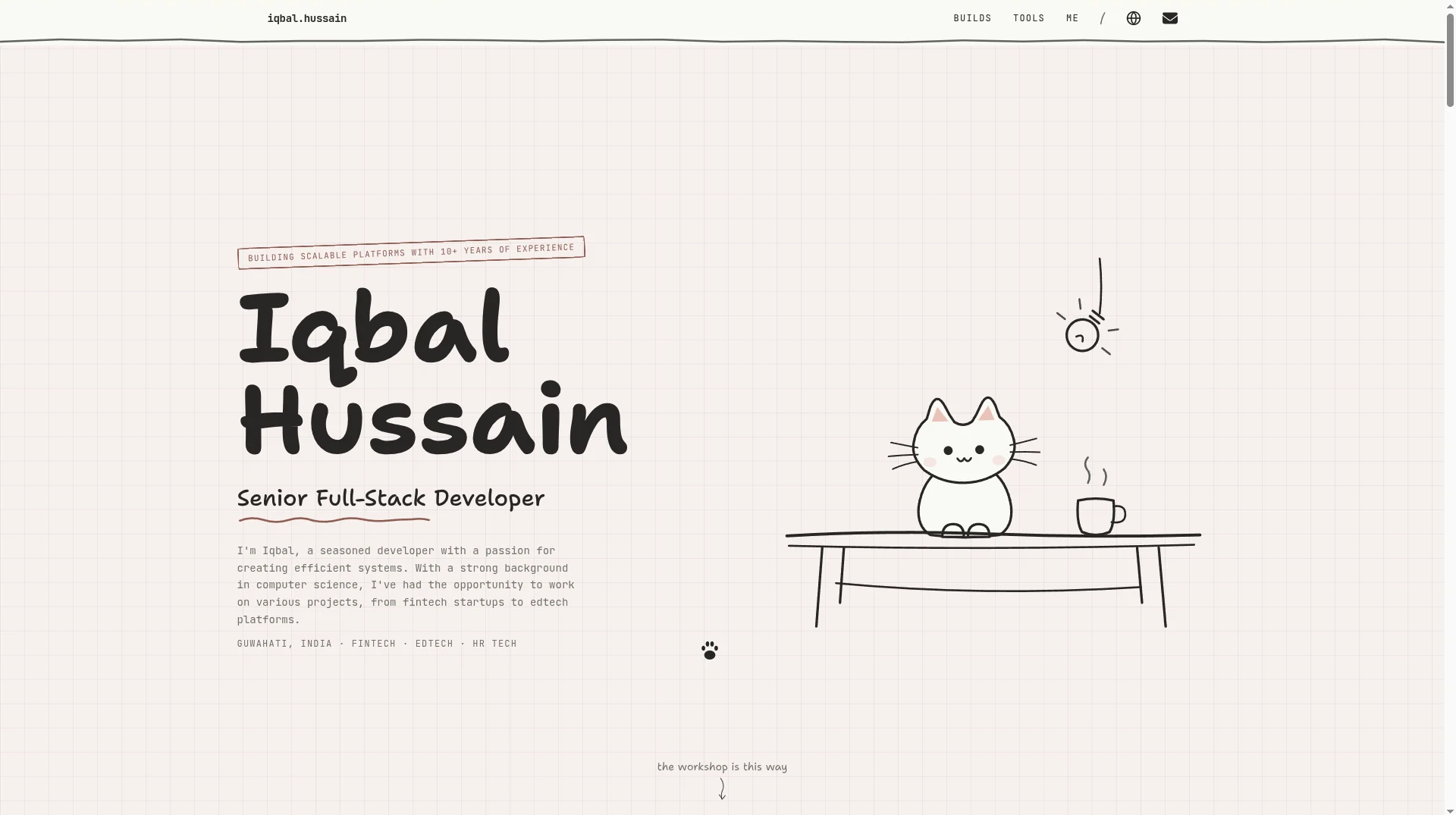

Workshop
Hand-drawn & Playful
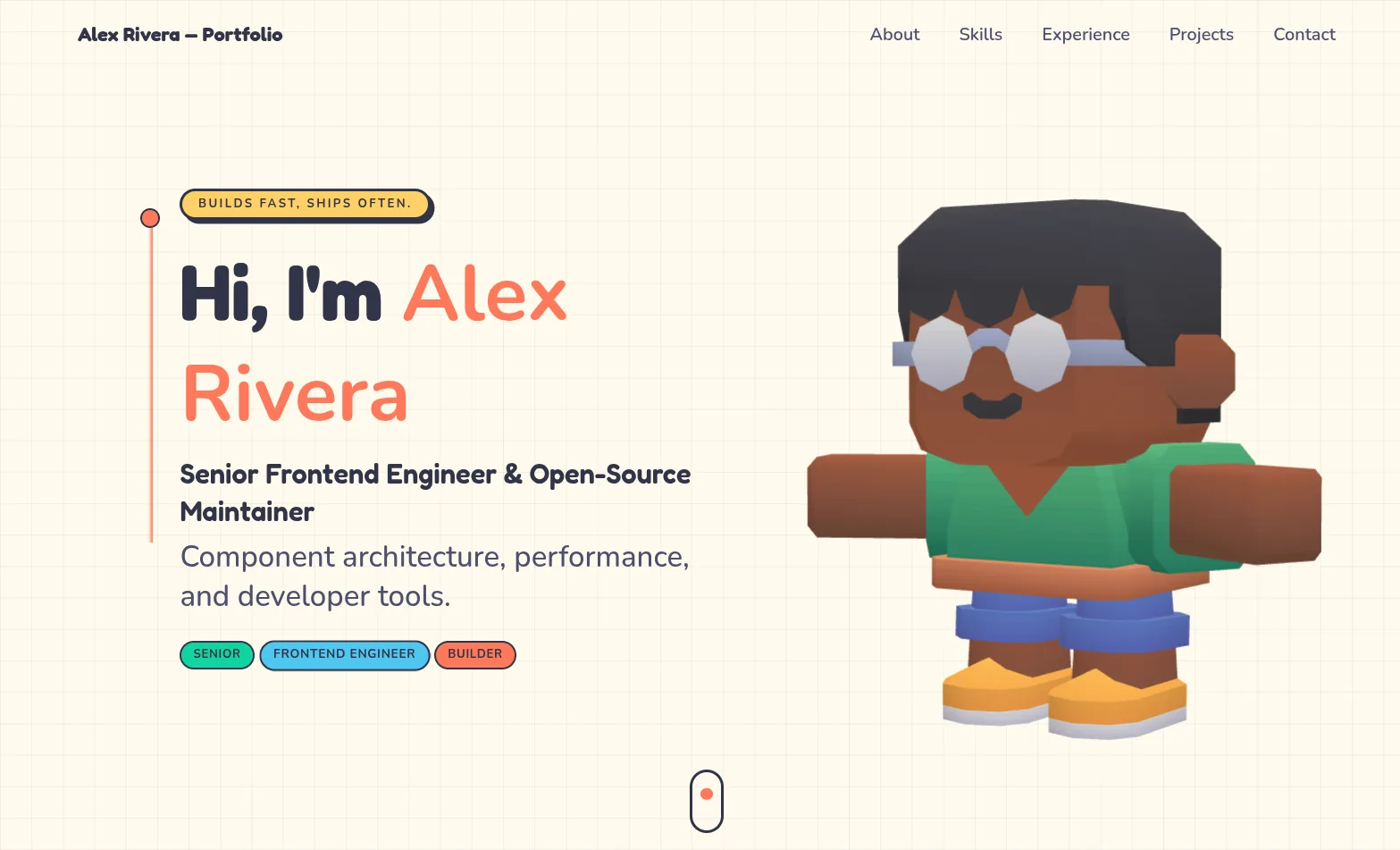

3D Studio
Interactive & Immersive
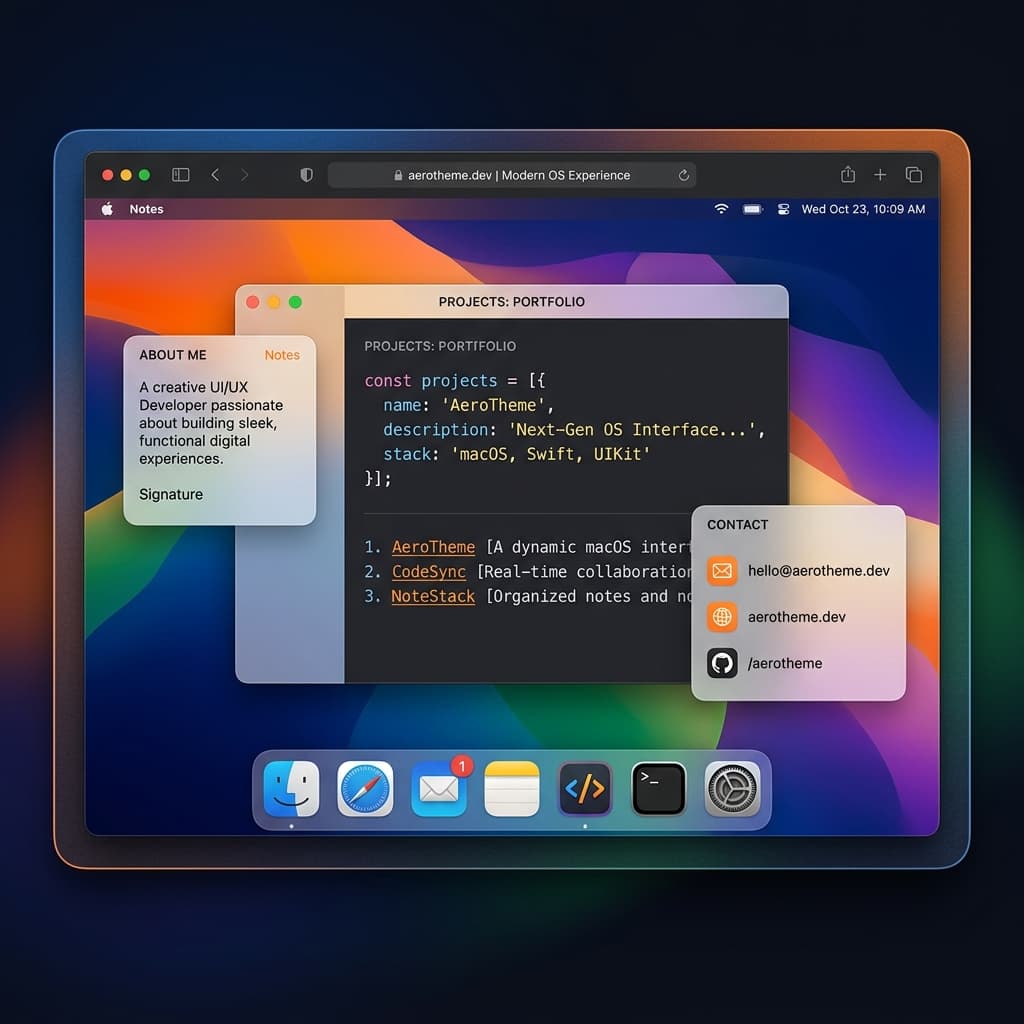

macOS Sequoia
Classic OS Simulator
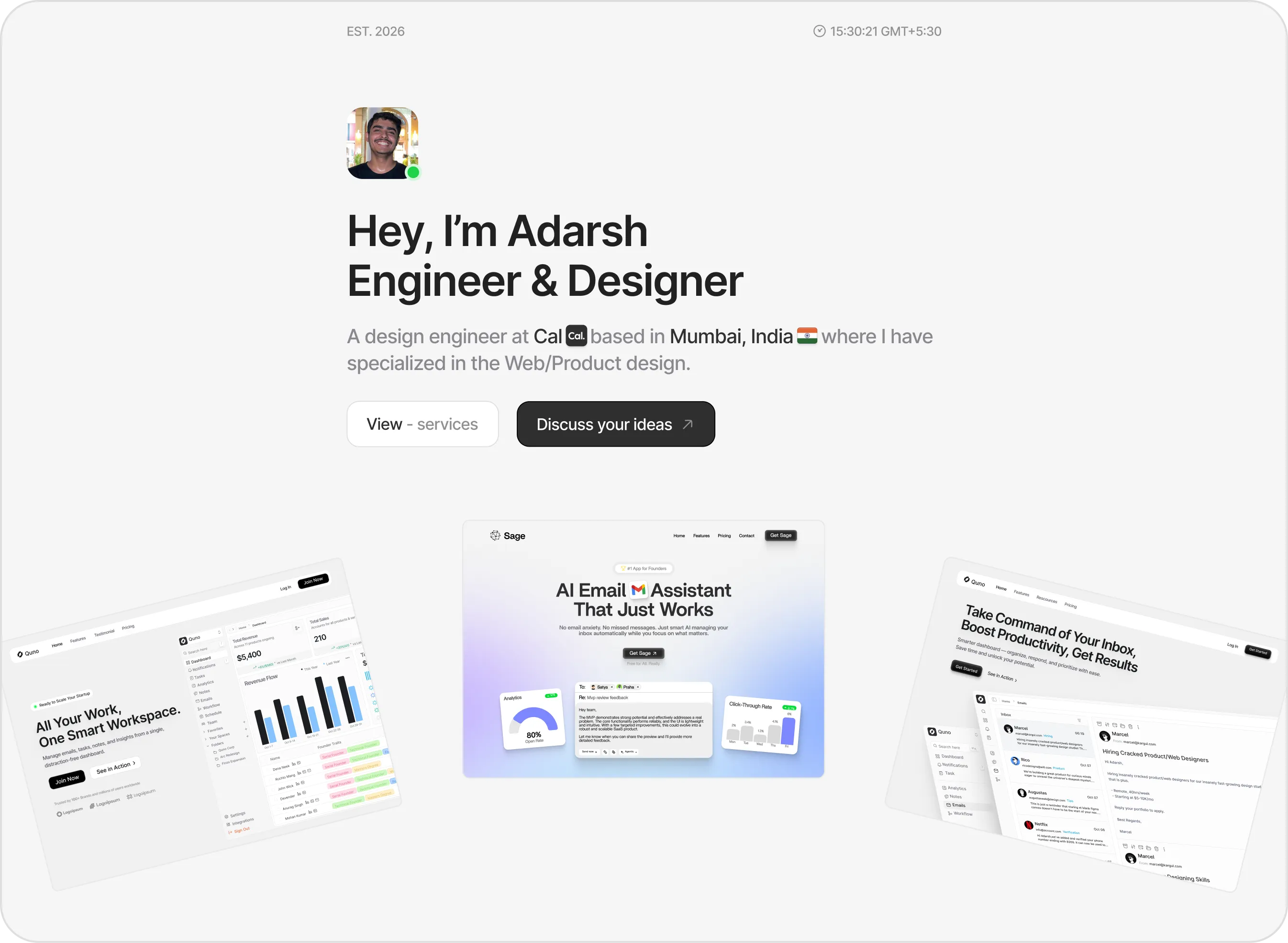

Sidefolio
Creative & Freelancer
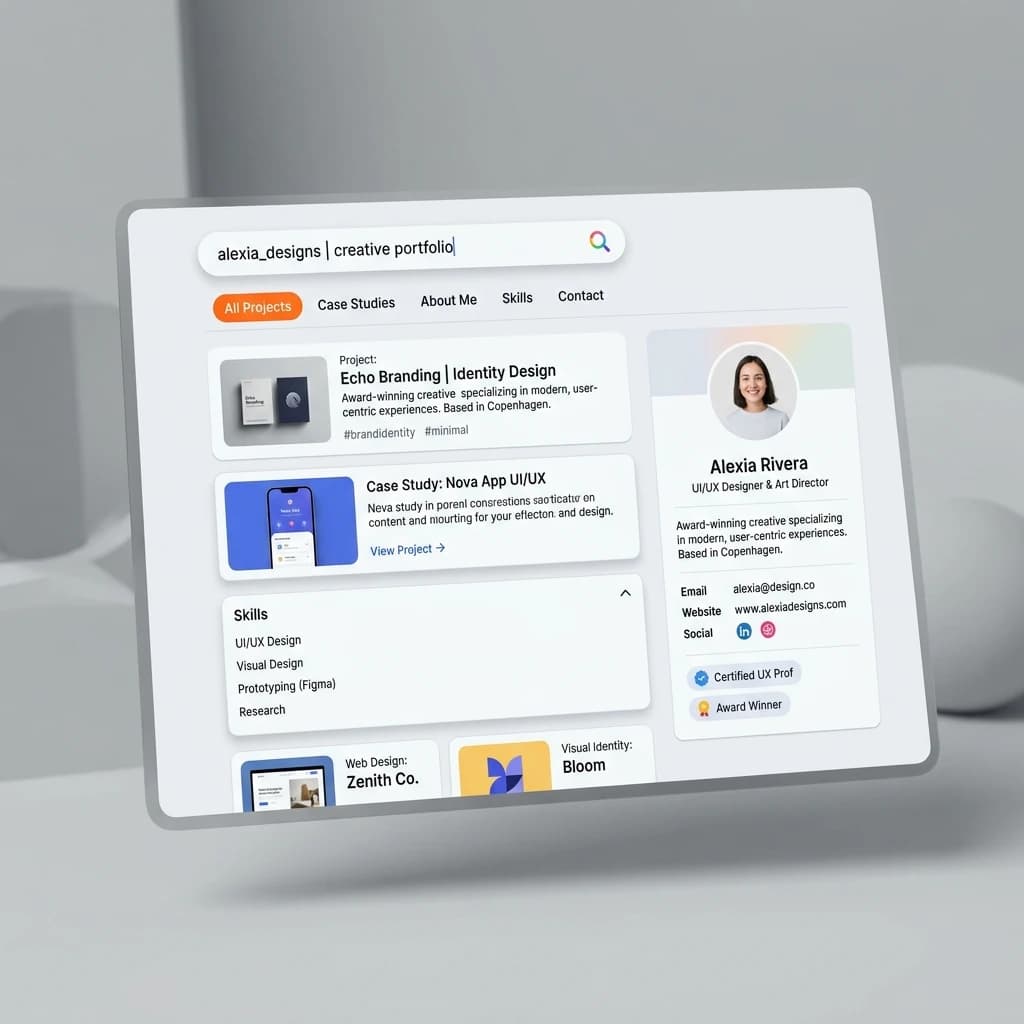

Google Search
SEO & Search Engine replica
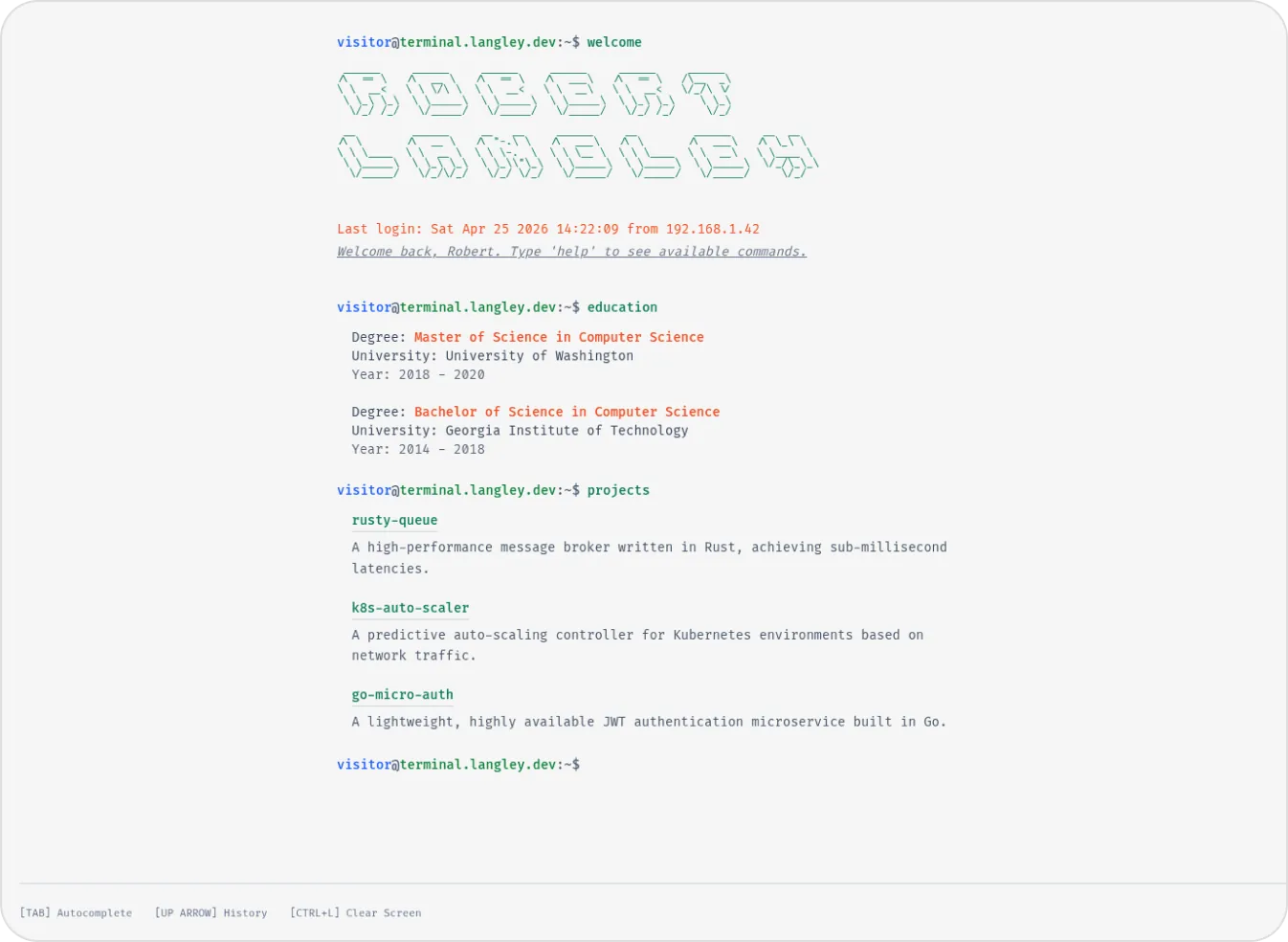

Terminal
Developer & Engineer
Margin
Editorial & Technical
Left Anchor
Anchored & Immersive
Persona
Refined & Personal
Brutalism
Raw & Industrial
Blueprint
Coding & Competitive
Mainframe
Cinematic & Editorial
Workshop
Hand-drawn & Playful
3D Studio
Interactive & Immersive
macOS Sequoia
Classic OS Simulator
Sidefolio
Creative & Freelancer
Google Search
SEO & Search Engine replica
Terminal
Developer & Engineer