
Margin Portfolio Template - Editorial, Technical & Multi-page
Editorial & Technical
Overview
The Margin theme turns resume data into a compact editorial site built on ruled columns, precise typography, and a dark-first canvas. Home presents the full professional story, while dedicated Projects and About pages give the work and narrative room to breathe.
Project cards keep their vivid white-to-accent-to-navy gradient frames and fill them with real project imagery. A stored GitHub contribution calendar adds live proof of activity without making portfolio visitors wait on GitHub.
Key Features
Three Real Portfolio Pages
Home, Projects, and About have dedicated shareable URLs on subdomains, custom domains, fallback links, and temporary portfolios.
Framed Project Imagery
Every project uses its assigned image, project-site preview, or stable curated fallback inside Margin's signature gradient frame.
GitHub Activity Calendar
A server-synchronized 53-week heatmap displays verified contribution activity without browser-side API calls.
Editorial Customization
Choose coordinated palettes, display fonts, density, canvas width, rules, corners, media treatment, motion, and more.
Tip
Margin is strict about sparse data: fully empty entries and sections disappear, while valid zero-contribution GitHub calendars still render honestly.
Dynamic Theme Customization
Margin keeps the original template's full customization vocabulary in the itsfolio owner editor. Settings are stored with the portfolio rather than in each visitor's browser, so every visitor sees the owner's intended composition.
| Setting | Visual Effect | Options |
|---|---|---|
| Mode / Palette | Sets the scoped surface and coordinated accent colors. | dark | light | system / six palettes |
| Display font | Changes editorial headings while Inter body and Geist Mono labels remain fixed. | Editorial plus all itsfolio fonts |
| Scale / Canvas / Density | Tunes typography, content width, and vertical rhythm. | compact | default | large and focused | default | wide |
| Corners / Rules / Contrast | Controls the geometry and strength of the ruled layout. | three presets each |
| Motion / Media | Calms interactions or changes project and banner imagery. | full | calm | off / color | muted | monochrome |
| Sound / Banner | Toggles capability tones and the animated route banner. | on | off |
Explore more themes
View all →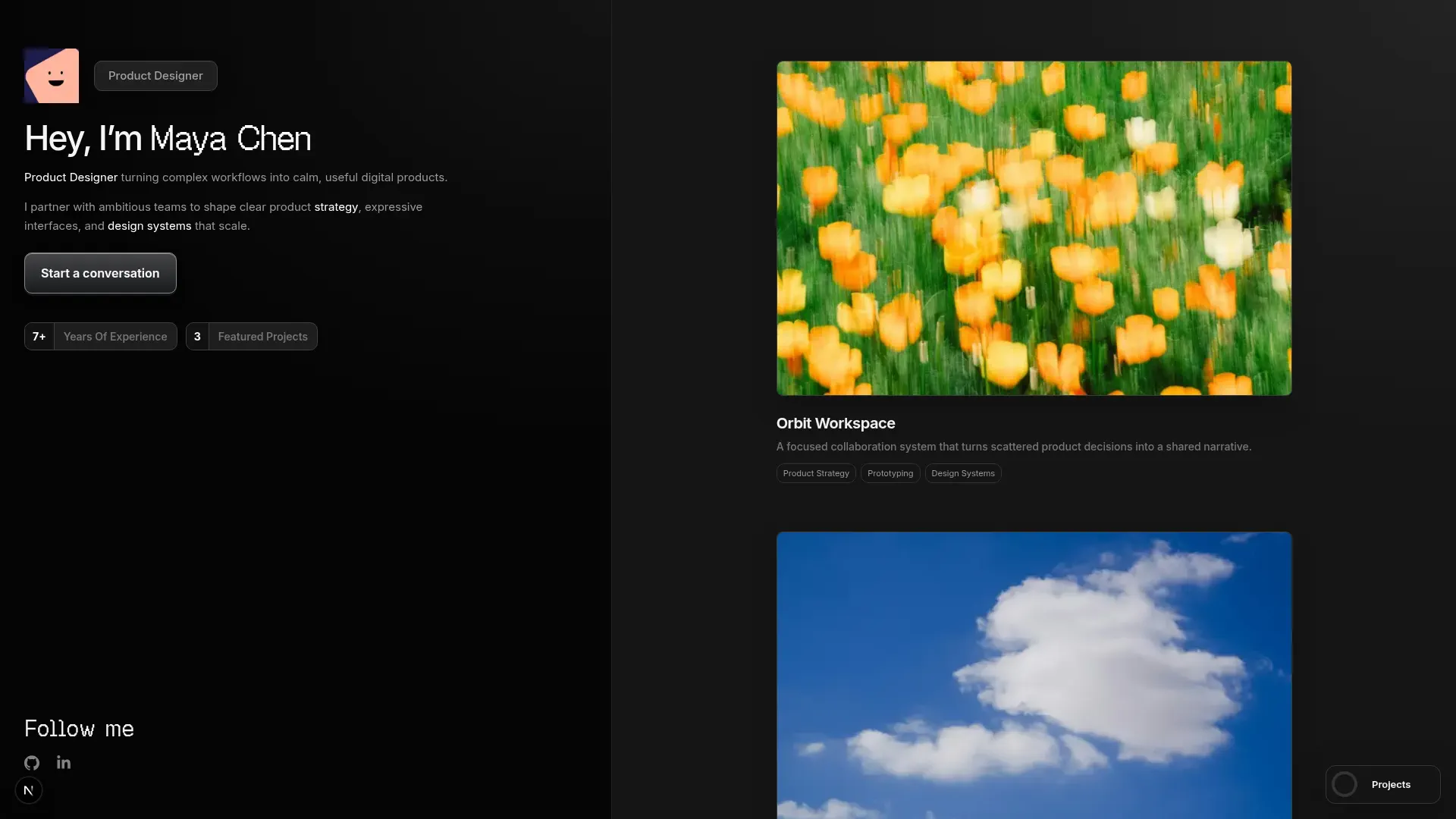

Left Anchor
Anchored & Immersive
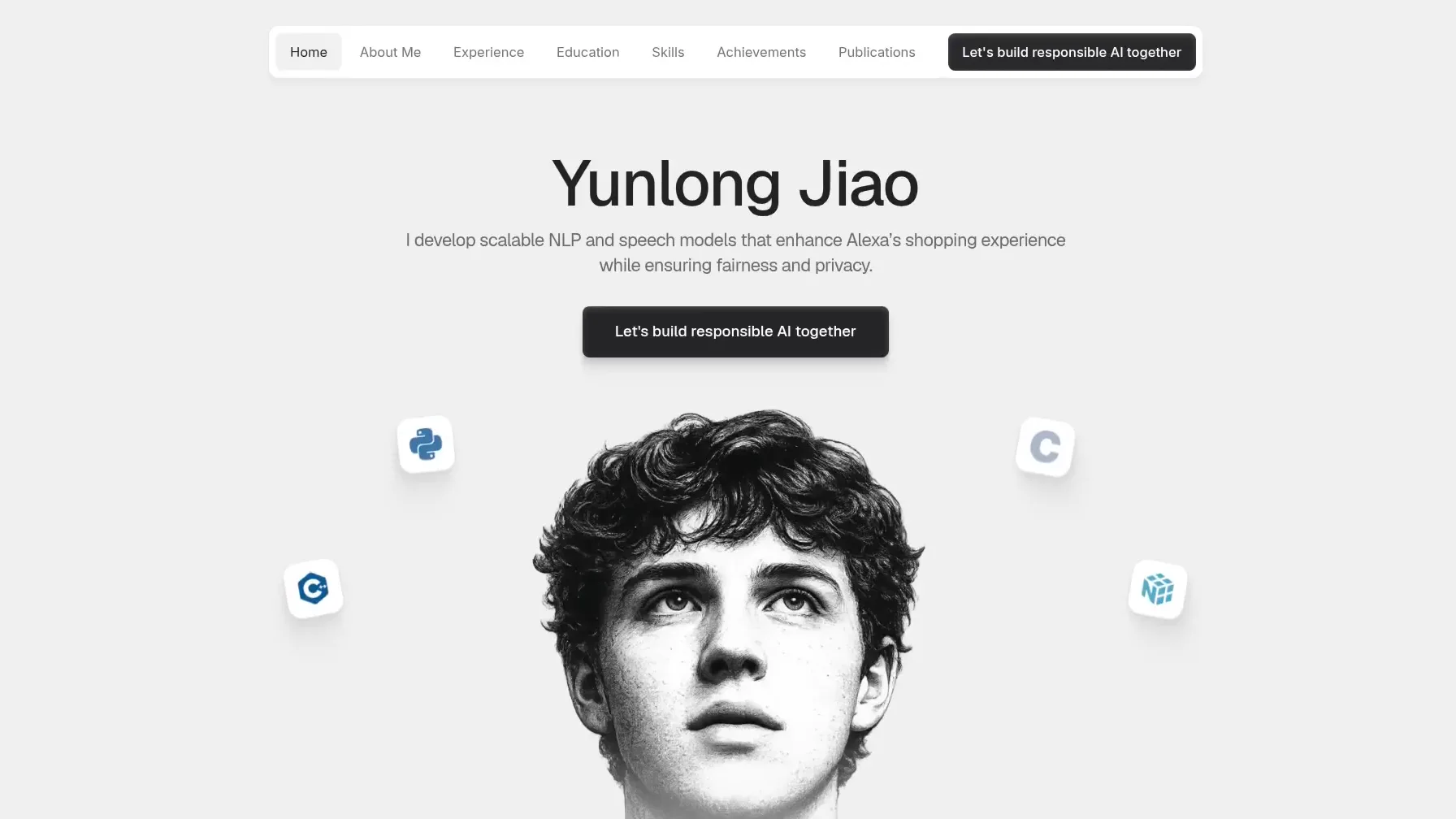

Persona
Refined & Personal
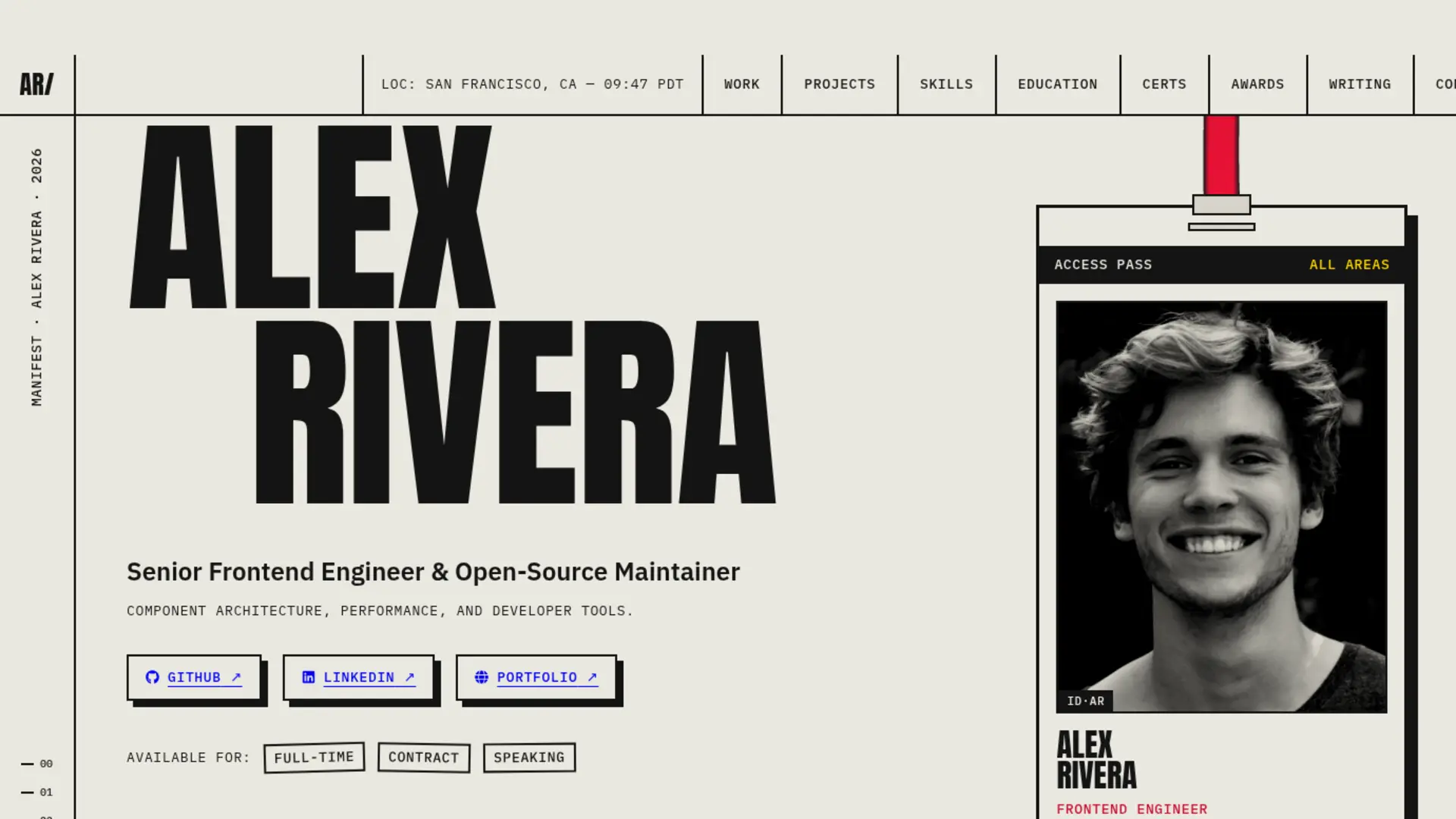

Brutalism
Raw & Industrial
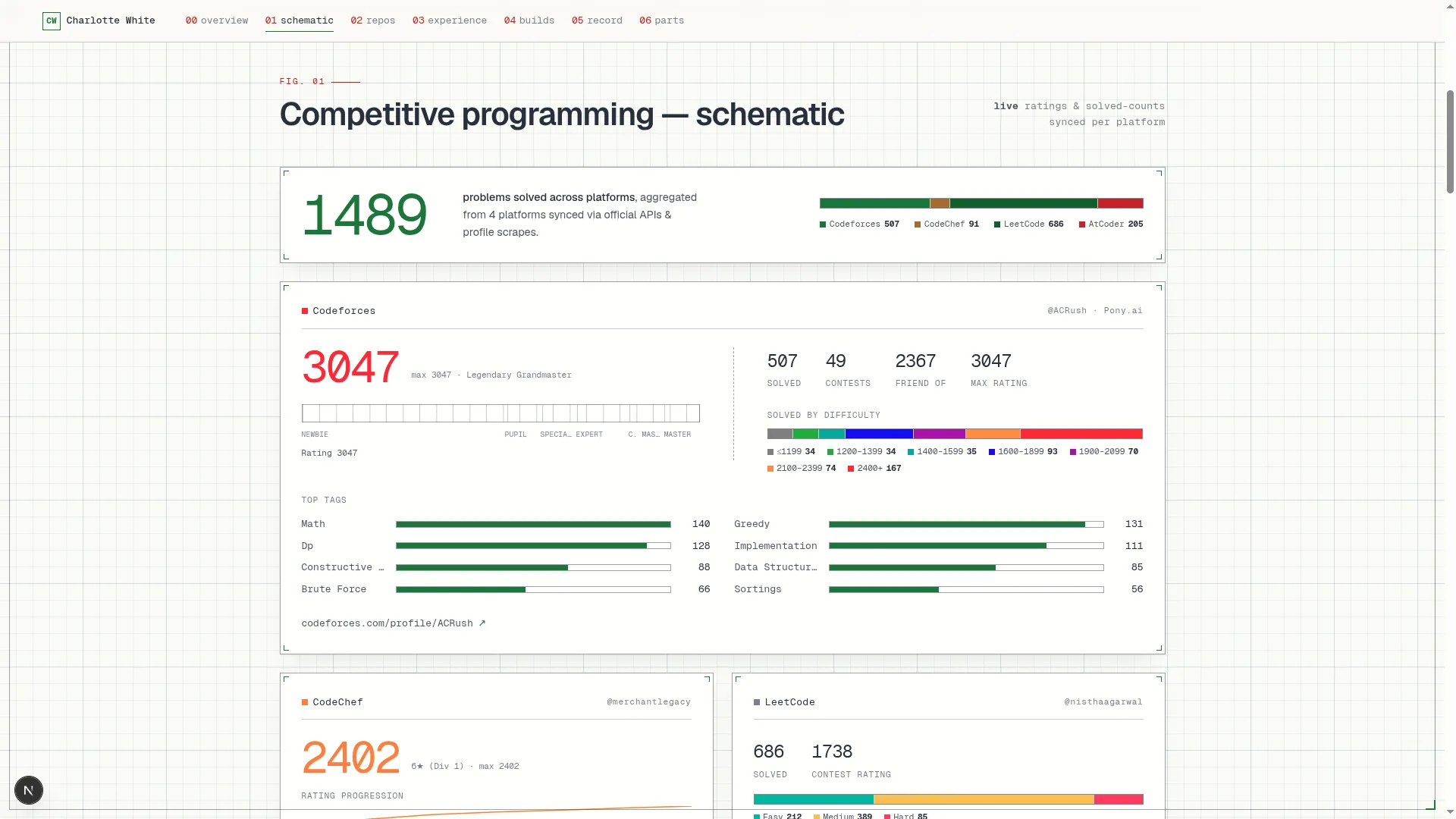

Blueprint
Coding & Competitive
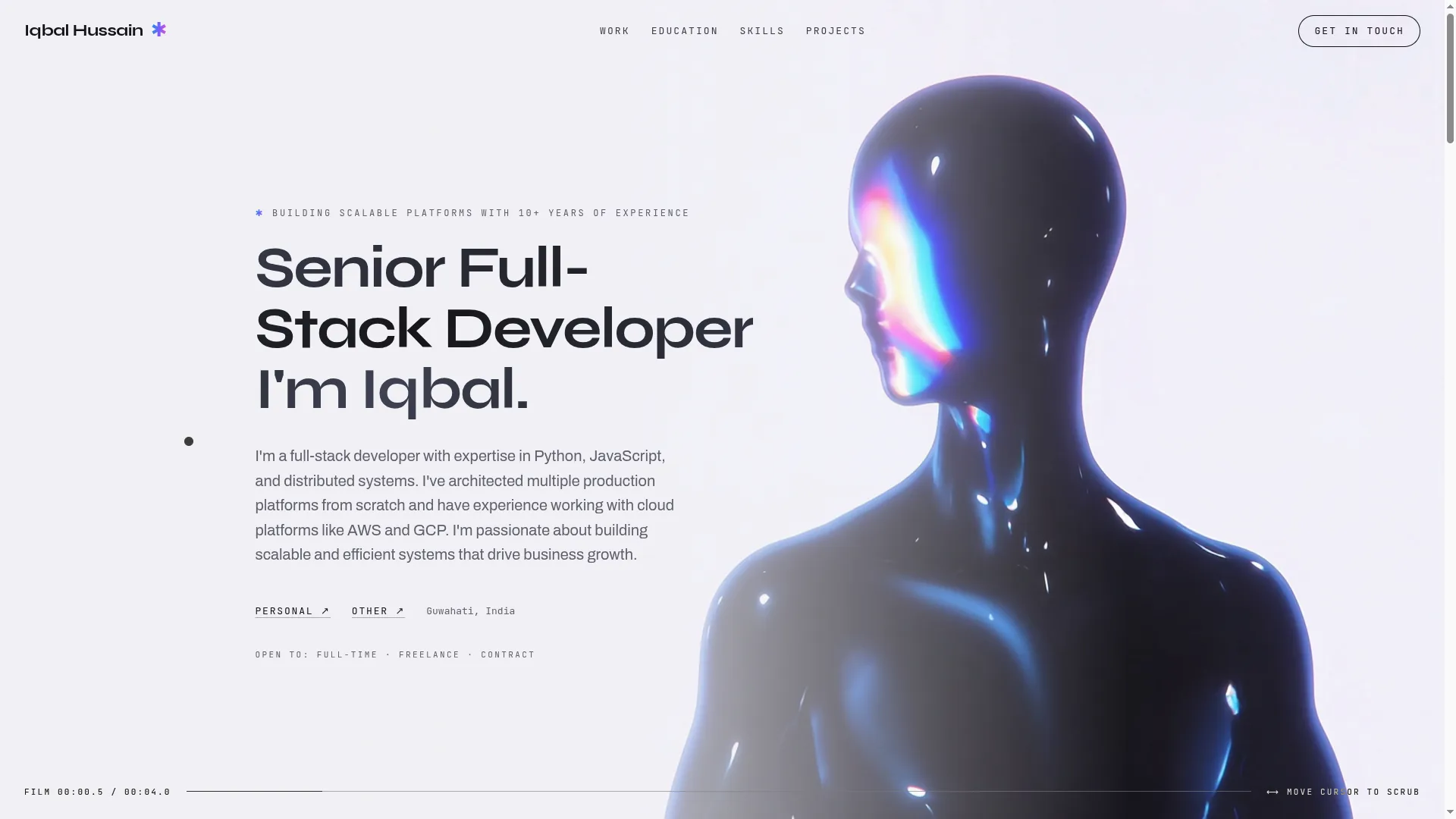

Mainframe
Cinematic & Editorial
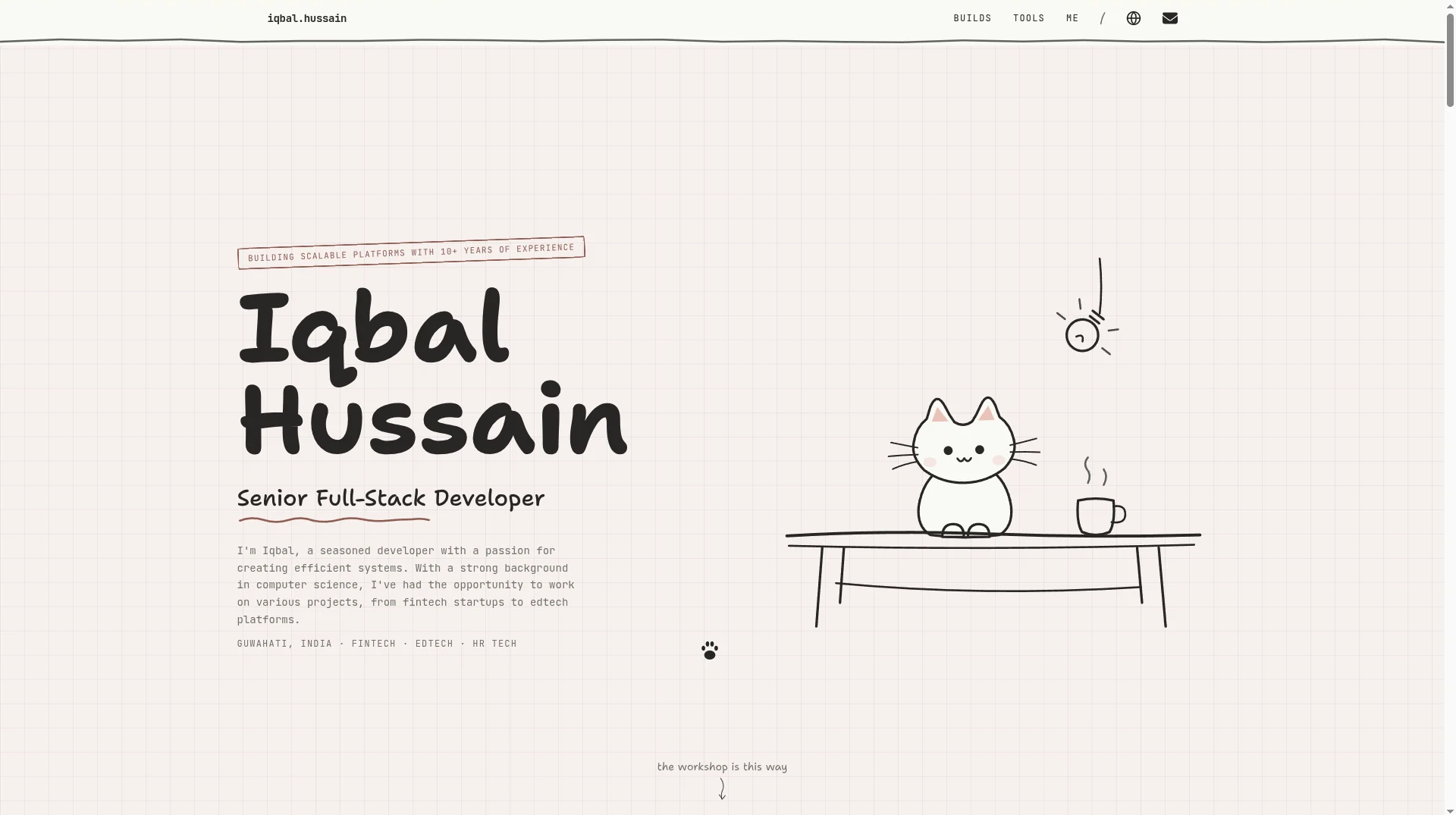

Workshop
Hand-drawn & Playful
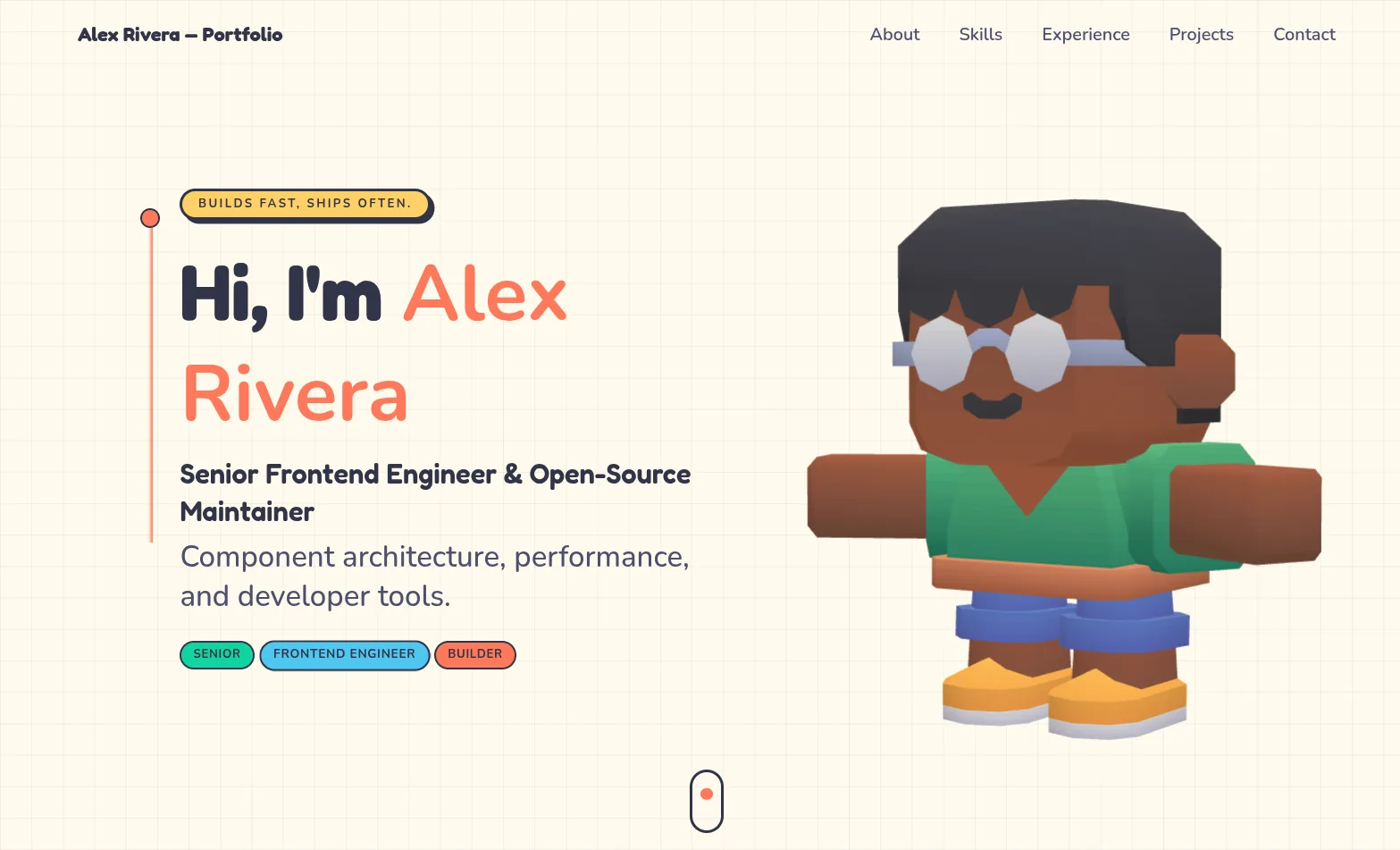

3D Studio
Interactive & Immersive
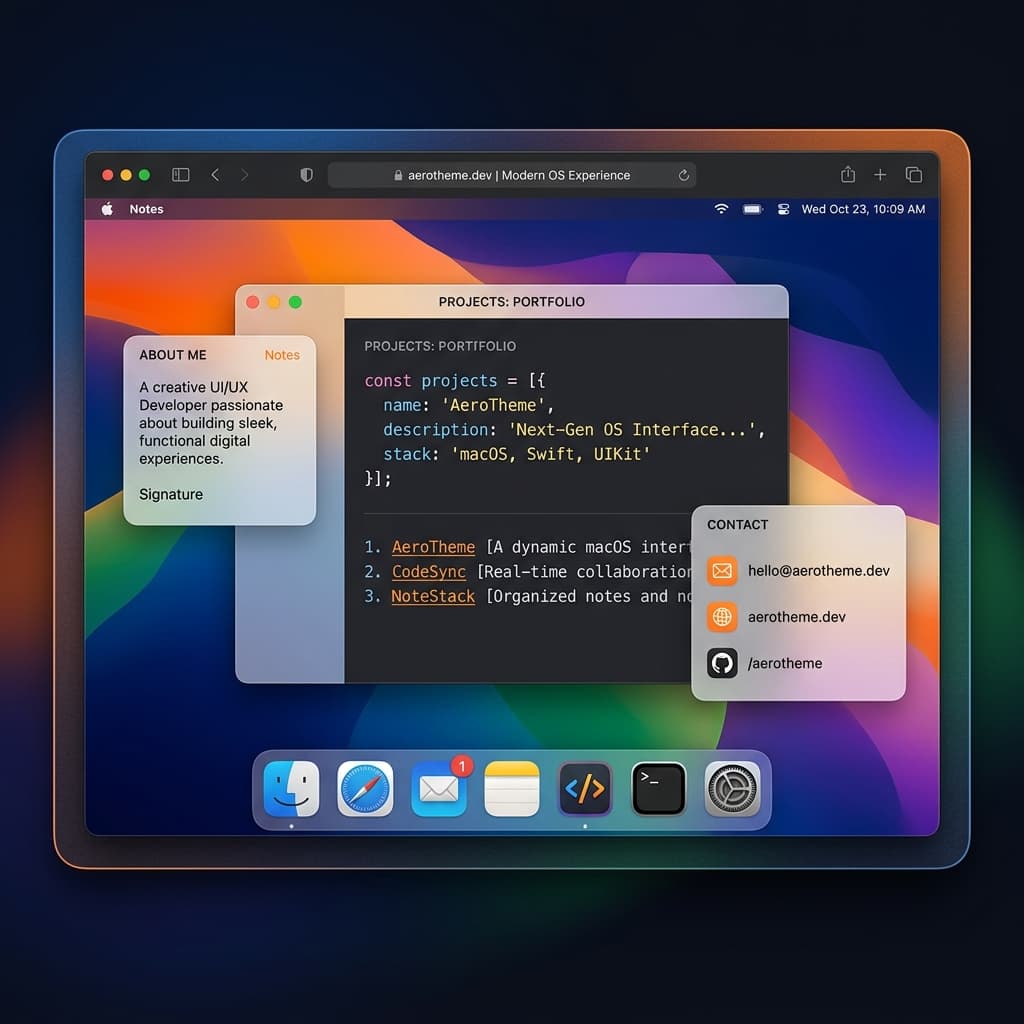

macOS Sequoia
Classic OS Simulator
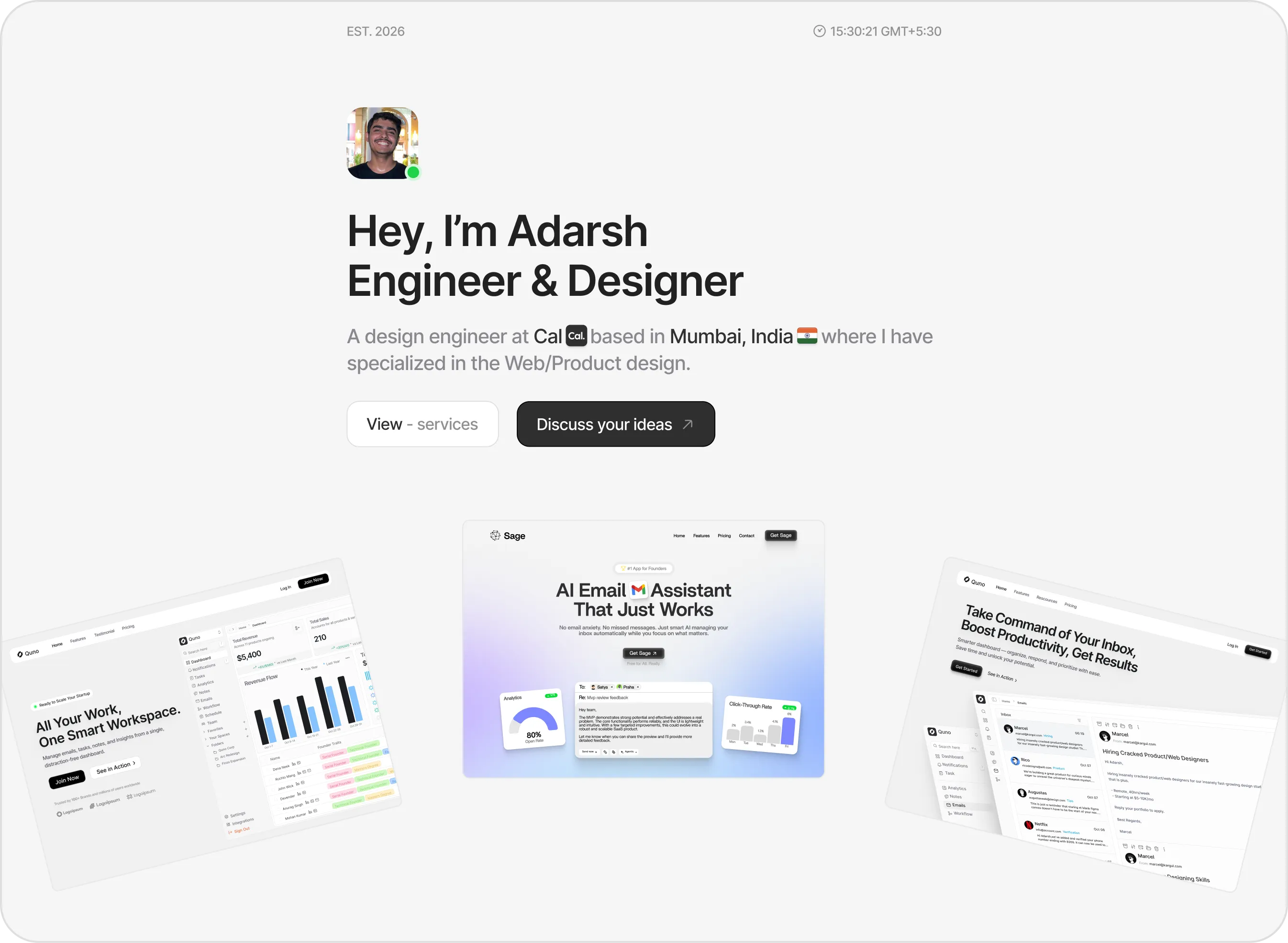

Sidefolio
Creative & Freelancer
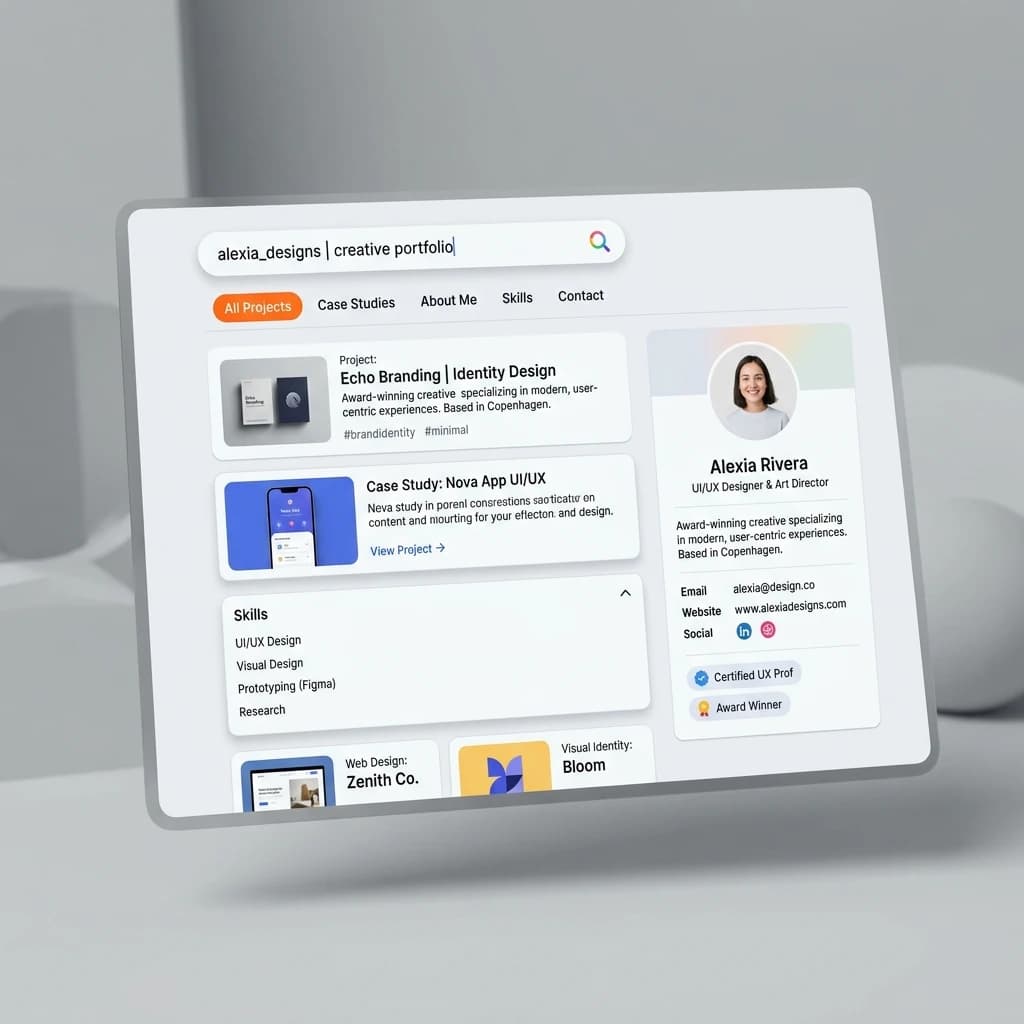

Google Search
SEO & Search Engine replica


Modern
Designer & Developer
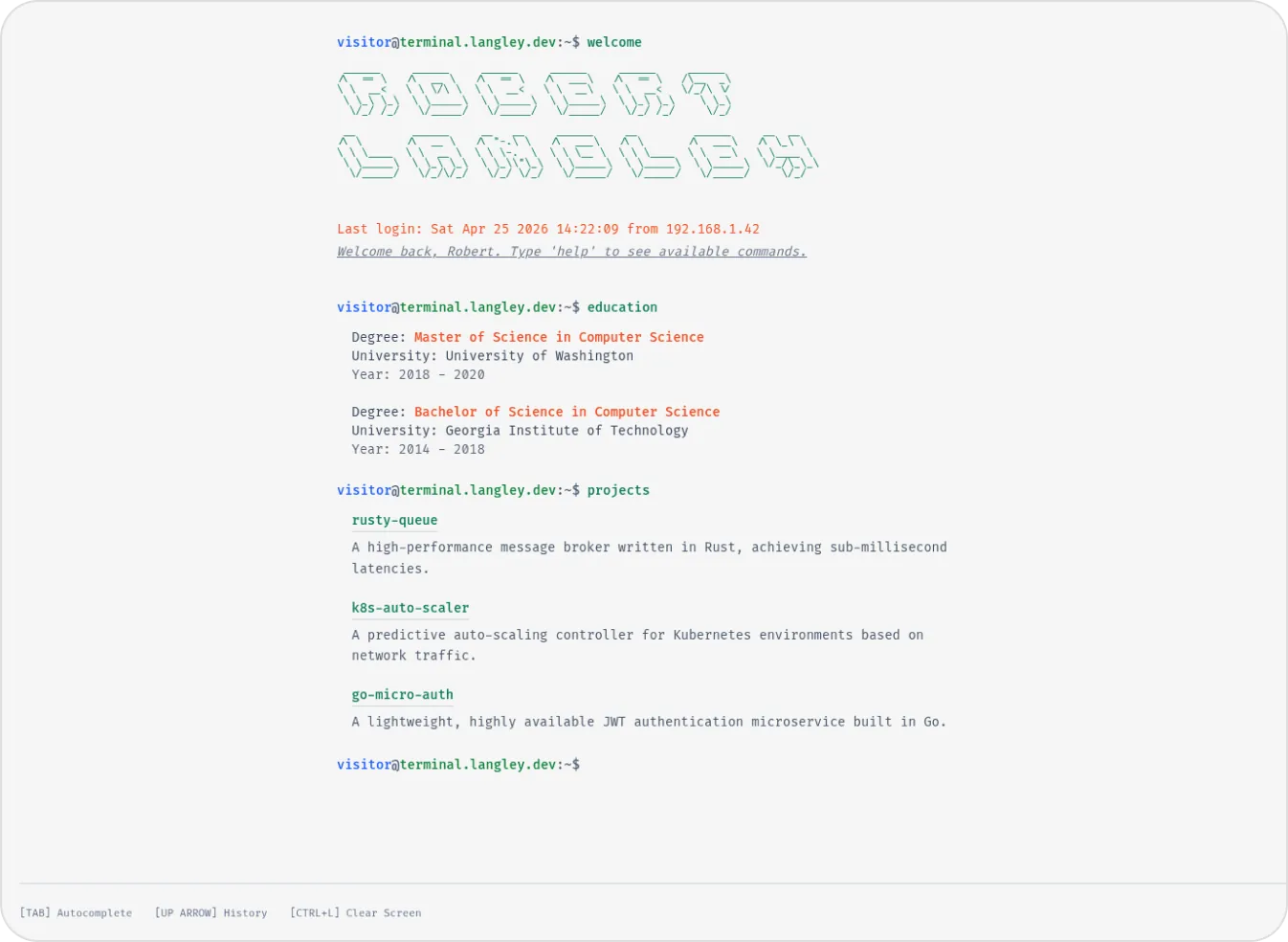

Terminal
Developer & Engineer
Left Anchor
Anchored & Immersive
Persona
Refined & Personal
Brutalism
Raw & Industrial
Blueprint
Coding & Competitive
Mainframe
Cinematic & Editorial
Workshop
Hand-drawn & Playful
3D Studio
Interactive & Immersive
macOS Sequoia
Classic OS Simulator
Sidefolio
Creative & Freelancer
Google Search
SEO & Search Engine replica
Modern
Designer & Developer
Terminal
Developer & Engineer